
Extremely simple, seriously capable
Free image cropper: frame any photo in one click.
Drop a photo on your board, open Crop, and pull the handles until only the good part is left. Trim away clutter, tighten the frame around your subject, and keep working with the result right where the rest of your project lives.


Add your image
Drop a JPG, PNG, or WebP onto the canvas and crop it in seconds.
Upload your imageFree to use
No credit card required
Works in your browser
How it works
How to crop a picture online.
Three steps from cluttered photo to clean frame.
1
Upload your image
Open a free board and bring in the photo that needs framing. JPG, PNG, and WebP all work, and a whole batch can come in at once if you are working through a set.
2
Click Crop
Select the image and hit Crop in the toolbar. Drag the edges to frame exactly what you want and cut everything else away.
3
Download or drop it in place
Save the cropped image to your device, or use it right on the canvas in moodboards, briefs, storyboards, and decks.
Creatives working for these brands already got early access
- Red Bull
- Canon
- Artlist
- Porsche
See how easy it is to get started
Watch a real project come together, from a blank board to a finished plan, clicked through step by step.
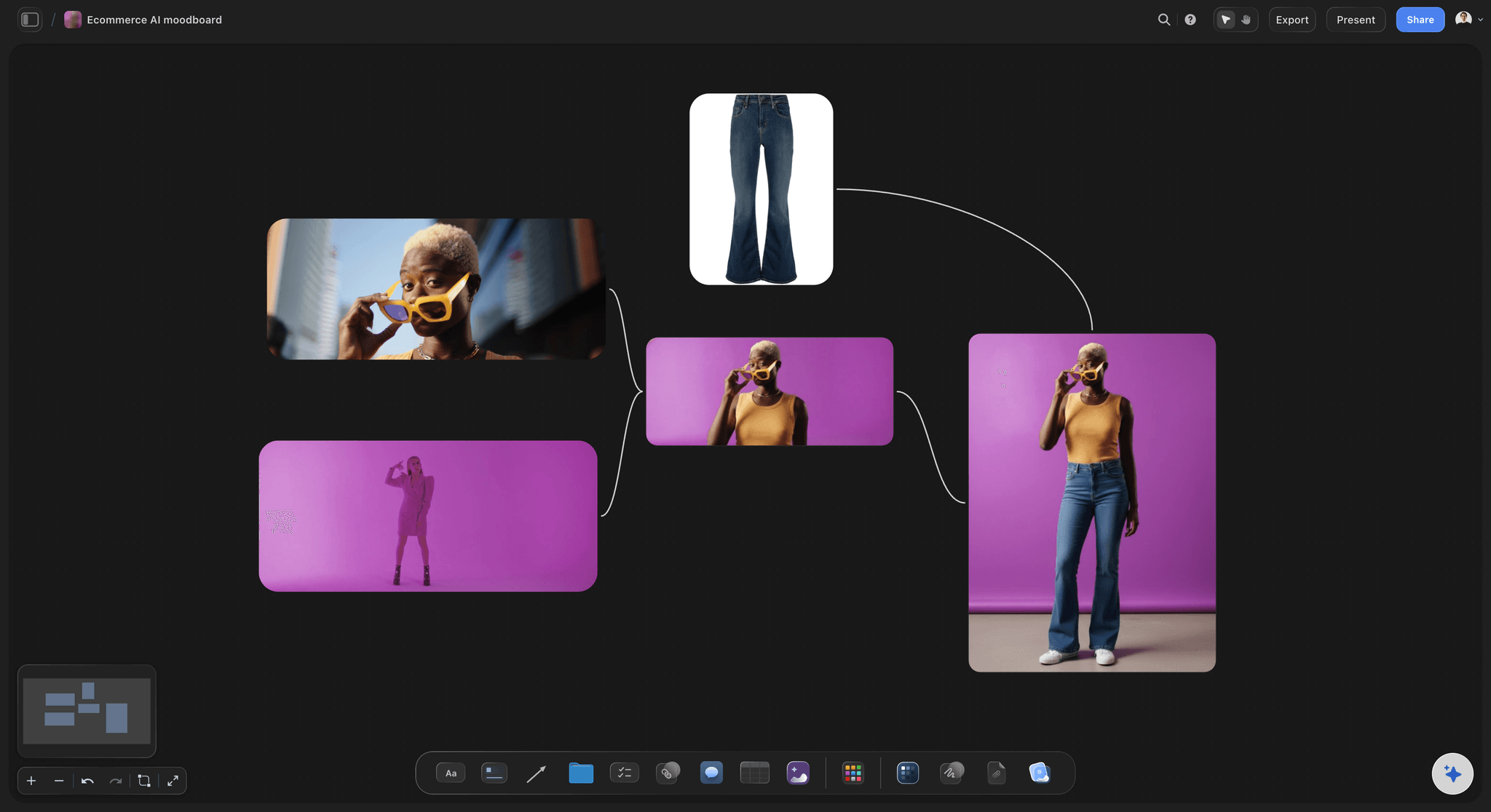
Tighten every product shot to its subject.
Listings, ads, and lookbooks want the product, not the table it was photographed on. Crop each shot down to the subject in one click and keep the whole set consistent on a single board.

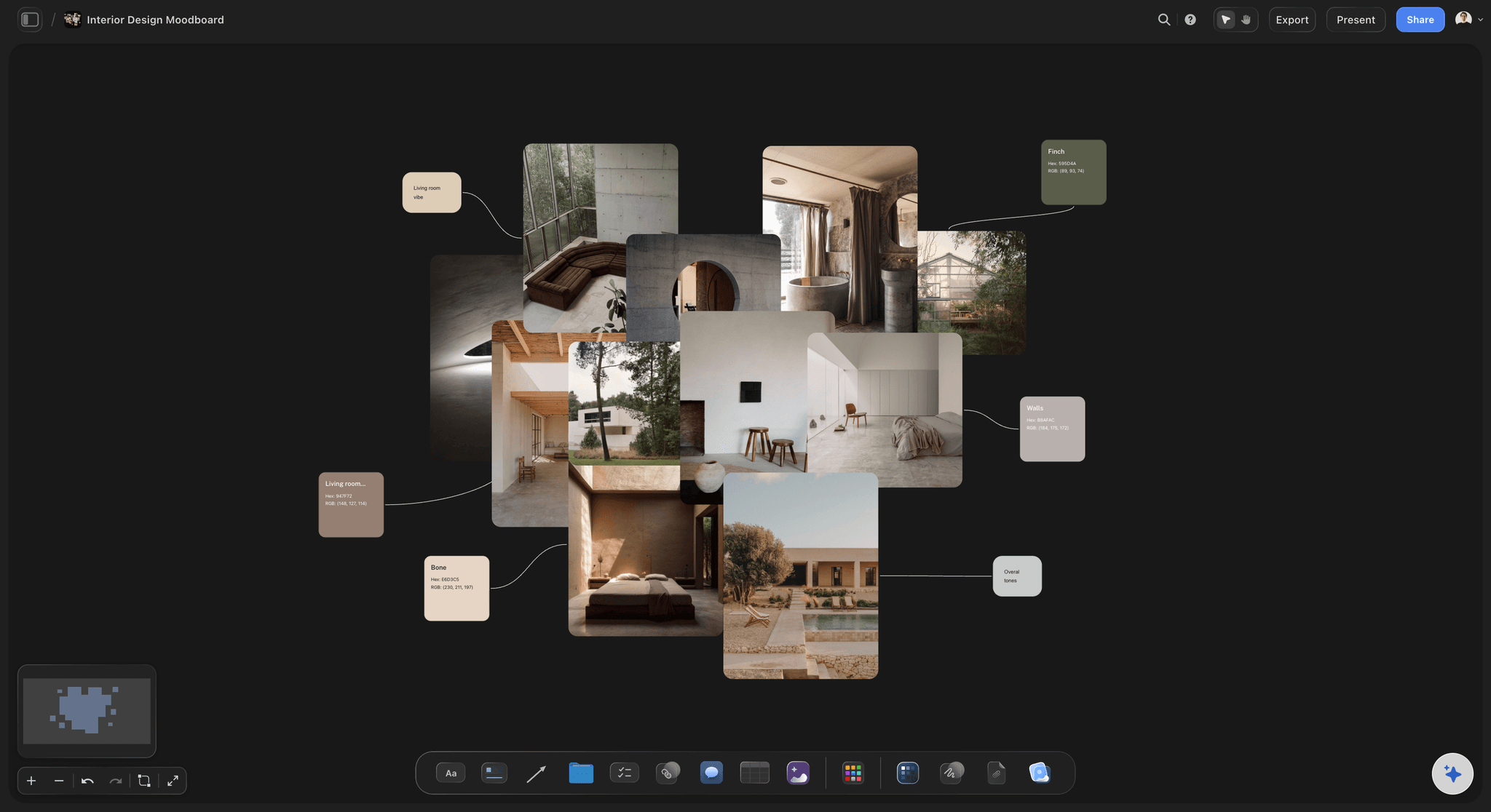
Crop references so the board makes one point.
A moodboard full of uncropped screenshots reads as noise. Trim each reference to the detail that earned its place, the texture, the type, the color, and the board suddenly says something specific.
Compare crops side by side before you choose.
The right crop is rarely the first one. Duplicate an image on the infinite canvas, crop each copy differently, and judge the framings next to each other instead of undoing your way back and forth.
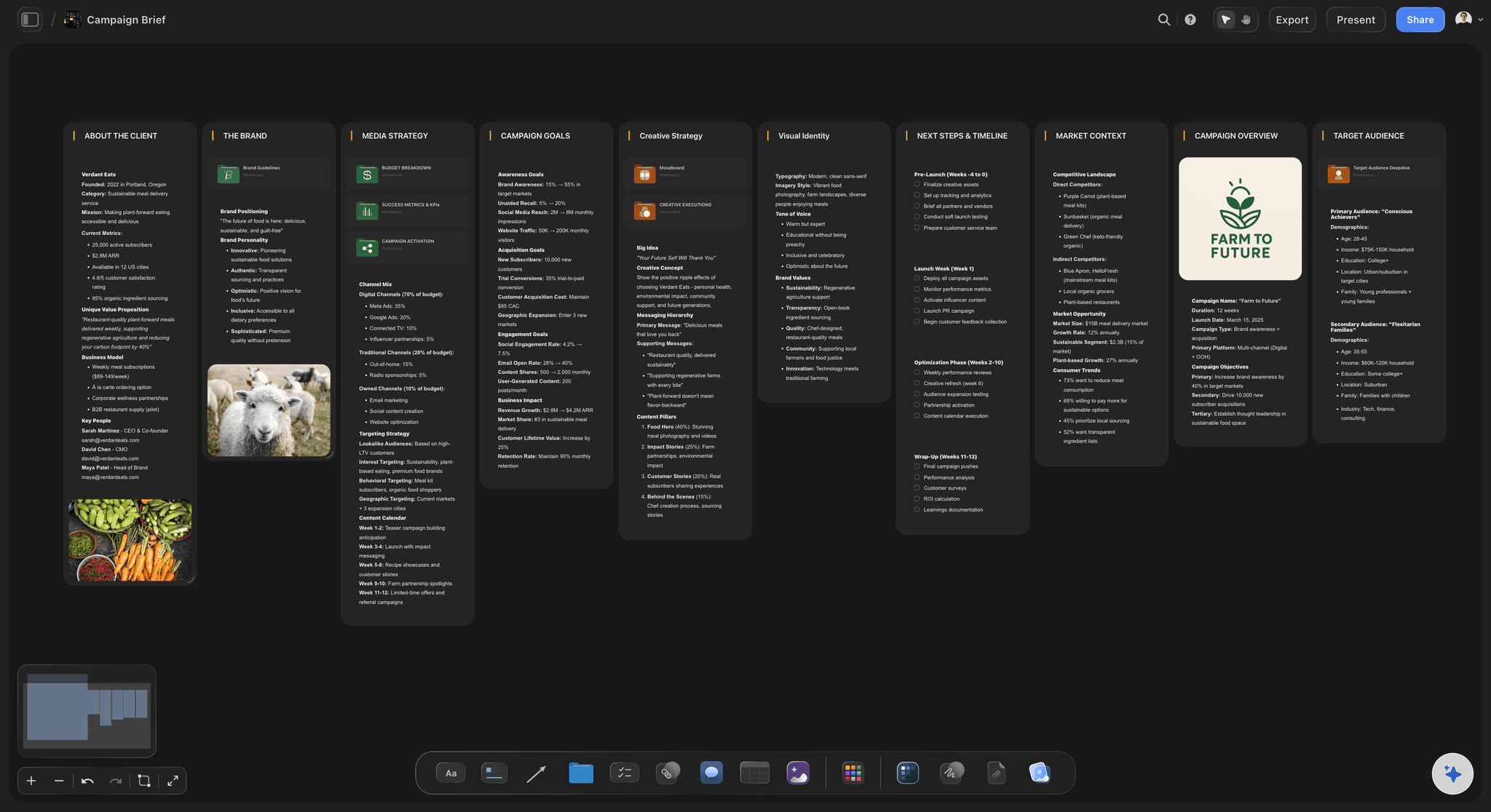
Combine Crop with Remove BG and Upscale.
Cropping is one button in a full image toolbar. Frame the subject, remove the background, and upscale the result for print or a full-screen slide, then drop it straight into the campaign brief it was cropped for.
Crop where you compose, not in a separate app.
Storyflow crops JPG, PNG, and WebP images in one click, right on a visual canvas. Use it to trim screenshots for documentation, frame portraits and product shots, or cut references down to the detail that matters. And since cropping happens on the board itself, the framed image is already sitting in the moodboard or brief it was cropped for, not in a downloads folder.
Crop pictures online without installing anything.
Cropping runs in your browser on every paid plan, with no installer. Frame the shot, save the result to your device, or keep composing the moodboard, brief, or deck around it.
Cropping is the first step, not the last.
Every image on a Storyflow board carries the same one-click tools: Crop, Remove BG, Upscale, Zoom, and Replace. Frame the shot, clean it up, and enlarge it in a single sitting, then arrange the results with notes, tables, and free templates for moodboards and briefs.
What creators are saying
Join early creators getting structured workspaces and AI that remembers their projects
“Storyflow has sped up my workflow by at least 3x, which means more flow state and more projects I can actually ship. It truly changed the way me and my team create.”

Reilin Joey
Director & YouTuber
“One prompt gets me a structured board. But the tactics are my favorite. I run my YouTube scripts through them and my intros and retention got better. It's amazing.”

Justkay
YouTuber & Freelance Filmmaker
“I used to juggle five apps to plan a project. Now I describe what I am making and get boards, lists, and a schedule. All in one place.”

George
@fernwehchronicles
Frequently asked questions.
Framing, formats, and re-editing your crops.
Upload your image to a board, select it, and click Crop in the image toolbar. Drag the edges to frame exactly what you want, and the cropped image stays on the canvas ready to download or keep designing with.
Yes, and you can crop as many images as you like. Free accounts get the full image toolbar, Crop included, plus unlimited boards and 20 file uploads for the photos you bring in. A credit card is never part of sign-up.
You can drop JPG, PNG, and WebP files onto the canvas. After cropping, save the result to your device or keep working with it directly on the board.
Yes. A crop in Storyflow is a re-editable mask, not a permanent cut: the original image stays intact underneath. Re-open Crop on the image and adjust the frame whenever you change your mind.
Yes. The cropped image stays on your canvas, so you can remove its background, upscale it, annotate it with the pen tool, and arrange it into moodboards, storyboards, and briefs.
Yes. Open the board in your phone's browser, tap the image, and drag the same crop handles you get on desktop. Tablets work too, which makes quick trims easy on the go.
Frame every photo like you mean it.
Pull the crop handles, keep the original safe underneath, and compose the rest of the board around it.