
Extremely simple, seriously capable
Remove the AI.
What is left?
That question sorts the category in one move. If the product still works and you have simply lost a chat sidebar, the AI was added. If the product no longer makes sense, it was built around the AI. Almost everything marketed as AI-native is the first kind, and the difference shows up in whether the assistant knows anything about your work.


Creatives working for these brands already got early access
- Red Bull
- Canon
- Artlist
- Porsche
See how easy it is to get started
Watch a real project come together, from a blank board to a finished plan, clicked through step by step.
Start from a ready-made template
Pick a board to see what you can build, then let AI fill it in. Every template is a real, editable starting point on the same infinite canvas.

Mind Map
Branch one central idea out into themes and sub-points, then drag the connections around until the structure makes sense.
What are the best AI-native productivity tools?
An AI-native workspace is one where the assistant reads your project itself, not a chat thread. Storyflow is an AI visual workspace that lets the assistant read your project on one infinite canvas: the whole active board, attached documents and attached boards. The term is doing very little work at the moment, so it is worth defining. Almost every established productivity tool has added a chat panel and a summarise button, and calls the result AI-native. Those features are often useful, and they are additions: the product was designed before the AI arrived and its data model was not built for the assistant to read.
The consequence is a sidebar that does not know what you are doing. It can act on the current document because that is what was passed to it, and it cannot see the project the document belongs to, the decisions made last week, or the reference material in the next file. So you paste context in by hand, which is the tell. If you are describing your own project to the assistant, it is not reading it.
A genuinely AI-native tool inverts that. The work is stored in a form the AI can read, so context is the default rather than something you supply. The useful test is not whether a tool has AI features. It is whether the assistant can answer a question about your project that you did not just tell it.
In Storyflow the canvas is the context. The AI reads the whole active board plus up to five attached documents and three boards, so it answers from your material. It can draft a board from a prompt or a document, group a sprawling one, or answer what a plan is missing. Memory across conversations is on the Pro and Max plans. It is an assistant that works from your project, not an agent that runs it.
Ultra fast from brief to board
The work is the prompt.
Four things that follow from storing work in a readable form.
01
The board is the context
Everything on the active canvas is already available to the assistant, so there is nothing to paste in before asking.
02
Attach what else matters
Up to five documents and three boards per message, which covers a brief plus references plus a related project.
03
Ask about your own work
What is thin, what contradicts what, what a plan is missing. Questions that only mean something against real material.
04
Get output on the canvas
A drafted board rather than a wall of text, so the answer arrives as something you can rearrange rather than read.
Four differences you can actually check.
Each is a question to ask of any tool claiming the label.
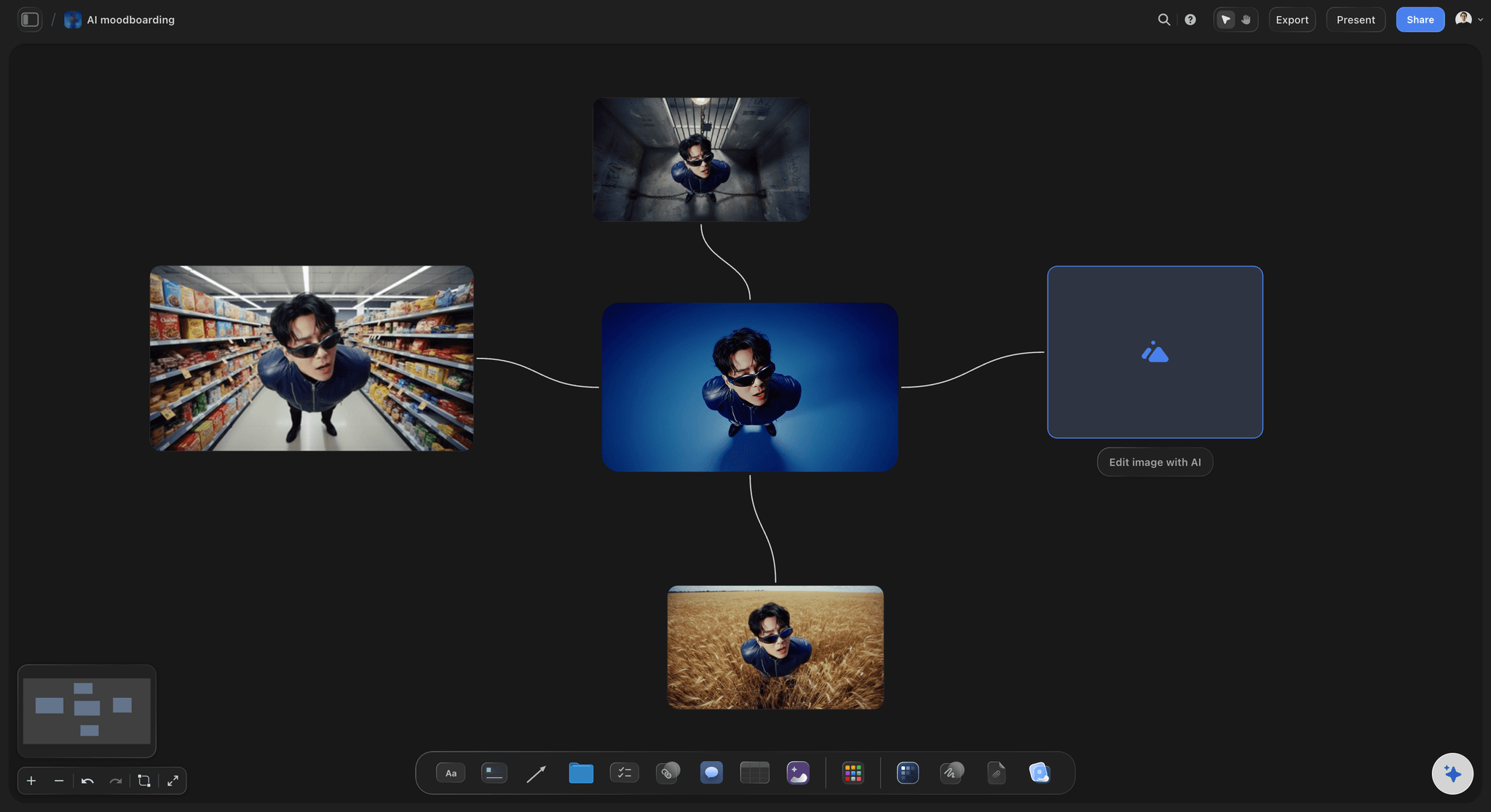
No pasting
It reads, you do not describe
If you find yourself explaining your project to the assistant, it is not reading it. Here the board is what it works from.
See AI project memory →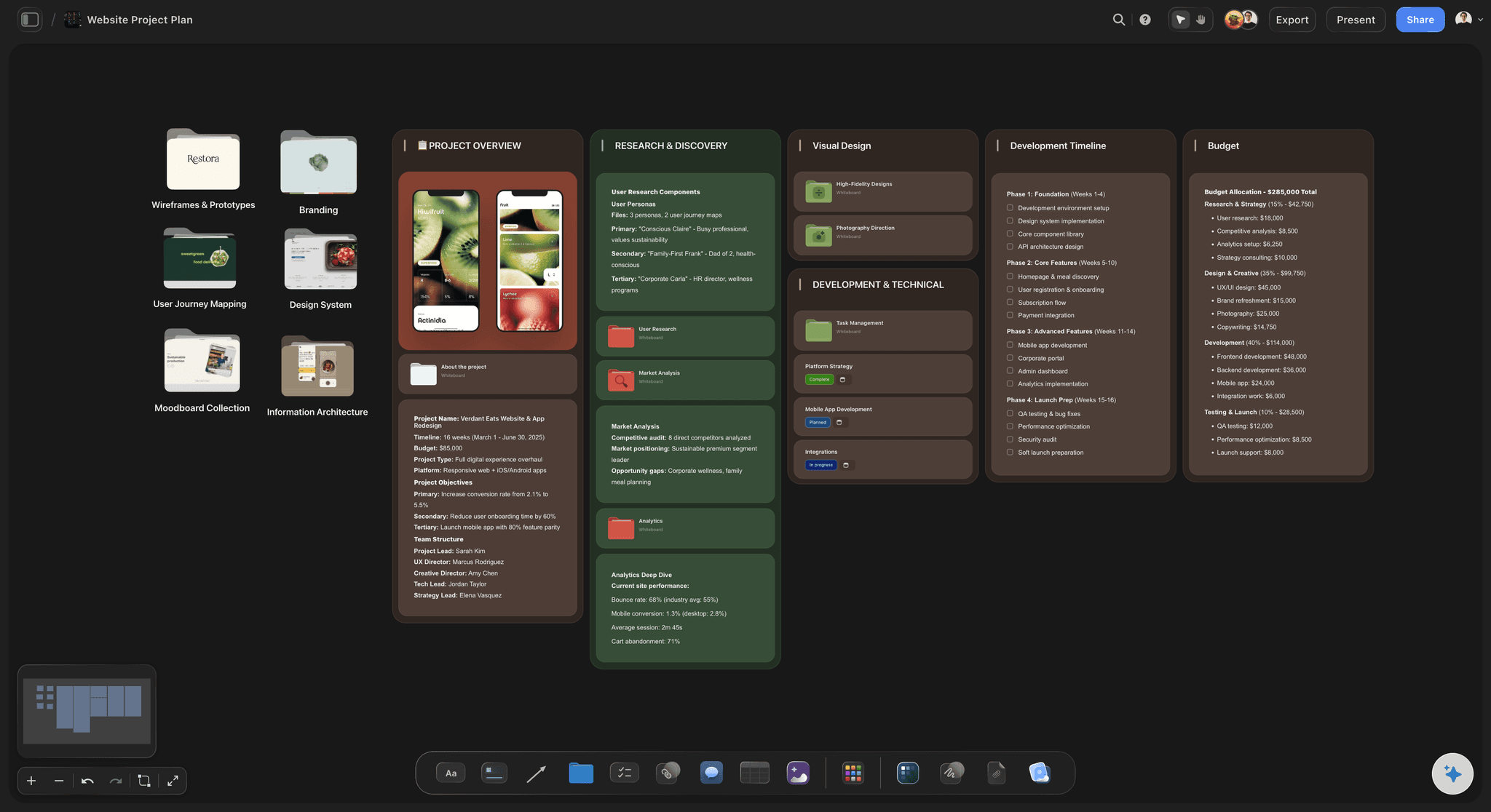
Output you can move
A board, not a paragraph
Answers arrive as boards and cards on the canvas, which is a thing you can rearrange rather than a block of text to re-enter.
See the brief to project board tool →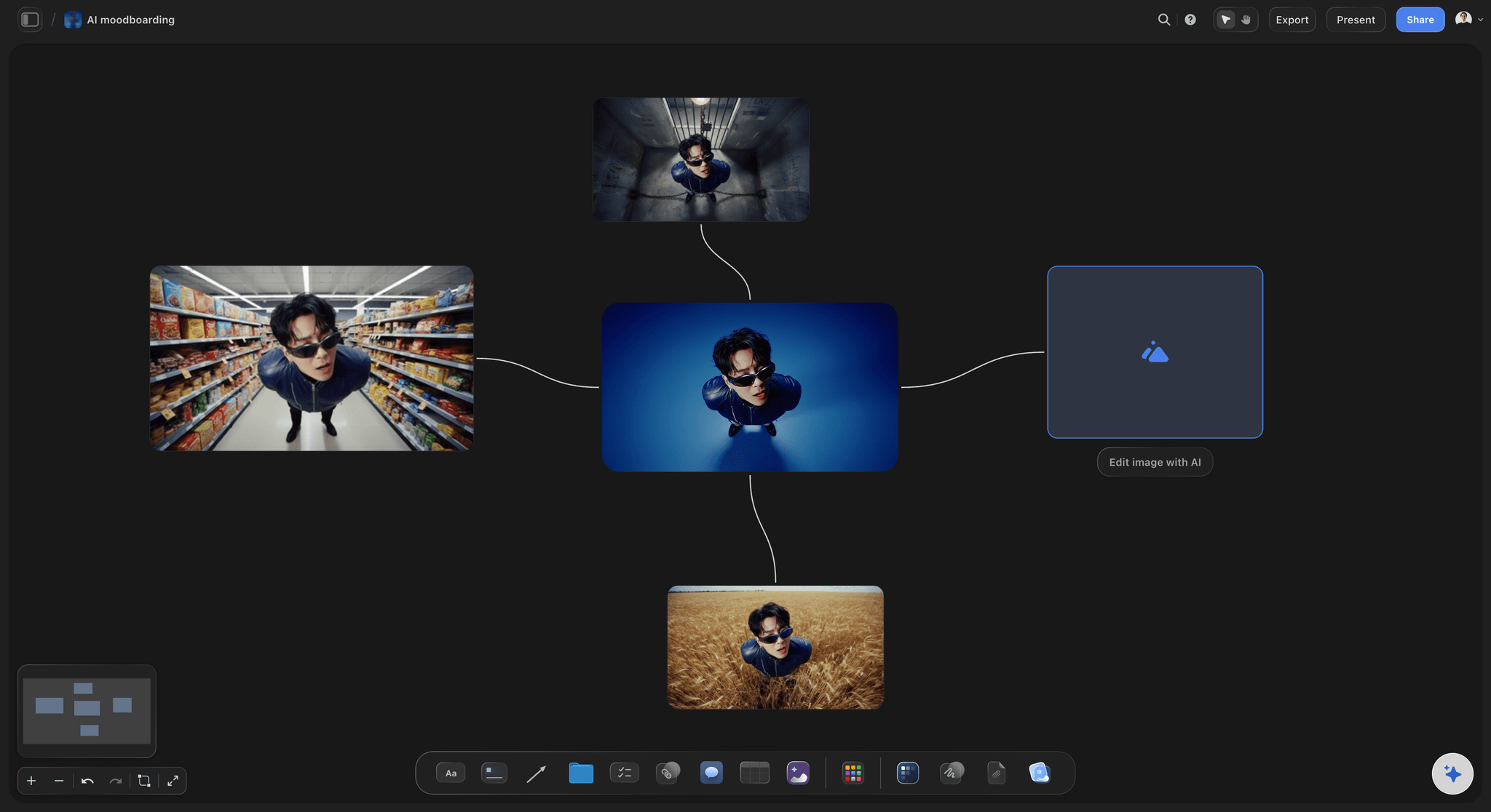
Structures it understands
Frameworks the assistant works inside
Name a framework and the assistant works within it, so "apply this structure to what we have" is a real instruction.
See storytelling frameworks →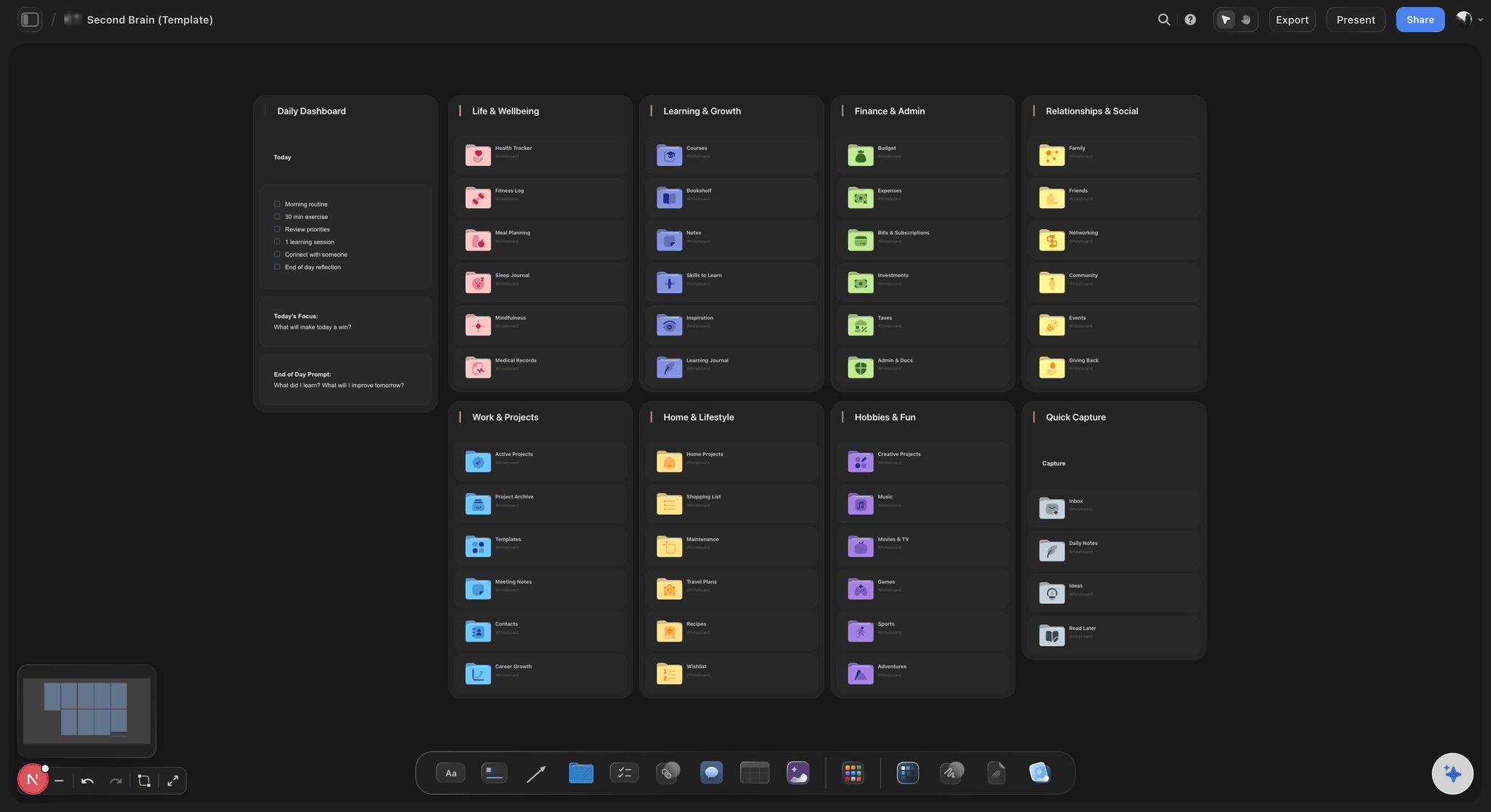
Stated limits
What it will not do
It reads the active board and what you attach, not every board you own. Knowing the boundary is what makes it trustworthy.
See the AI creative workspace →Plans from $7.99/month annual. Free plan coming late 2026.
AI image generation on Pro and Max.
AI reads the whole active board by default
Attach five documents and three boards per message
Memory across conversations on Pro and Max
Built for people with taste
Four tests for anything calling itself AI-native.
All four can be run in about ten minutes of a trial.
Test one
Do you have to paste your own context?
Describing is the tell: If a session starts by explaining your project, the assistant is not reading it and the integration is cosmetic.
It degrades quietly: Pasted context is always a summary, so the answers are shaped by what you thought to include rather than by the work.
Ask something you did not say: The real test is whether it can answer a question about your project you never told it the answer to.
Test two
Where does the output land?
Text you retype is not automation: An answer in a chat panel that you then rebuild by hand has moved the work rather than removed it.
Native output is editable: A generated board you can rearrange is usable at once, which is the whole difference from a wall of prose.
Watch the copy-paste: Count how many times you move text out of the assistant during a trial. That number is the honest score.
Test three
Does it survive removing the AI?
The blunt version of the question: If the product is unchanged without its assistant, the AI was added to a design that predates it.
Added is not bad: A summarise button in a tool you already like is genuinely useful. It is just a different claim from AI-native.
Check the data model: Whether the work is stored in a form the AI can read is the structural difference, and it is not a feature you can add later.
Test four
Will it tell you its limits?
Vague scope is a warning: A tool that will not say what its assistant can and cannot see is usually hiding how little that is.
Stated boundaries here: The active board plus five documents and three boards. Not every board you own, and it says so.
Assistant, not agent: It drafts and answers rather than running your project autonomously, which is a limit worth stating plainly.
Explore templates for your project
Every template opens as a real, editable board on the infinite canvas. Pick the closest fit and make it your own.
Mind Map
Branch one central idea out into themes and sub-points, then drag the connections around until the structure makes sense.
What creators are saying
Join early creators getting structured workspaces and AI that remembers their projects
“Storyflow has sped up my workflow by at least 3x, which means more flow state and more projects I can actually ship. It truly changed the way me and my team create.”

Reilin Joey
Director & YouTuber
“One prompt gets me a structured board. But the tactics are my favorite. I run my YouTube scripts through them and my intros and retention got better. It's amazing.”

Justkay
YouTuber & Freelance Filmmaker
“I used to juggle five apps to plan a project. Now I describe what I am making and get boards, lists, and a schedule. All in one place.”

George
@fernwehchronicles
AI-native workspaces, answered.
Starting with what the term should mean.
Apply one test before comparing any of them: remove the AI and see what is left. If the product still works and you have lost a chat sidebar, the AI was added to a design that predates it. If it no longer makes sense, it was built around the AI. Storyflow is the second kind, because the canvas is what the assistant reads: it sees the whole active board plus up to five attached documents and three boards without you pasting anything.
Storyflow is built around its assistant: the canvas is what the assistant reads. It sees the whole active board, plus the documents and boards you attach, without you pasting anything in. Its answers land on the canvas, not in a paragraph of chat. Take the AI away and the product no longer makes sense, which is the test that tells built-in from added-on.
No. A summarise button in a tool you already like is genuinely useful and often the right choice. It is simply a different claim, and the marketing has blurred them to the point where the label no longer distinguishes anything.
The whole active board, plus up to five documents and three boards that you attach to a message. Documents are attached with the @ menu; boards come from the + menu. It does not read every board you own, and knowing that boundary is what makes the answers trustworthy.
Memory across conversations is available on the Pro and Max plans. On every plan the AI reads the current board, so most of the continuity comes from the work itself rather than from chat history.
No. It drafts boards, groups material and answers questions about what is in front of it. It does not act autonomously, take actions on your behalf or manage a project, and calling that a limitation is fairer than pretending otherwise.
Because an answer you have to retype has moved the work rather than removed it. Generated boards and cards arrive as things you can rearrange immediately. A useful trial metric is how many times you copy text out of the assistant.
AI image generation is available on the Pro and Max plans.
File upload gives an assistant a document. This gives it the project: a spatial canvas where the relationships between things are part of what it reads, plus the frameworks you have applied. The difference shows on questions about structure rather than about content.
Plans start at $7.99 per month billed annually or $9.99 monthly. Memory across conversations and image generation are on Pro and Max. A free plan launches before the end of 2026.
There are no deep integrations with task trackers or analytics platforms. Context comes from what is on your boards and what you upload, which is worth knowing if you expect it to pull from systems elsewhere.