
Ultra-fast moodboards with real taste
Make a vision board
for the life you want.
Describe the goals and the year you are building, and Storyflow lays out a starting board of themed sections on an infinite canvas. Add your own images, affirmations, and milestones, then revisit it whenever you need a reminder.


Creatives working for these brands already got early access
- Red Bull
- Canon
- Artlist
- Porsche
See how easy it is to get started
Watch a real project come together, from a blank board to a finished plan, clicked through step by step.
Start from a ready-made template
Pick a board to see what you can build, then let AI fill it in. Every template is a real, editable starting point on the same infinite canvas.

Film Moodboard
Collect film references, color palettes, lighting, locations, and tone in one place, then invite your crew.
What is a vision board maker?
A vision board maker is a tool for gathering the goals, images, and words that describe the life you want in one place you can actually look at. Pinning it all to a physical corkboard works, but it stays in one room and runs out of space. A digital vision board lives wherever you are, holds as much as you want to add, and is easy to update as the year unfolds.
Storyflow works as a vision board maker on an infinite canvas. Describe what you are working toward, in your career, your health, your travels, your relationships, and the AI lays out a starting board of themed sections so you are not staring at an empty page. Each section is made of real canvas cards, so you can drop in your own photos, type the affirmations that matter to you, and mark the milestones that prove you are getting there. It is your board, just with a head start.
A vision board is not the same as a moodboard. A moodboard captures an aesthetic, the colors, textures, and references behind a creative direction. A vision board captures a life, the goals and aspirations you are reaching for and the proof you are on your way. Storyflow does both, but here the focus is the future you are building, and the board is something you keep coming back to rather than a one-time deliverable.
Ultra fast from brief to board
Make a vision board in four steps.
You bring the goals. The AI lays out a starting board, so the blank page never stops you.
01
Open a canvas
Start in the browser with a paid account. There is no app to install, just an open canvas ready for the year you want to map out.
02
Describe the life you want
A sentence or two is enough: a calmer year with more travel and a new role, a focus on health and a creative project you keep putting off.
03
AI lays out your sections
The AI places themed sections on the canvas, like career, health, travel, and relationships, so your goals already have a home before you add a single image.
04
Make it yours, then revisit it
Add your own photos, write your affirmations, and mark milestones. Share a view-only link, export it for your phone wallpaper, and come back whenever you need the reminder.
A vision board you build on, not just look at.
Most vision boards get made once and forgotten. This one has room to grow with you all year.
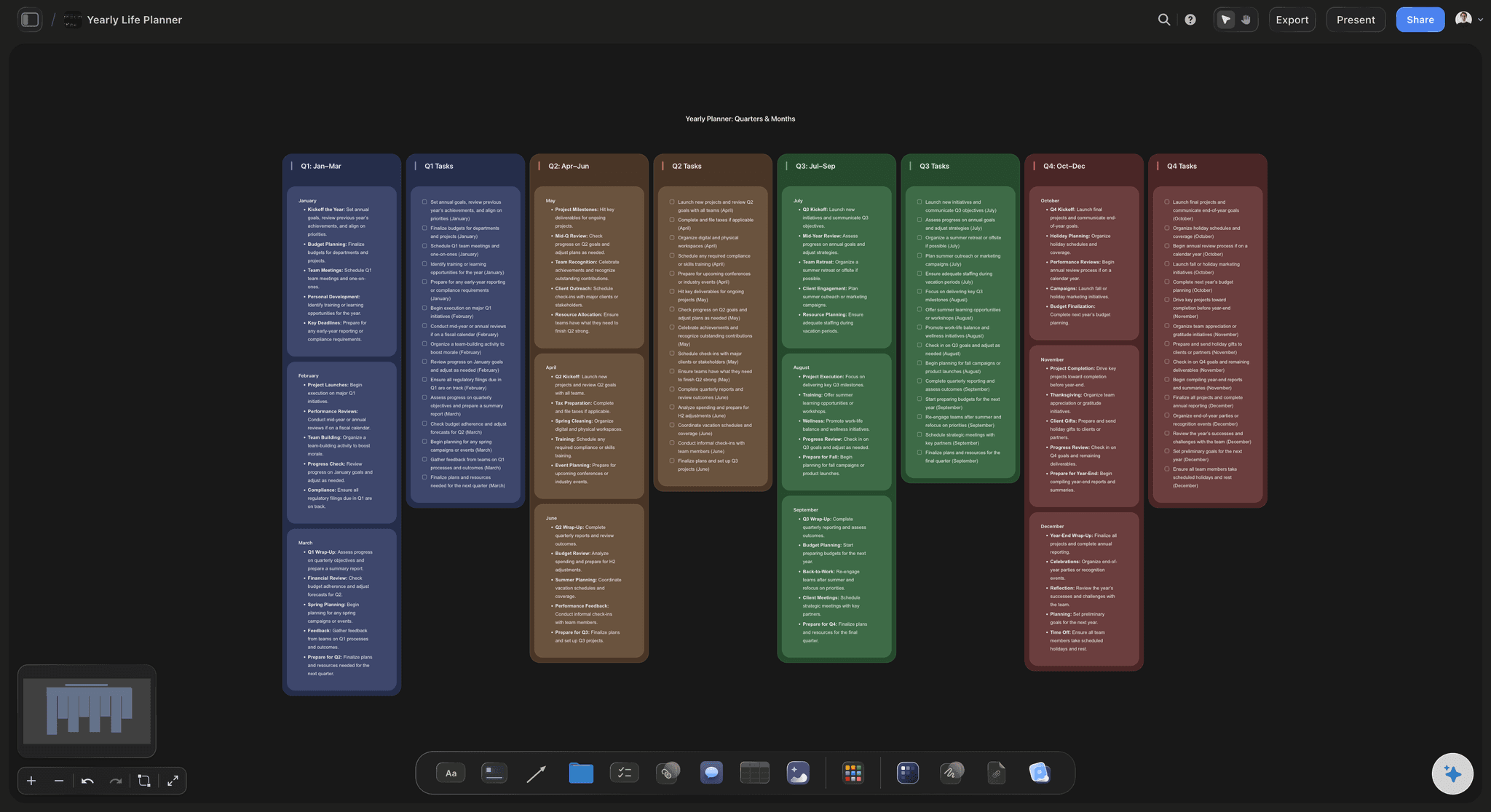
Goals laid out as themed sections
From a few goals to a full board
Describe what you are working toward and the AI lays out sections for the parts of your life that matter, so you start with structure instead of a blank canvas you have to fill alone.
Try the AI vision board generator →
Your own images and affirmations
Make it personal, not generic
Upload the photos that speak to you, type the affirmations you want to read every day, and arrange them however feels right. The AI gives you a frame; you fill it with your life.
See the moodboard maker →
Goals from this year to a dream trip
Plan the milestones, not just the dream
A vision board works best when the big picture sits next to the next step. Map the destination you are saving for, then add the milestones that turn it from a wish into a plan.
See the AI brainstorming tool →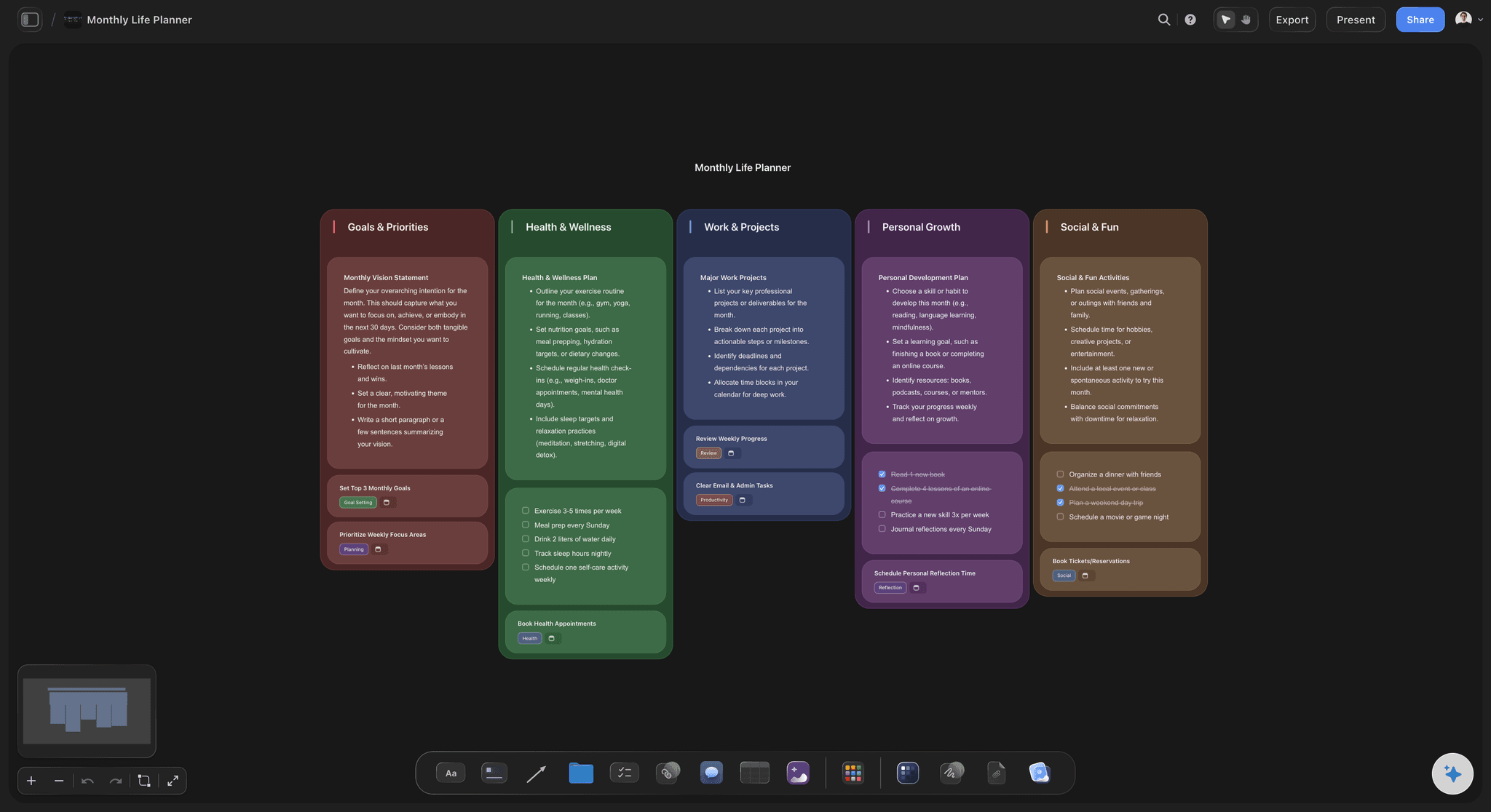
Space for the whole life you want
Room for every goal on an infinite canvas
Your ambitions do not fit on an index card, and they should not have to. With an infinite canvas and no object cap, no goal gets cut because the board ran out of room.
See the infinite canvas →Plans from $7.99/mo.
Open a canvas, describe your goals, and watch a starting board lay itself out. No plan has a time limit.
Unlimited vision boards, with room for every goal
Basic AI usage to lay out and expand your board
Upload your own photos and pin links, PDFs, and video
Share your board view-only, or invite people in free
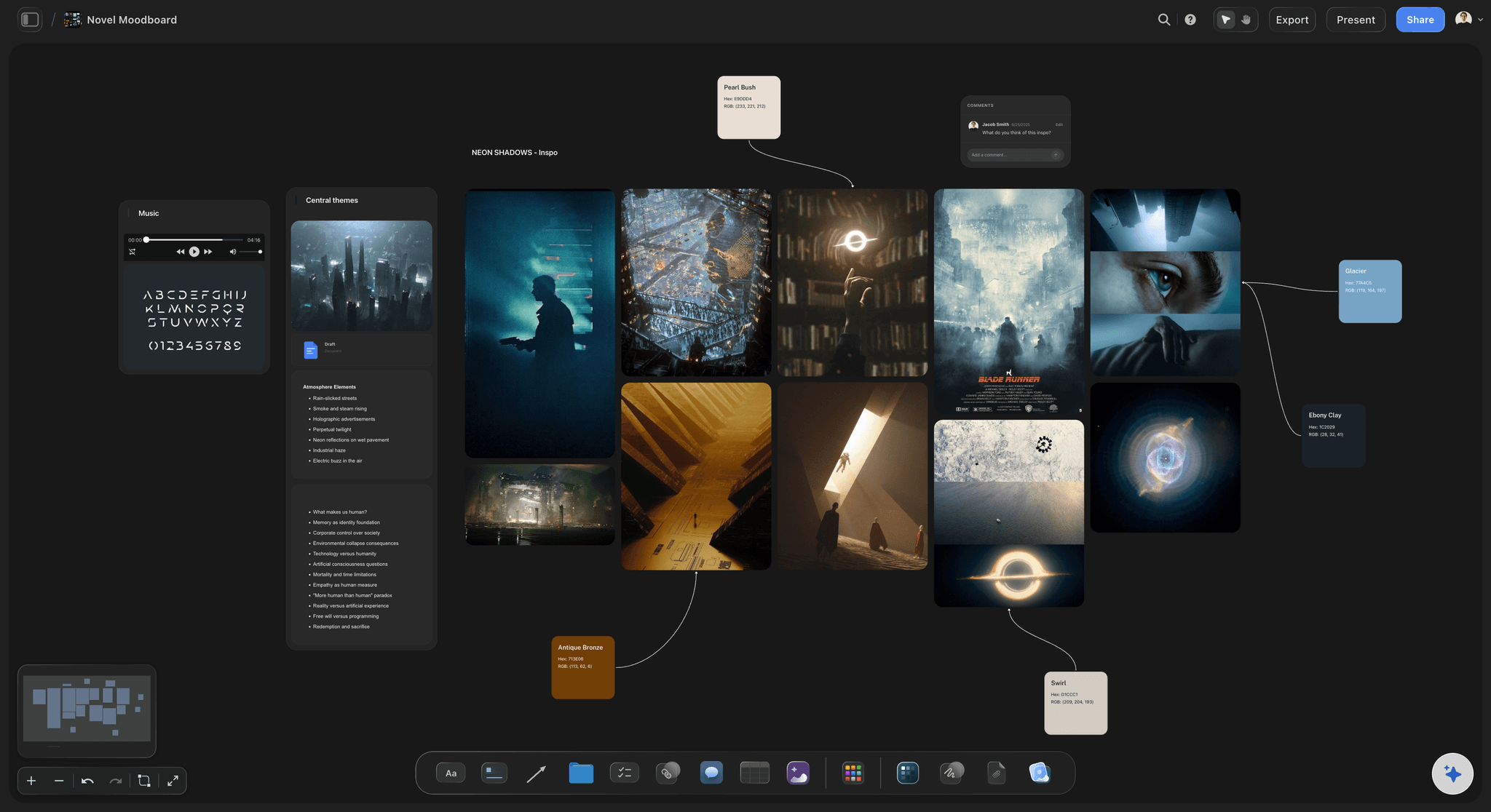
Built for people with taste
Built for the goals you keep close.
Gather what you are reaching for, see it all at once, and keep the whole picture in front of you.
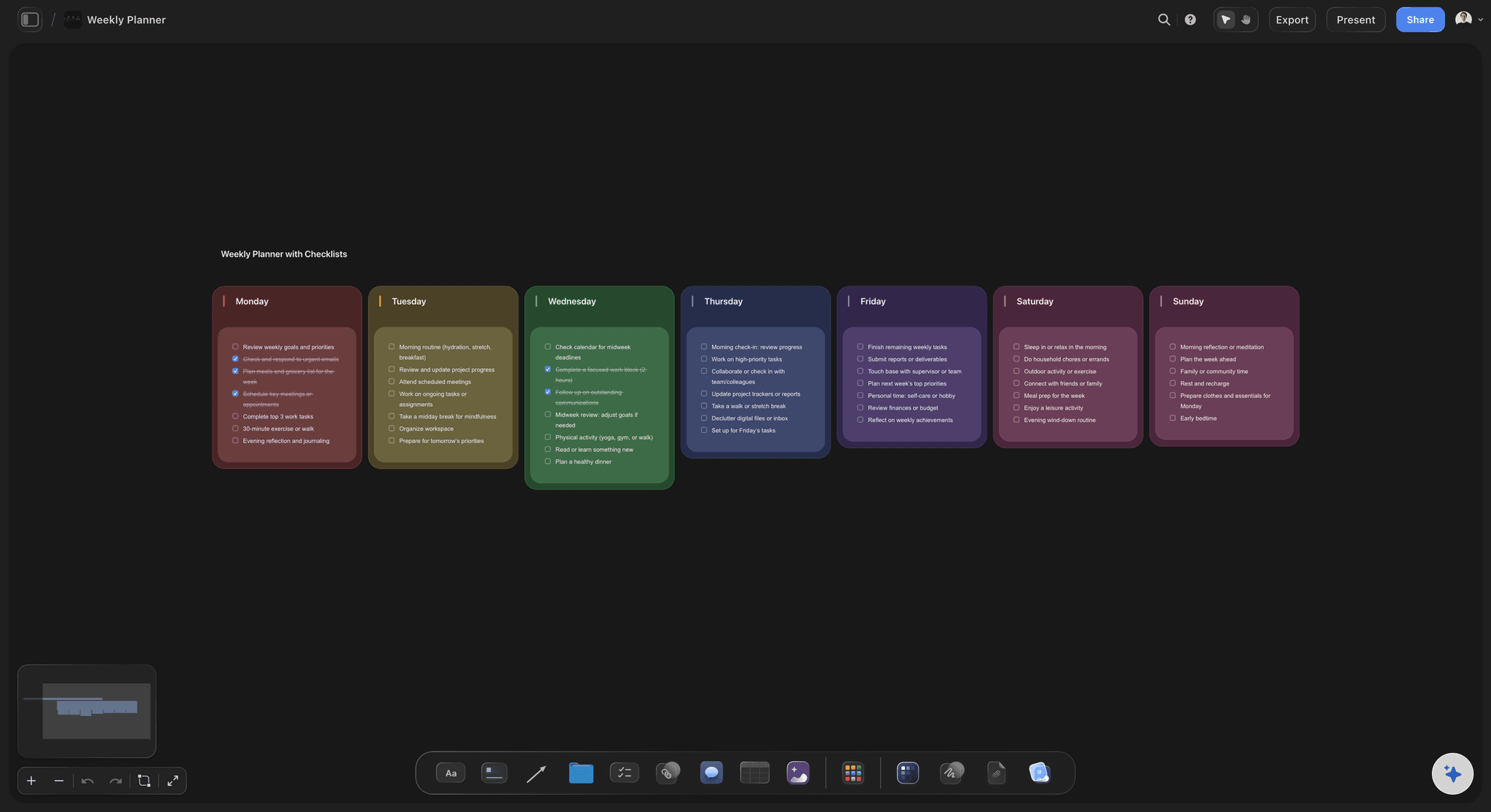
Sections you can move, edit, and rename
A board shaped around your life
Goals as section groups: Career, health, travel, relationships, and anything else you care about are laid out as grouped cards, so the shape of the year you want is visible at a glance.
Drag to rearrange: Priorities shift, and your board should keep up. Move a card or a whole section as the year changes, without redrawing anything.
Add a section any time: Picked up a new goal in March? Ask the AI to add a section for it, and the rest of your board stays exactly as you arranged it.

A head start from a single prompt
AI that gets you past the blank page
Reads your active board: The AI builds on the board you have open, so new sections and ideas connect to the goals you already added rather than starting from scratch.
Attach your notes: Add up to five documents and three boards as context, like a journal entry, a list of goals, or a plan you already wrote, and the AI works from your own words.
Re-prompt to refine: Ask for fewer sections, a sharper focus, or a calmer board. The AI reworks the layout while keeping the cards you have already made your own.
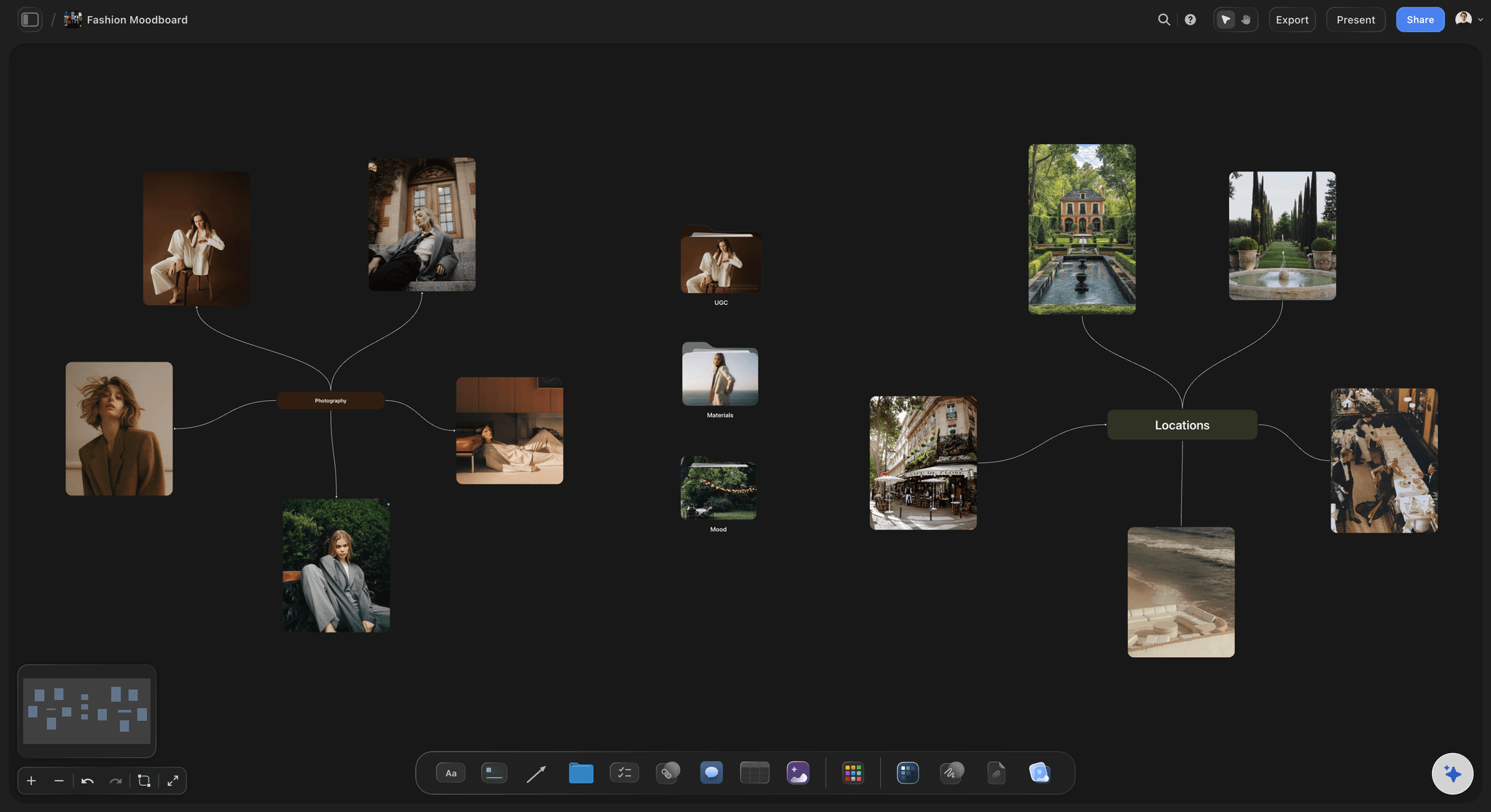
More than text on every card
Your images, words, and links in one place
Upload what inspires you: Drop in your own photos, save screenshots, and pin links and PDFs next to the goals they belong to. Uploading your own images is included on every plan.
Grab stills from video: Capture frames from YouTube and Vimeo straight onto the board when a clip says it better than a caption, no download needed.
Write the words that matter: Type affirmations and intentions right onto the canvas, and keep longer reflections as notes on the same board, one click away when you want them.
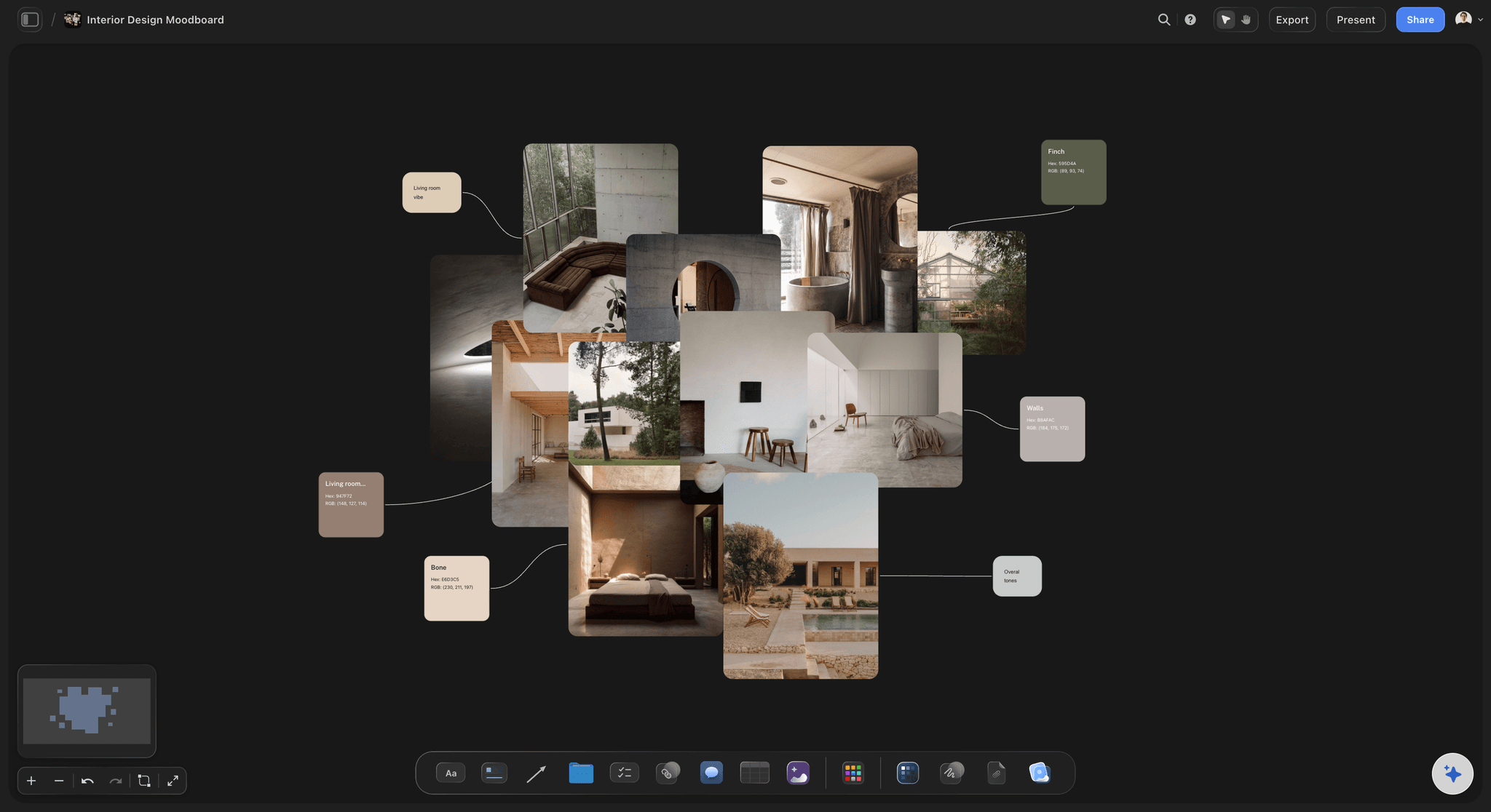
A board you keep, not a one-off
Made to revisit all year
Come back any time: Your board waits in the browser, so you can open it on a Sunday to plan, or on a hard day for a reminder of where you are headed.
Share the vision: Invite a partner or a friend in free, or send a view-only link so someone can see your board without needing an account.
Export for your wallpaper: Export the board as a clean image or PDF, great for a phone wallpaper, a print for your wall, or a page in your journal.
Explore templates for your project
Every template opens as a real, editable board on the infinite canvas. Pick the closest fit and make it your own.
Film Moodboard
Collect film references, color palettes, lighting, locations, and tone in one place, then invite your crew.
One app instead of five
How Storyflow compares to other vision board tools.
Plenty of tools can hold images. The question is whether your board has a starting point and room to grow.
Storyflow
Recommended
AI lays out a starting board from your goals
An infinite canvas with no object cap
Upload your own images, links, and video
Ready-made templates to start from
Canva
AI lays out a starting board from your goals
An infinite canvas with no object cap free
Upload your own images, links, and video
Ready-made templates to start from
AI lays out a starting board from your goals
An infinite canvas with no object cap free
Upload your own images, links, and video
Ready-made templates to start from
Milanote
AI lays out a starting board from your goals
An infinite canvas with no object cap free
Upload your own images, links, and video
Ready-made templates to start from
What creators are saying
Join early creators getting structured workspaces and AI that remembers their projects
“Storyflow has sped up my workflow by at least 3x, which means more flow state and more projects I can actually ship. It truly changed the way me and my team create.”

Reilin Joey
Director & YouTuber
“One prompt gets me a structured board. But the tactics are my favorite. I run my YouTube scripts through them and my intros and retention got better. It's amazing.”

Justkay
YouTuber & Freelance Filmmaker
“I used to juggle five apps to plan a project. Now I describe what I am making and get boards, lists, and a schedule. All in one place.”

George
@fernwehchronicles
Vision board questions, answered.
Everything people ask about making a vision board in Storyflow.
A vision board maker is a tool for collecting the goals, images, and words that describe the life you want in one place you can look at and update. In Storyflow you describe what you are working toward and the AI lays out themed sections on an infinite canvas, which you then fill with your own photos, affirmations, and milestones.
Describe the year or the life you want in the AI chat and the AI lays out a starting board of themed sections, like career, health, travel, and relationships, so you are not facing an empty canvas. Every section is made of real cards you can drag, edit, and fill with your own images and words, so the board ends up fully yours.
Not during early access. Storyflow is paid-only right now, with Plus at $7.99 a month billed annually bringing basic AI usage to lay out your board, unlimited boards, 20 file uploads for your own images, and view-only sharing. A Free plan is planned before the end of 2026.
Yes. Upload the photos that mean something to you, save screenshots, and pin links, PDFs, and video next to the goals they belong to. Uploading your own images is included on every plan, and you can grab stills from YouTube and Vimeo straight onto the board too.
Yes, completely. Every section and image is a card on the canvas, so you can drag things around, rename sections, rewrite any card, and add new goals as the year changes. The AI gives you a starting point, and the canvas makes the board yours.
By default you add your own images, which keeps the board personal. Generating images with AI on the canvas, by pressing G, is available on the Pro and Max plans. Whichever you use, you arrange everything yourself on the canvas.
Yes. Share a view-only link so a partner, friend, or family member can see your board in their browser without an account, or invite people in free to build it together. You can also export the board as an image or PDF, which works well as a phone wallpaper or a print for your wall.
A moodboard captures an aesthetic, the colors, textures, and references behind a creative direction. A vision board captures a life, the goals and aspirations you are reaching for and the milestones that prove you are getting there. Storyflow makes both, and for vision boards the focus is the future you are building and a board you keep coming back to.
The year you want is in your head. Get it on the board.
Describe your goals once, watch a starting board lay itself out, and make it yours.