
Extremely simple, seriously capable
Every scene on the wall,
in the order you can still change.
A scene is a card. Drag it, split it, cut it, move it three scenes earlier and read the sequence again. When the order finally works, turn the same cards into a shot list, a storyboard, or an outline without retyping a thing.


Creatives working for these brands already got early access
- Red Bull
- Canon
- Artlist
- Porsche
See how easy it is to get started
Watch a real project come together, from a blank board to a finished plan, clicked through step by step.
Start from a ready-made template
Pick a board to see what you can build, then let AI fill it in. Every template is a real, editable starting point on the same infinite canvas.

Mind Map
Branch one central idea out into themes and sub-points, then drag the connections around until the structure makes sense.
What is a scene planning tool, and why does a document fail at it?
Scene planning is the stage where a story stops being an idea and becomes a sequence. Storyflow is an AI visual workspace that plans your scenes on one infinite canvas: scene cards you reorder by dragging, the purpose, location, characters and conflict on the card itself, and a shot list, storyboard or outline made from the finished sequence. You decide what each scene is for, who is in it, where it happens, what changes by the end of it, and what it costs to shoot or to write. Get the sequence right and the draft mostly writes itself. Get it wrong and you find out forty pages in, which is the expensive way to find out.
A word processor is a poor place to do this, and the reason is structural rather than aesthetic. A document is linear, so moving scene fourteen to position four means cutting, scrolling, and pasting, and the act is heavy enough that people stop trying alternative orders. Spreadsheets fix the reordering and lose the reading: a row of cells does not let you see the shape of an act. Index cards on a wall solve both and cannot be shared, searched, or turned into anything else.
Storyflow is a scene planning tool built on the index-card instinct without the wall. Each scene is a card on an infinite canvas holding its purpose, location, characters, conflict, and any reference images. Drag it anywhere and the sequence rereads instantly. Group cards into acts or sequences by putting them in a region rather than by tagging them. And when the order is right, ask the AI to turn the same cards into a shot list, a storyboard, or a prose outline on the same canvas.
Ultra fast from brief to board
From a rough list of beats to a sequence that holds.
Get the scenes out of your head fast, then spend your time on the order rather than on the formatting.
01
Describe the story
A heist that goes wrong in the second act, a documentary about a closing factory, a six-episode series. The AI lays out scene cards and act regions to react to.
02
Fill in what each scene is for
Purpose, location, characters, the change it delivers. A scene that cannot state its purpose is the scene you are about to cut, and writing the field is how you find out.
03
Reorder until the sequence works
Drag cards between acts, split one scene into two, pull a reveal earlier. Reading the new order costs nothing, so you actually try the alternatives.
04
Turn scenes into the next document
Ask the AI to build a shot list, a storyboard, or a written outline from the cards, then share a view-only link with a collaborator, producer, or editor.
Index cards that reorder, search, and become something.
The physical planning method most writers and directors already trust, without the wall and without the dead end.

Order is the whole job
Reorder by dragging, reread instantly
Moving a scene should cost one gesture, because the value of scene planning is in trying orders you would not attempt if each attempt took ten minutes of cut and paste.
See the story planning tool →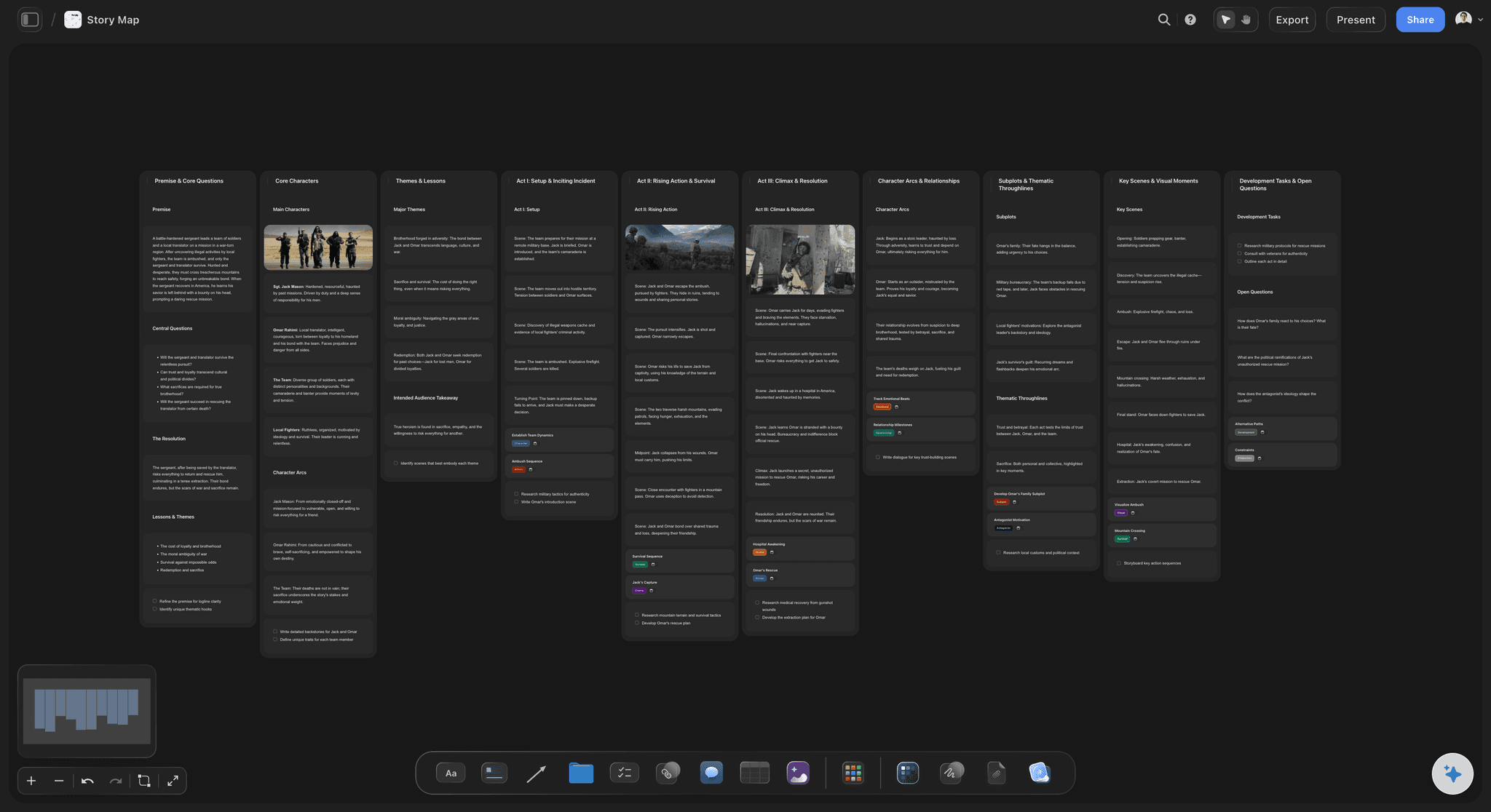
Structure you can see
Acts and sequences are regions, not tags
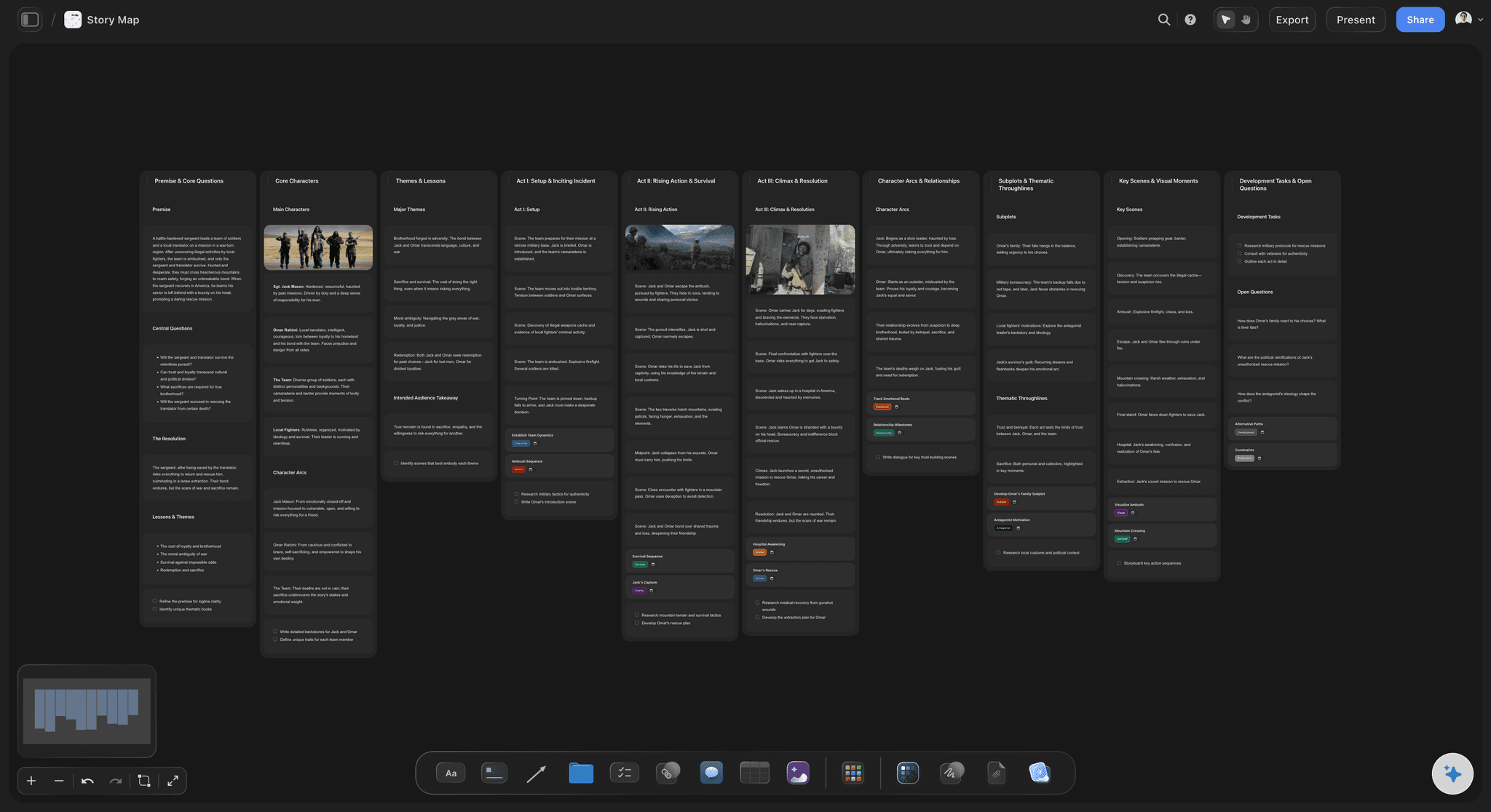
Put the first act in one region and the second in another and the shape of the story is visible from a distance. A tag column tells you the same thing and makes you read to learn it.
See story structure →
The card holds the thinking
Purpose, place, people, and the turn
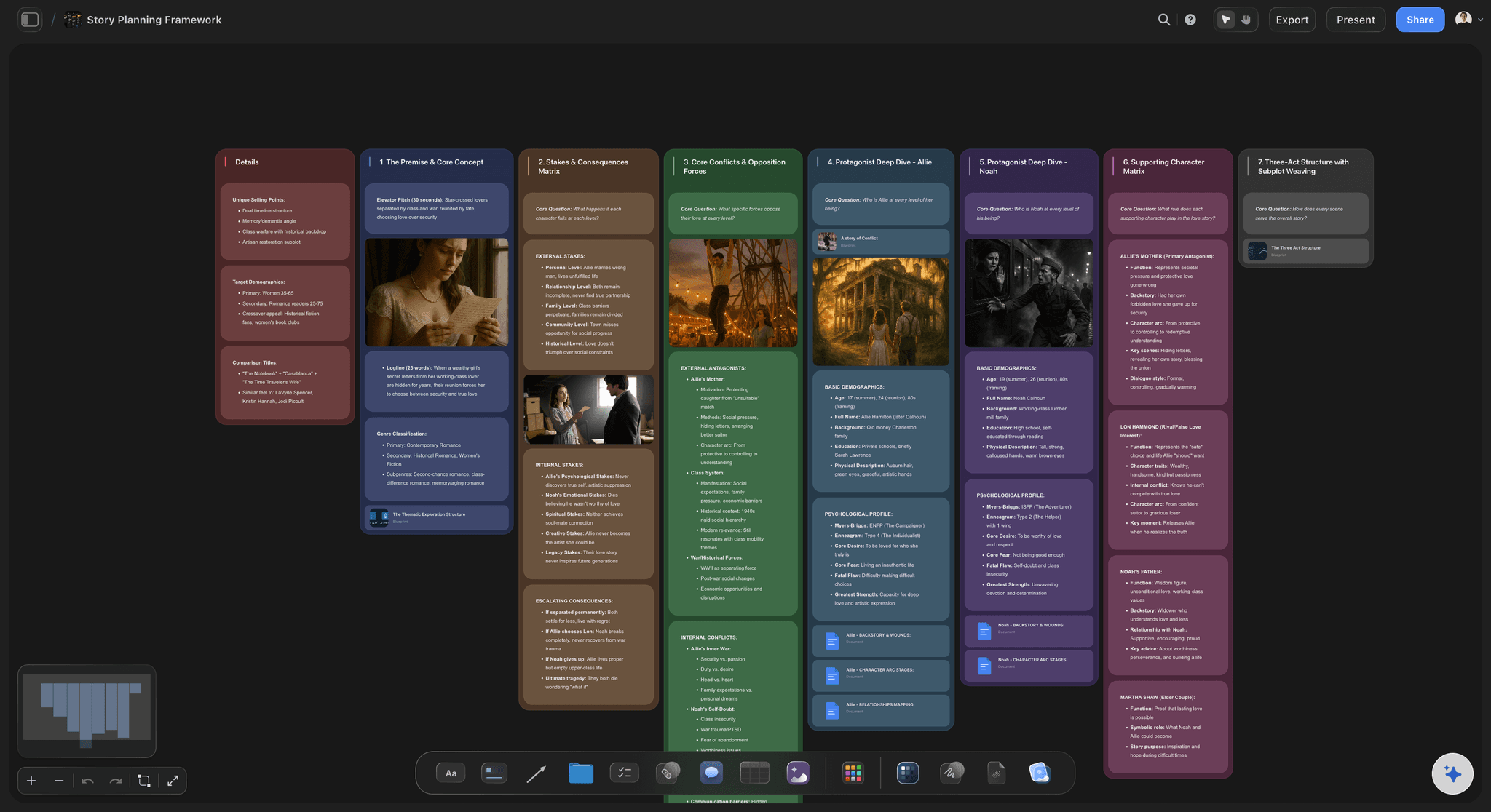
Each card carries what the scene is for, where it happens, who is in it, and what changes. Reference images and location photos sit on the same card, so the plan and the look are not in two systems.
See the scene card organizer →
Planning that survives prep
Scenes become shots, boards, or an outline
The scene plan is not the deliverable, so it should not be a dead end. Ask the AI to convert the sequence into a shot list, a storyboard, or a prose outline on the same canvas, carrying every card's detail across.
See the shot list generator →No cap on scenes, drafts, or the versions you abandon.
Planning a feature or a series means far more cards than survive, plus the two orders you tried and rejected. Every plan has an infinite canvas and no object cap, so keeping the discarded version costs nothing.
Unlimited boards and objects on an infinite canvas, no object cap
AI usage to lay out scenes and convert them into shots or an outline
Reference images, PDFs, and video frames on the same canvas as the plan
Unlimited collaboration, or share view-only with no account needed to view
Built for people with taste
The questions a scene plan has to answer.
What each scene is doing, whether the sequence works, and what happens to the plan once shooting or drafting starts.

Getting the scenes down
Capture faster than you edit
Start from a prompt: Describe the story and the AI lays out scene cards and act regions, so the first pass is something to argue with rather than an empty page.
One card, one scene: Keeping a scene to a card forces the summary. If it will not fit on a card, it is two scenes, and finding that out early is the point.
No ceiling while drafting: Generate freely and cut afterwards. There is no object cap, so the plan is limited by your judgement rather than by a counter.
Testing the sequence
Try the order you would not otherwise try
Drag between acts: Move a scene across a region boundary and both acts reread immediately, which is how you discover a reveal is landing one scene too late.
Keep the version you rejected: Duplicate the region, try the other order beside it, and compare. Both survive, so changing your mind back is not a rewrite.
See the shape from a distance: Zoom out and a lopsided second act is visible as a shape before you have read a word of it.

Holding the detail
Everything the scene needs, on the scene
Characters and locations: Who is in it and where it happens live on the card, so a producer reading for cost gets the answer without opening a second document.
Reference imagery in place: Location scouts, wardrobe, and frames grabbed from reference films sit beside the scene they belong to.
Longer notes when you need them: Detail lives as a document on the same canvas, so the board stays scannable and the thinking stays one click away.

After the plan
Hand it to production or to the draft
Shot list or storyboard: Convert the sequence into shots or boards on the same canvas, with each shot keeping the scene detail that produced it.
Outline for writing: Turn the cards into a prose outline when the next step is a draft rather than a shoot.
Share for notes: A view-only link lets a producer, editor, or writing partner read the plan in a browser with no account.
Explore templates for your project
Every template opens as a real, editable board on the infinite canvas. Pick the closest fit and make it your own.
Mind Map
Branch one central idea out into themes and sub-points, then drag the connections around until the structure makes sense.
What creators are saying
Join early creators getting structured workspaces and AI that remembers their projects
“Storyflow has sped up my workflow by at least 3x, which means more flow state and more projects I can actually ship. It truly changed the way me and my team create.”

Reilin Joey
Director & YouTuber
“One prompt gets me a structured board. But the tactics are my favorite. I run my YouTube scripts through them and my intros and retention got better. It's amazing.”

Justkay
YouTuber & Freelance Filmmaker
“I used to juggle five apps to plan a project. Now I describe what I am making and get boards, lists, and a schedule. All in one place.”

George
@fernwehchronicles
Scene planning questions, answered.
What people ask when a document stops being enough to hold a sequence.
A scene planning tool holds each scene as a separate, movable unit so you can test the order of a story cheaply. The essential features are one card per scene, reordering by dragging rather than by cut and paste, a place on the card for purpose, location, characters, and the change the scene delivers, and a way to see acts or sequences as groups rather than as a tag column.
Storyflow treats every scene as a card on a canvas: drag it, split it, cut it or move it three scenes earlier, then read the sequence again. Each card holds the scene's purpose, location, characters and conflict, and acts sit as regions on the board, not as tags. When the order works, the same cards become a shot list, a storyboard or an outline without retyping.
Write one card per scene with the scene's purpose on it first, before the description. Then set location, cast, and what changes by the end. Group the cards into acts or sequences, read the whole sequence in order, and move anything whose purpose repeats a neighbour's. Only once the order holds should you build a shot list, because shot planning against a sequence you are still changing is wasted work.
The scene's purpose in one line, the location, who is in it, the conflict or question, and what has changed by the end. Add estimated pages or runtime if you are budgeting, and reference imagery if the look matters. Anything else belongs in a document attached to the card rather than on its face, because a card you have to read closely defeats the point of laying them all out.
It keeps what makes index cards work, one scene per unit and reordering as a physical gesture, and adds the three things a wall cannot do: it is shareable with a collaborator who is not in the room, it survives being knocked over, and the cards can be converted into a shot list, a storyboard, or an outline instead of being transcribed by hand afterwards.
Yes, and the method is the same. Chapters or scenes become cards carrying point of view, location, and what changes, grouped into parts. The output differs: instead of a shot list you ask the AI to turn the sequence into a prose outline you can draft against, keeping every card's detail.
Yes, on the same canvas. Once the order is settled, ask the AI to build a shot list or a storyboard from the cards. Each shot arrives carrying the scene's purpose, location, and cast, so the shot list is grounded in the plan rather than being a fresh document that will drift from it.
Share a view-only link and a producer, editor, or writing partner opens the live plan in a browser with no account and no app. Collaborators you invite can edit, with unlimited collaboration on every plan, and you can export the board as an image or PDF when it has to go into a document.
Not during early access. Storyflow is paid-only right now, with plans starting at $9.99 per month, an infinite canvas, and no object cap. Every paid plan includes AI usage, unlimited file uploads, unlimited collaboration, and view-only sharing that needs no account to view. A Free plan launches before the end of 2026.
Get the order right while changing it is still cheap.
One card per scene, reordered by dragging, converted into shots or an outline when the sequence holds.