
Extremely simple, seriously capable
Free comparison table maker: weigh your options side by side.
Put every option in a column, every criterion in a row, and let the decision make itself. Storyflow tables support checkboxes and dates, and they live on a canvas next to the research, images, and notes behind the choice.


Start your comparison table
Open a free board and build a table with rows, columns, checkboxes, and dates.
Create your tableFree to use
No credit card required
Works in your browser
How it works
How to make a comparison table online.
Three steps from a pile of options to a clear side-by-side view.
1
Set up your table
Create a free board and add a table element. Put your options across the columns and your criteria down the rows: price, features, timing, whatever the decision hinges on.
2
Fill in the details
Use text for notes, checkboxes for yes-or-no criteria, and date cells for deadlines and availability. Add rows and columns as new options and criteria appear.
3
Decide and share
Read the table, make the call, and share a view-only link so everyone sees the reasoning. Export the board as a PDF or image for reports and decks.
Creatives working for these brands already got early access
- Red Bull
- Canon
- Artlist
- Porsche
See how easy it is to get started
Watch a real project come together, from a blank board to a finished plan, clicked through step by step.
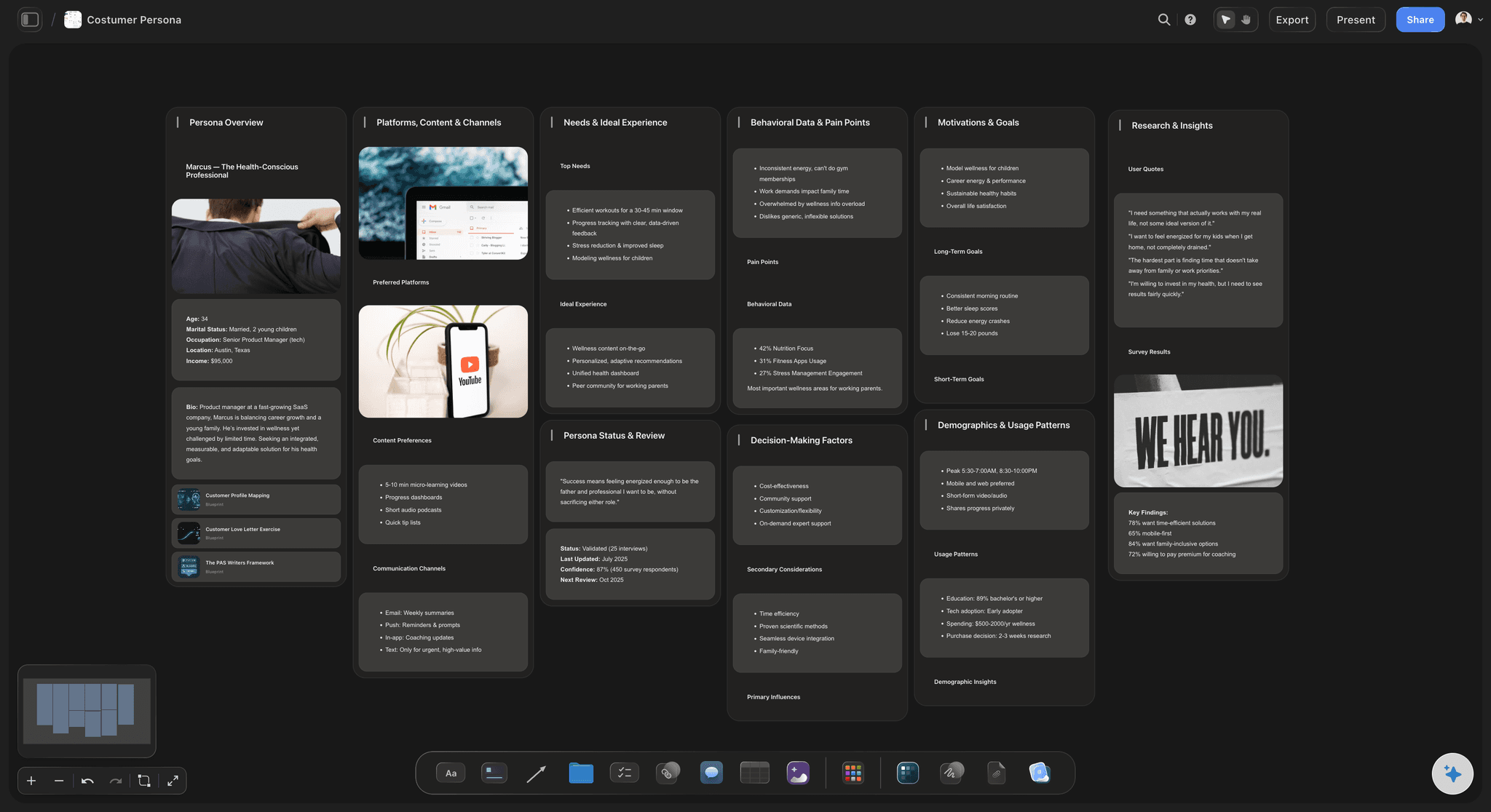
Compare anything with structured criteria.
Vendors, tools, candidates, apartments, personas: any decision with more than two options deserves a table. Checkboxes make feature comparisons scannable, and date cells keep deadlines part of the picture instead of a footnote.
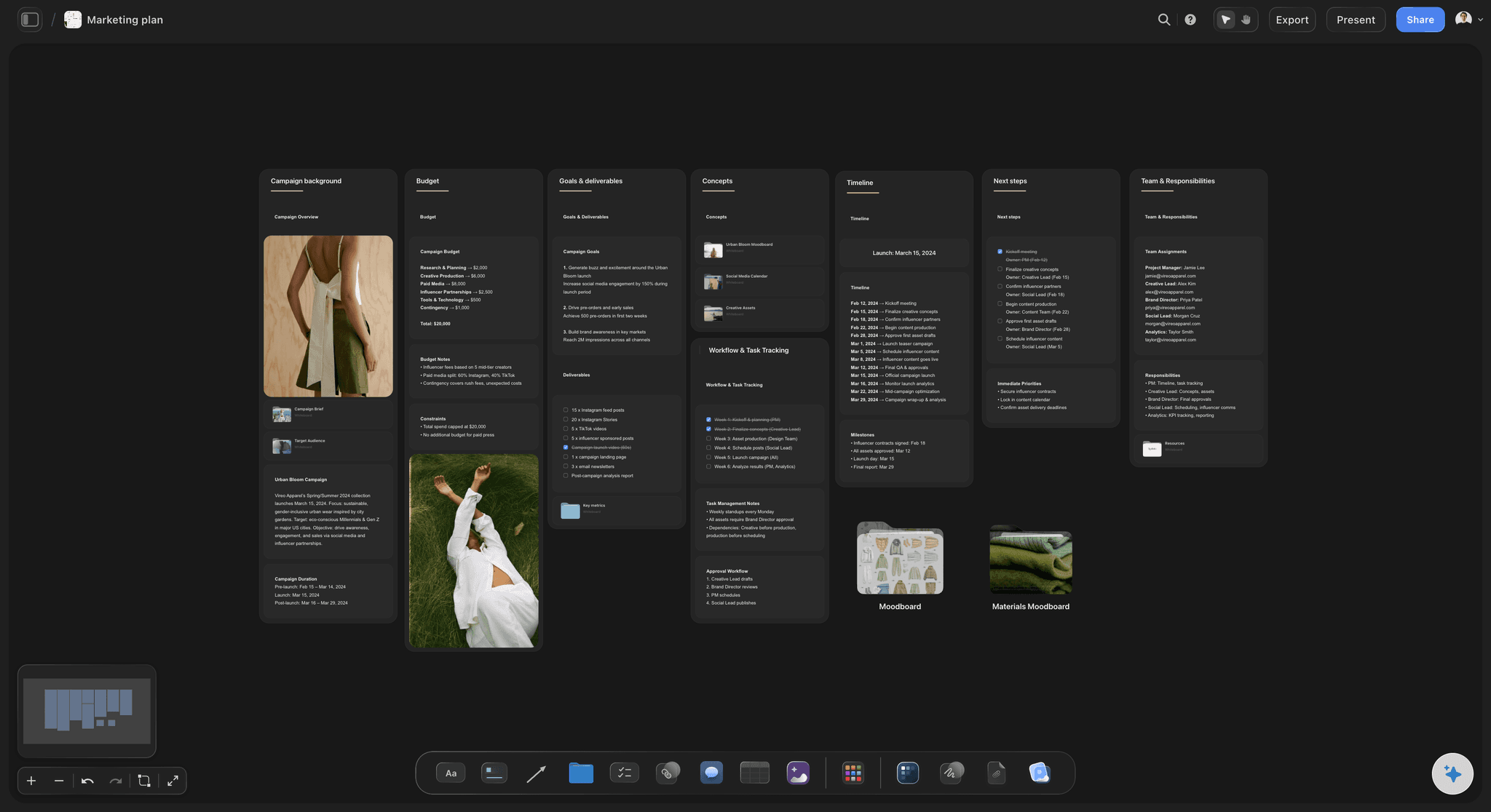
Keep the comparison next to the evidence.
A spreadsheet strips the context away. On a Storyflow canvas, the table sits beside the screenshots, links, and notes that back up every cell, so when someone asks why an option scored well, the answer is right there.
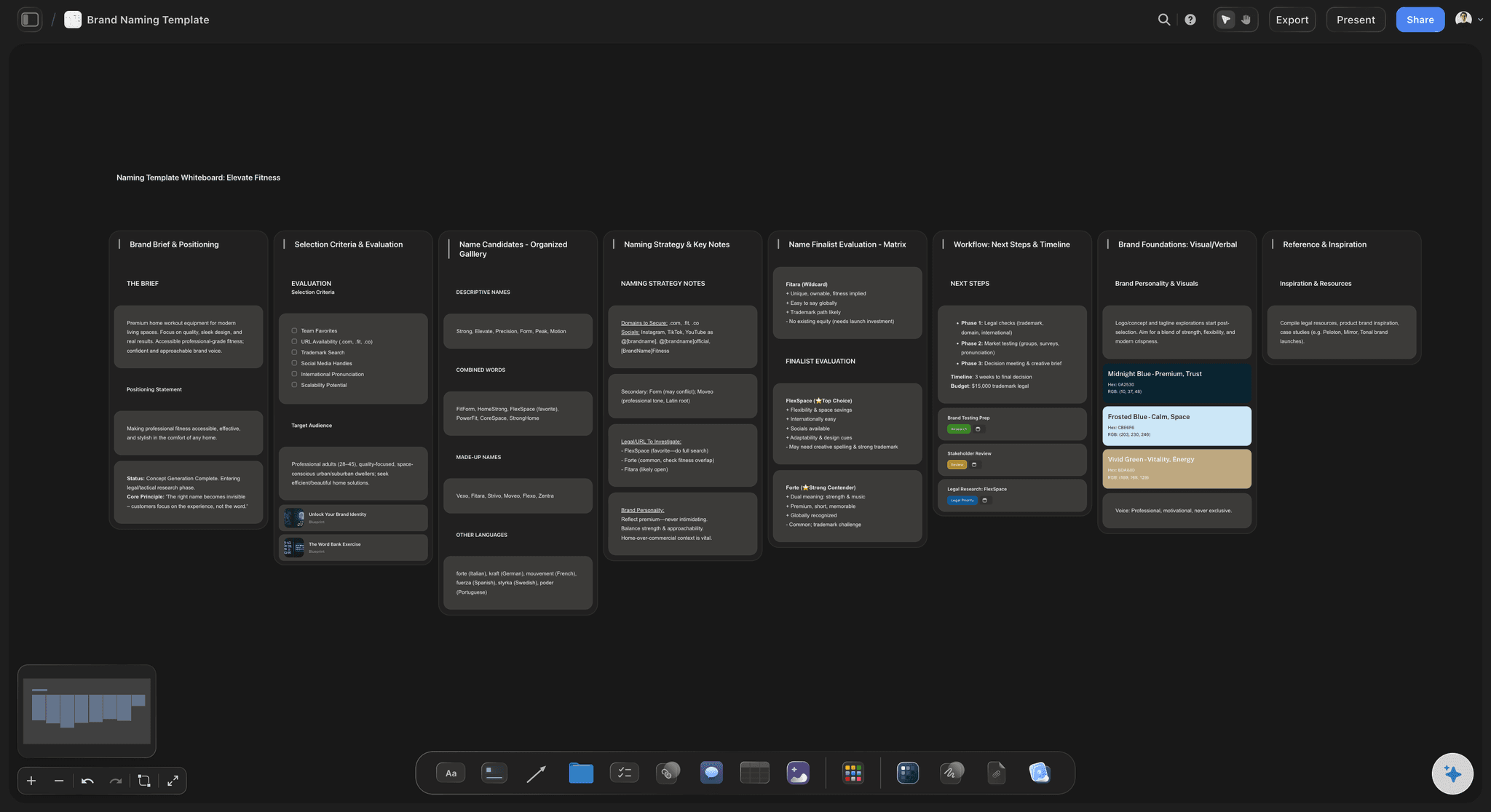
Shortlist and score your ideas.
Comparison tables are not just for buying decisions. Score brand name candidates, campaign concepts, or feature ideas against shared criteria, and turn a subjective debate into a structured one your team can actually finish.
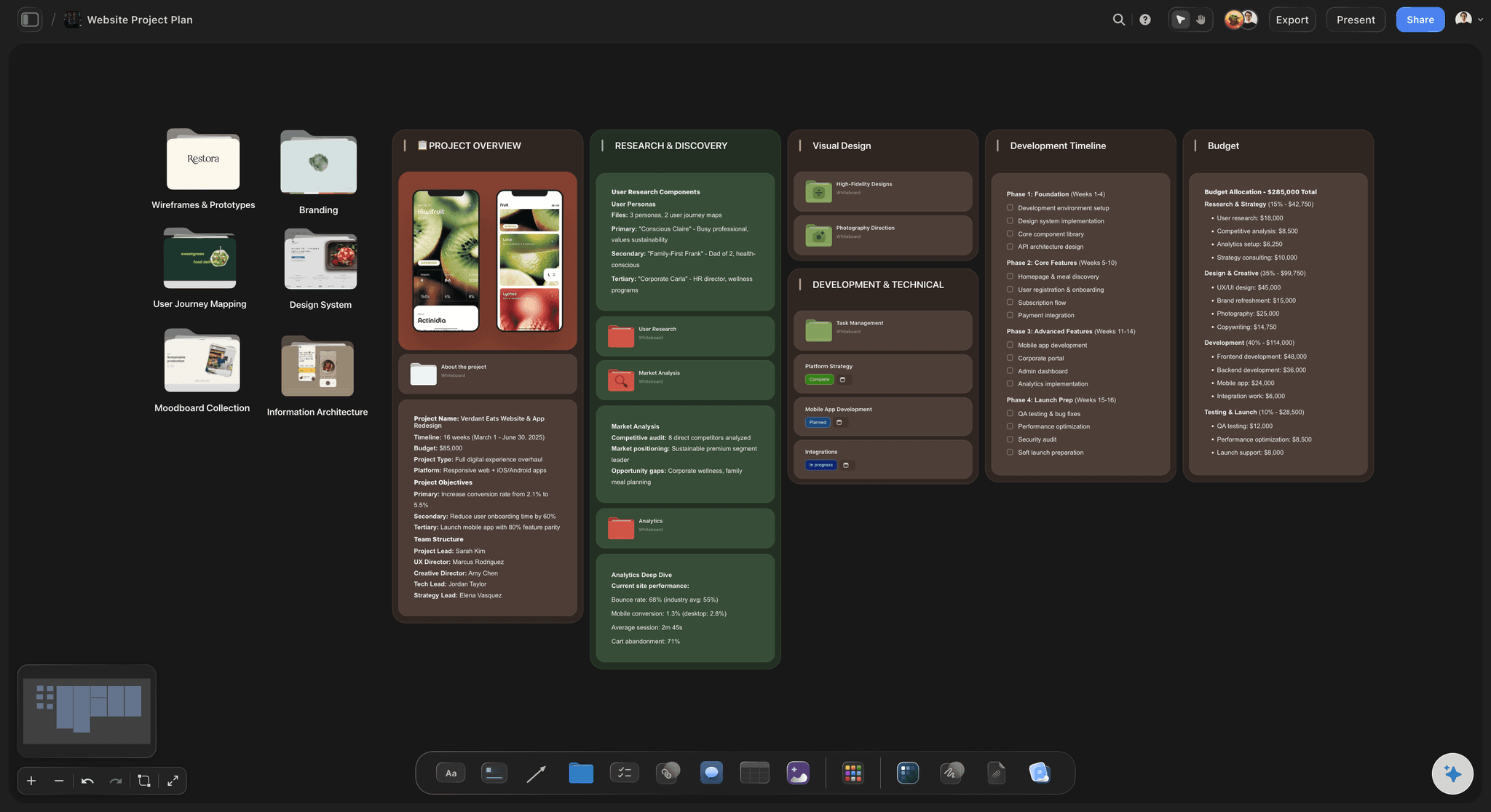
Turn the winning option into a plan.
Once the table has done its job, the work starts on the same canvas. Break the chosen option into tasks with kanban boards and tickets with due dates, and keep the original comparison one zoom-out away for whenever someone asks how you got here.
Rows, columns, and checkboxes without the spreadsheet.
Storyflow's table element gives you rows, columns, checkboxes, and date cells with none of the spreadsheet overhead. Add a table to any board, list your options and criteria, and resize or extend it as the comparison grows. It is fast enough for a quick pros-and-cons list and structured enough for a full decision matrix.
Comparison tables with context, not just cells.
The best comparisons live next to their sources. Because Storyflow tables sit on an infinite canvas, you can surround them with product screenshots, sticky notes, and comments. Reviewers see the table and the evidence in one view, and feedback lands exactly where it belongs.
A free comparison chart tool in your browser.
No download. Every paid plan includes unlimited boards, tables with checkboxes and dates, sticky notes, comments, AI usage, and view-only share links. Build the comparison, make the decision, and export a PDF or image when you need a static copy.
What creators are saying
Join early creators getting structured workspaces and AI that remembers their projects
“Storyflow has sped up my workflow by at least 3x, which means more flow state and more projects I can actually ship. It truly changed the way me and my team create.”

Reilin Joey
Director & YouTuber
“One prompt gets me a structured board. But the tactics are my favorite. I run my YouTube scripts through them and my intros and retention got better. It's amazing.”

Justkay
YouTuber & Freelance Filmmaker
“I used to juggle five apps to plan a project. Now I describe what I am making and get boards, lists, and a schedule. All in one place.”

George
@fernwehchronicles
Frequently asked questions.
Cells, checkboxes, dates, and decision matrices.
Create a free board and add a table element from the toolbar. Put your options in the columns and your criteria in the rows, then fill in the cells with text, checkboxes, and dates. You can add rows and columns at any time.
Not yet. Storyflow is paid-only during early access, with plans from $7.99 a month billed annually ($9.99 monthly). A free plan launches before the end of 2026, and anyone a paid member invites to a board joins free. Tables, along with their checkbox and date cells, are a core canvas element on every paid plan, and unlimited boards mean every decision can get its own comparison.
Yes. Table cells support checkboxes for yes-or-no criteria and date cells for deadlines, launch windows, and availability, alongside regular text cells for notes and details.
Yes. The table lives on an infinite canvas, so you can drop JPG, PNG, and WebP images, sticky notes, and links right beside it. The comparison and the evidence behind it stay in one place.
Send the view-only link when you want people to see the table beside its supporting evidence in their browser, or export the board as a PDF or image when the comparison needs to land in a report, deck, or email.
Yes. List options as columns and weighted criteria as rows, then work through the grid. Add comments where the team disagrees, and keep the finished matrix on the board as a record of how the decision was made.
Compare your options in a free table.
Build rows, columns, checkboxes, and dates next to your research, and share a view-only link. No credit card required.