
An ultra-fast canvas that stays calm
Run design thinking
on one canvas.
Empathy maps, problem statements, ideation, and prototypes in one place. Storyflow's AI helps synthesize research and generate ideas as you move through the five stages.


Creatives working for these brands already got early access
- Red Bull
- Canon
- Artlist
- Porsche
See how easy it is to get started
Watch a real project come together, from a blank board to a finished plan, clicked through step by step.
Start from a ready-made template
Pick a board to see what you can build, then let AI fill it in. Every template is a real, editable starting point on the same infinite canvas.

Mind Map
Branch one central idea out into themes and sub-points, then drag the connections around until the structure makes sense.
What is the design thinking process?
Design thinking is a way to solve problems by starting with the people who have them. Storyflow is an AI visual workspace that runs the design thinking process on one infinite canvas: empathy maps, problem statements, ideation and prototypes, with an AI that synthesizes research and generates ideas. Design thinking moves through five stages: empathize with users, define the real problem, ideate a wide range of solutions, prototype the most promising ones, and test them with real people. The stages are not strictly linear. You loop back as you learn.
The work of design thinking is visual and messy. Empathy maps, interview notes, affinity clusters, how-might-we questions, sketches, and test findings all need to live somewhere the whole team can see and move them. A document flattens that into a list. A slide deck freezes it. The process wants space.
Storyflow gives design thinking an infinite canvas built for exactly this. Drop in research and the AI helps cluster it into insights and draft how-might-we questions. Ideate with sticky notes and mind maps, sketch prototypes with the pen tool, and pin test findings next to the ideas they validate. Because the AI reads the whole board, it works with your actual research instead of generic prompts.
Ultra fast from brief to board
Move through all five stages in one place.
No exporting between a research doc, a whiteboard, and a prototype tool. It all lives on the canvas.
01
Empathize
Drop in interviews, survey notes, and observations. The AI helps cluster them into empathy maps and themes.
02
Define
Turn the research into a clear problem statement and how-might-we questions the team can rally around.
03
Ideate
Generate a wide range of ideas with sticky notes and mind maps, and ask the AI to push past the obvious ones.
04
Prototype and test
Sketch prototypes on the canvas, share a view-only link to test with users, and pin findings next to the ideas.
Every stage of design thinking, on one board.
Research, definition, ideas, and prototypes stop living in four tools and start informing each other.
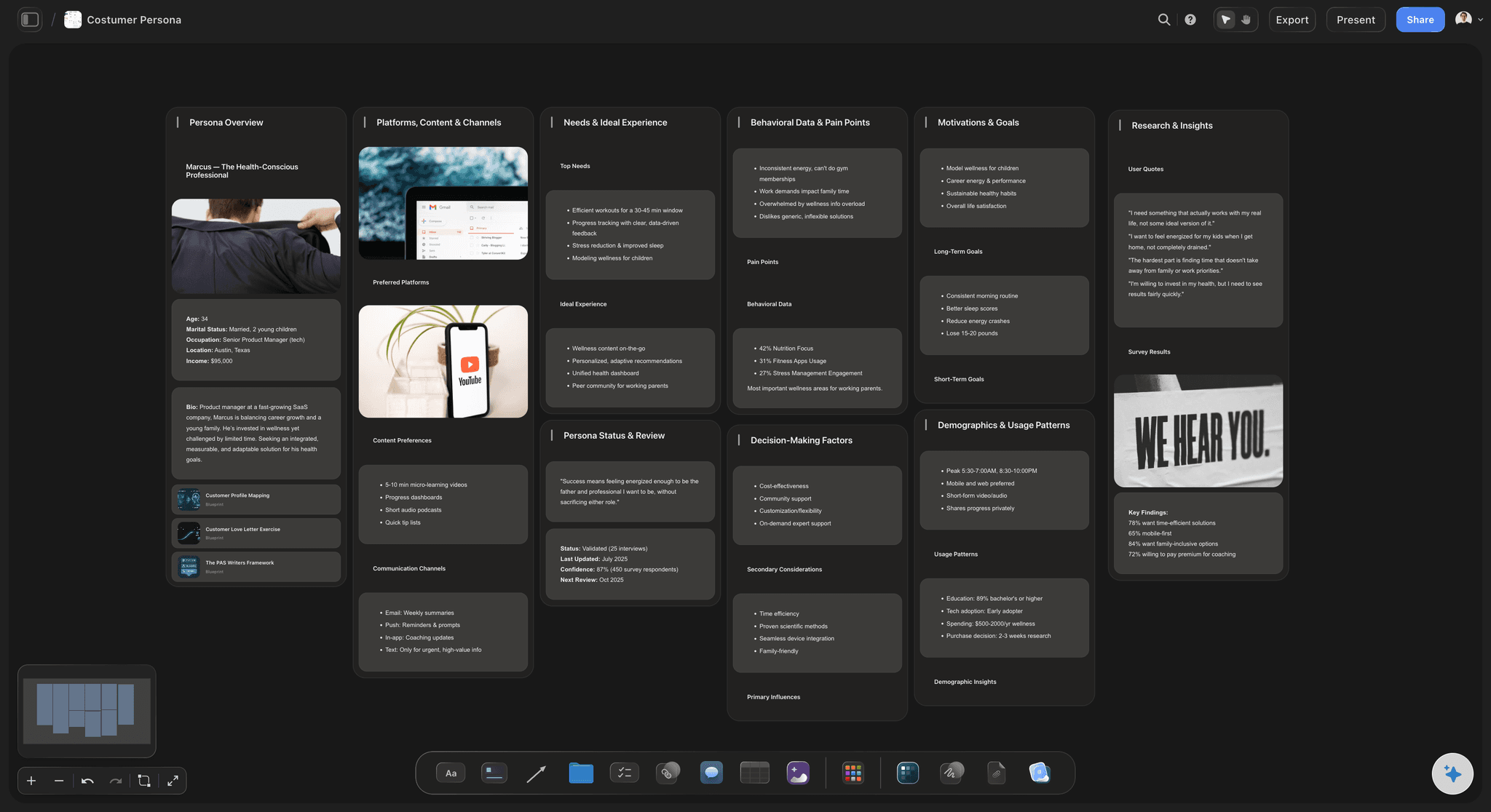
Turn raw research into insight
Synthesize research with AI
Drop in interview notes and observations and the AI clusters them into themes and empathy maps, so synthesis takes minutes instead of a whole afternoon.
See the empathy map maker →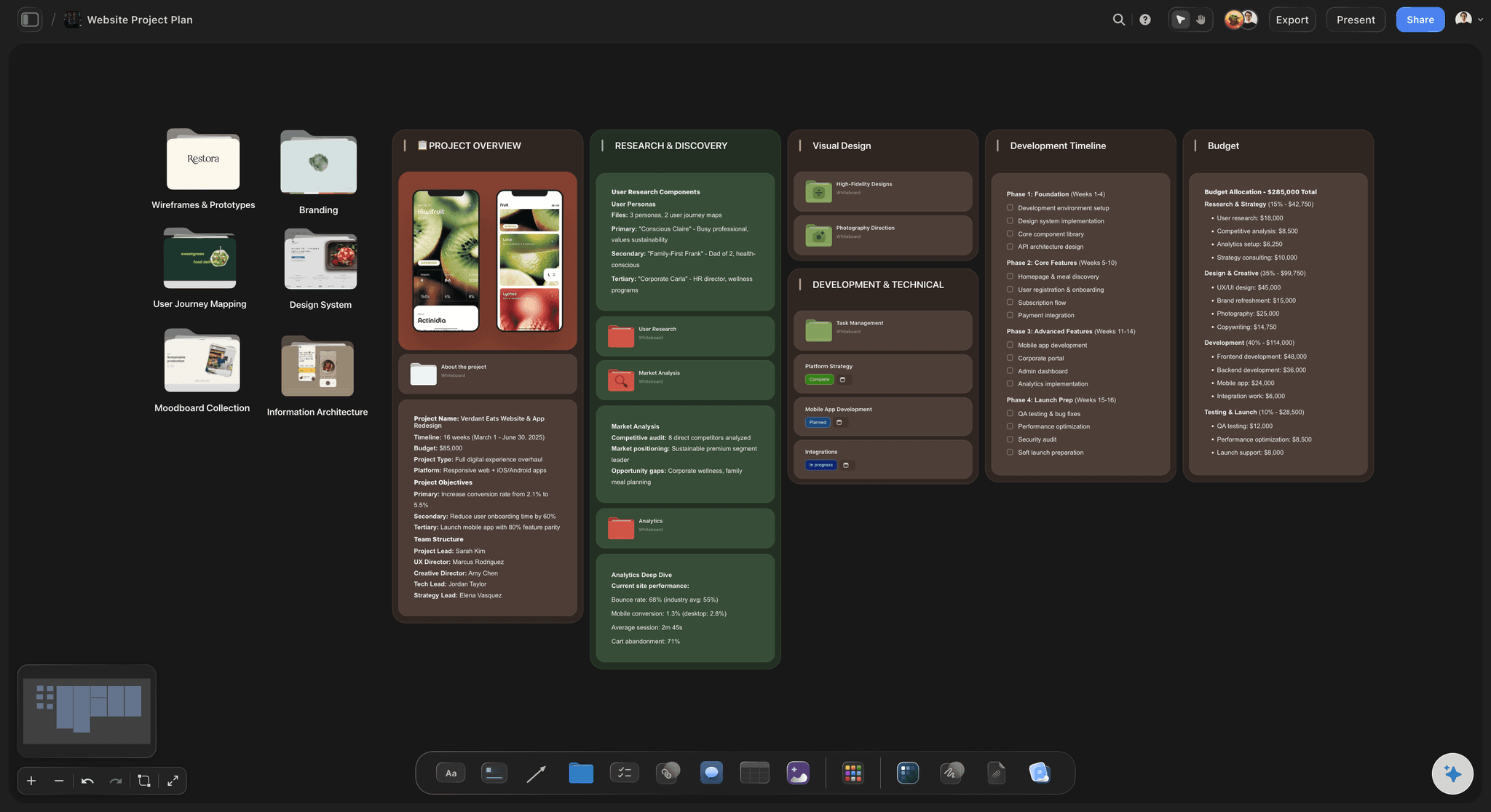
Map the journey and the problem
Define the real problem
Map the user journey to find where it breaks, then write the problem statement and how-might-we questions next to the evidence for them.
See the user journey map →
Diverge, then converge
Ideate and cluster with AI
Fill the board with ideas on sticky notes and mind maps, ask the AI for angles you missed, then cluster and vote to find the ones worth prototyping.
See the affinity diagram maker →
Prototype and gather feedback
Sketch, share, and test
Sketch prototypes with the pen tool, share a view-only link so users and stakeholders can react, and pin their feedback next to the ideas it tests.
See the AI brainstorming tool →A free design thinking workspace is coming.
Open a canvas and run the whole process from empathy to test. Storyflow's Free plan, launching before the end of 2026, is yours for as long as you want it.
Unlimited design thinking boards on an infinite canvas
Basic AI usage to synthesize research and generate ideas
3 starter frameworks built in
Invite your team and share view-only links for testing
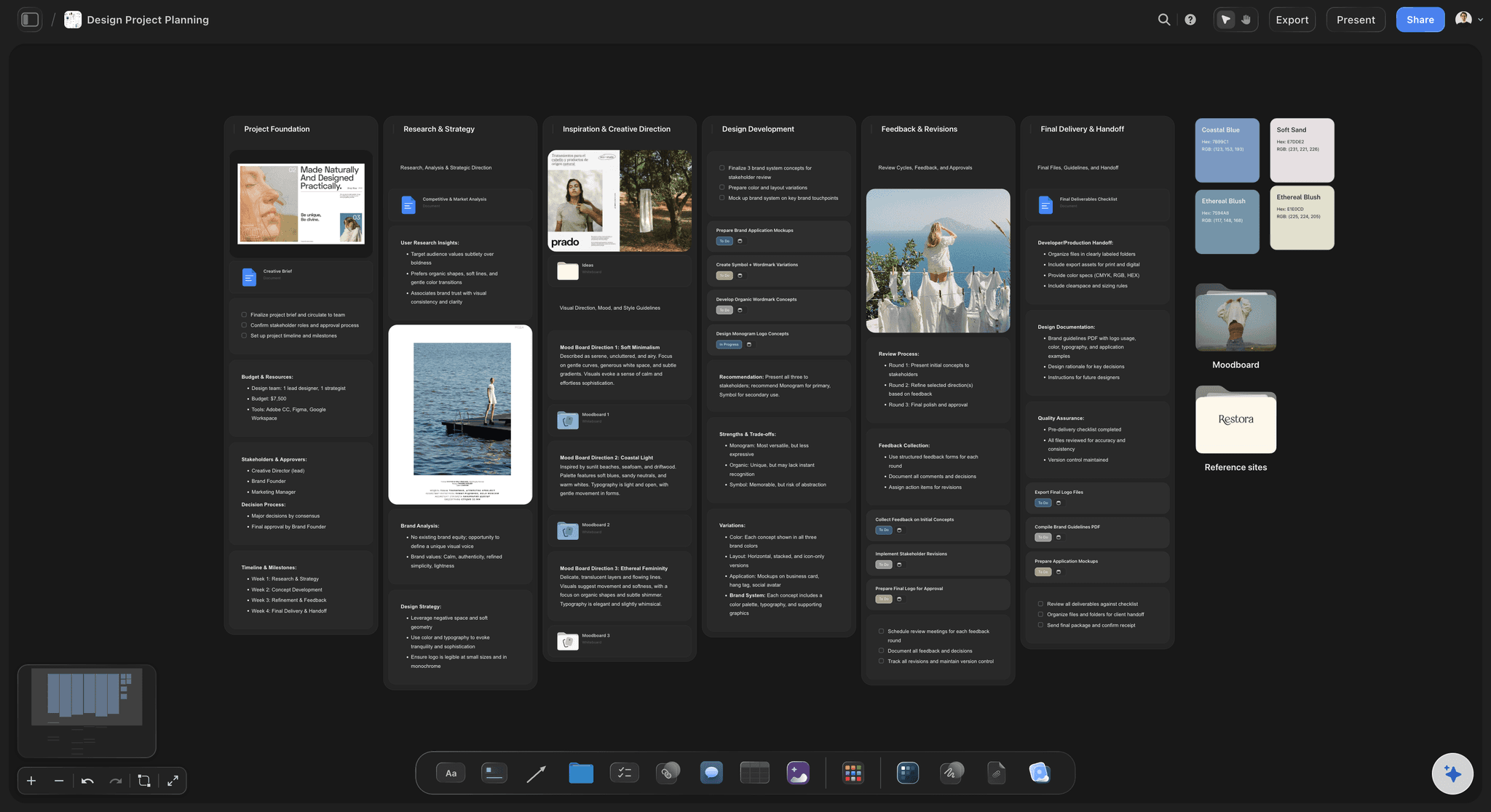
Built for people with taste
More than a design thinking template.
Storyflow is an AI-native canvas, so research, ideas, and prototypes stay connected across every stage.
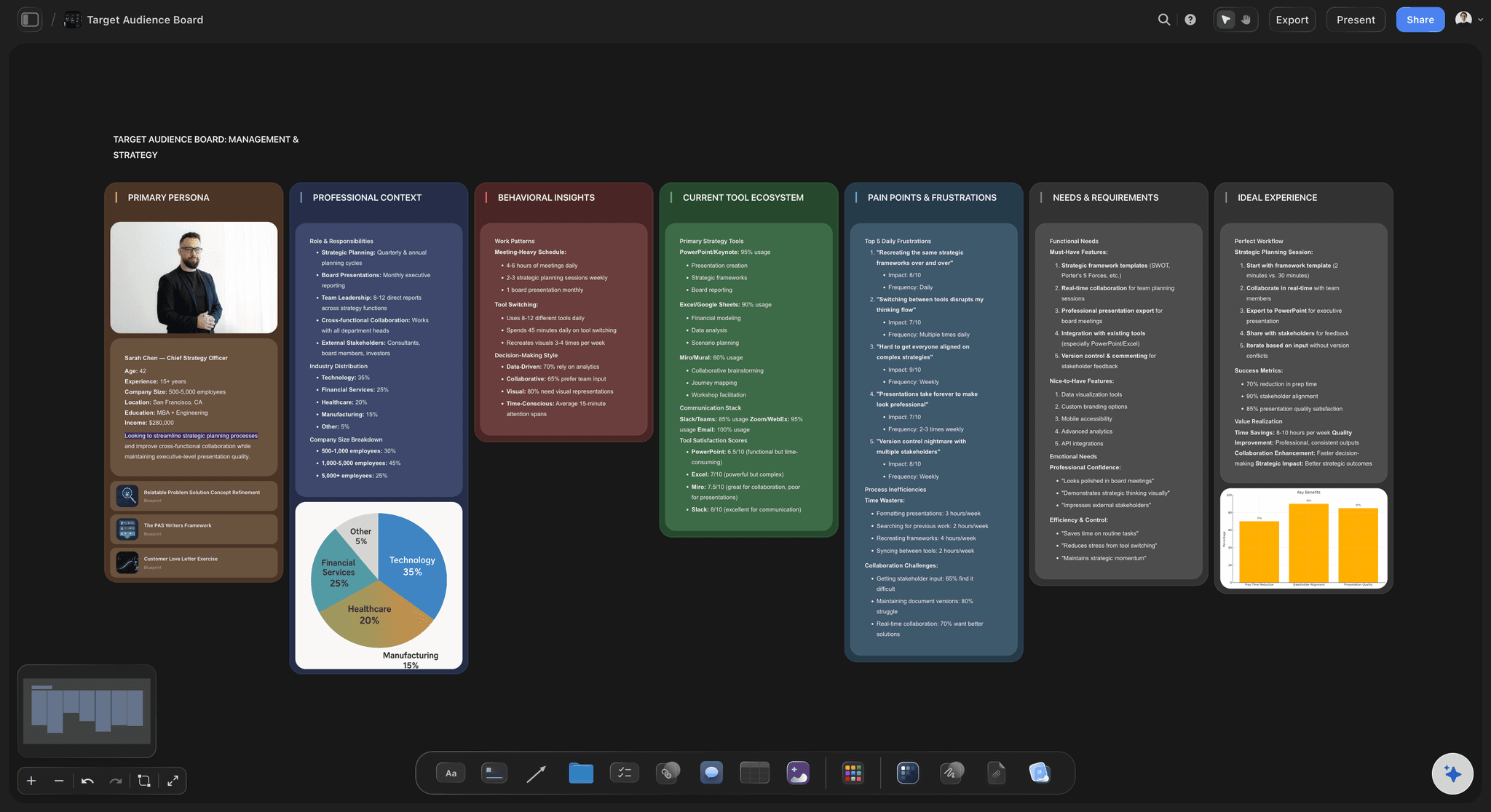
AI that works from your real research
Synthesis without the all-day workshop
Cluster the evidence: Drop in notes and the AI groups them into themes and insights, so the team debates findings instead of transcribing them.
Draft how-might-we questions: Turn insights into how-might-we prompts the ideation stage can build on, drafted from your own research.
Context-aware ideas: Because the AI reads the whole board, the ideas it suggests respond to your users, not a generic brief.
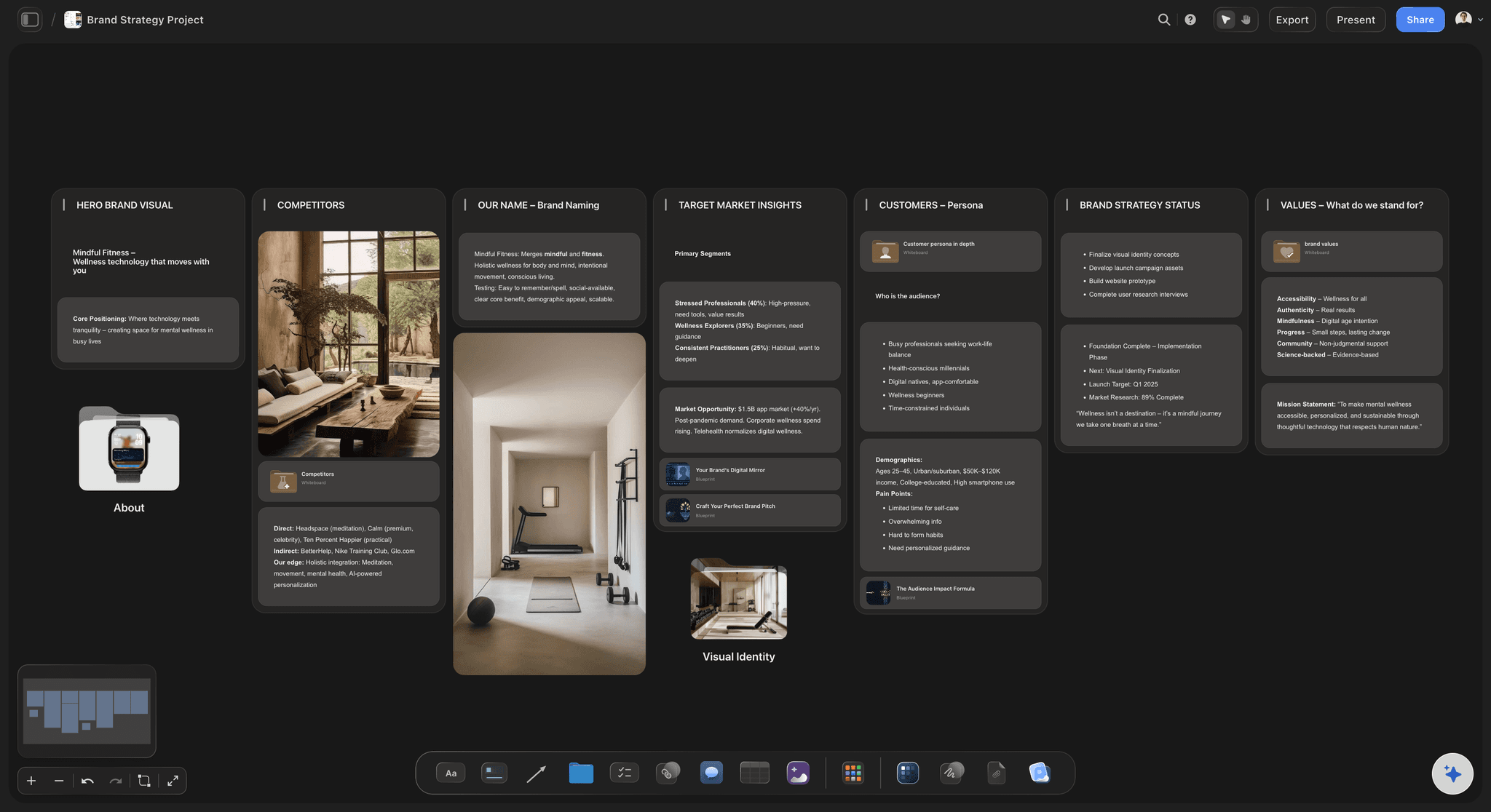
Space to think, not a fixed grid
Ideate the way the process wants
Sticky notes and mind maps: Diverge across an infinite canvas with sticky notes, mind maps, and sketches, then converge by clustering.
Vote and prioritize: Group the best ideas and mark the ones worth prototyping, so the board narrows toward a decision.

Remote and in-person, same board
Run the workshop from anywhere
Real-time collaboration: Invite the team to the same board and work together whether they are in the room or remote.
Facilitate on any screen: Run the session from a laptop, project it, or follow along on a phone. The board stays in sync.
View-only for testing: Share a view-only link so users can react to prototypes without an account.

From workshop to what happens next
Carry the outcome forward
One connected board: Research, definition, ideas, and prototypes stay on one infinite canvas instead of four exported files.
Hand off with context: Share the board so the team that builds the solution sees why, not just what.
Reuse the structure: Duplicate a strong session as a template so your process gets sharper each time you run it.
Explore templates for your project
Every template opens as a real, editable board on the infinite canvas. Pick the closest fit and make it your own.
Mind Map
Branch one central idea out into themes and sub-points, then drag the connections around until the structure makes sense.
What creators are saying
Join early creators getting structured workspaces and AI that remembers their projects
“Storyflow has sped up my workflow by at least 3x, which means more flow state and more projects I can actually ship. It truly changed the way me and my team create.”

Reilin Joey
Director & YouTuber
“One prompt gets me a structured board. But the tactics are my favorite. I run my YouTube scripts through them and my intros and retention got better. It's amazing.”

Justkay
YouTuber & Freelance Filmmaker
“I used to juggle five apps to plan a project. Now I describe what I am making and get boards, lists, and a schedule. All in one place.”

George
@fernwehchronicles
Design thinking, answered.
Everything people ask about running design thinking with Storyflow.
The five stages are empathize, define, ideate, prototype, and test. You start by understanding users, define the real problem, generate a wide range of ideas, build quick prototypes, and test them with real people. The stages loop rather than run strictly in order. In Storyflow all five live on one infinite canvas so you can move between them freely.
Storyflow does this on one board: empathize, define, ideate, prototype and test all sit on the same infinite canvas, so the team can loop back to an earlier stage without opening another file. The AI synthesizes your research and generates ideas you can cluster by hand. A remote team can run the workshop from anywhere, and the outcome carries forward on the board.
You need somewhere to capture research, cluster it into insights, ideate, and sketch prototypes. Teams often stitch this together across a research doc, a whiteboard, and a prototyping tool. Storyflow puts all of it on one canvas, with AI to synthesize research and generate ideas, so the stages inform each other instead of living in separate files.
Yes. Storyflow's AI clusters your research into themes and empathy maps, drafts how-might-we questions from the insights, and suggests ideas during ideation. Because it reads your whole board, it works from your actual users and findings rather than generic prompts, so the output fits the problem you are solving.
Not during early access. Storyflow is paid-only right now, with plans starting at $7.99 per month (billed annually) for more AI usage. A Free plan is planned before the end of 2026, with unlimited boards on an infinite canvas, basic AI usage, 3 starter frameworks, 20 file uploads, and view-only sharing for testing.
Miro and FigJam are strong whiteboards for running the workshop, but the AI is mostly add-on. Storyflow is AI-native: it reads the whole board and synthesizes your research into insights, drafts how-might-we questions, and generates ideas from your own material. For teams that want the synthesis work compressed, that is the difference.
Yes. Invite your team to the same board and collaborate in real time whether they are in the room or remote. Facilitate from a laptop, project the board, or follow on a phone, and share a view-only link so users can react to prototypes without an account.
No. Design thinking is a problem-solving process used by product managers, founders, marketers, and educators, not only designers. Storyflow structures the stages for you and the AI helps with synthesis and ideation, so you focus on the problem rather than the setup.
Yes. Ask the AI to lay out the stages as a board you adapt on the canvas, or duplicate the board from a session you have run before so your process gets sharper each time.
Start with the user. Solve the real problem.
Drop in your research, let the AI synthesize it, and run every stage on one canvas.