
All Collections
Whiteboards & Canvas
Using Sticky Notes
Last updated: November 2024
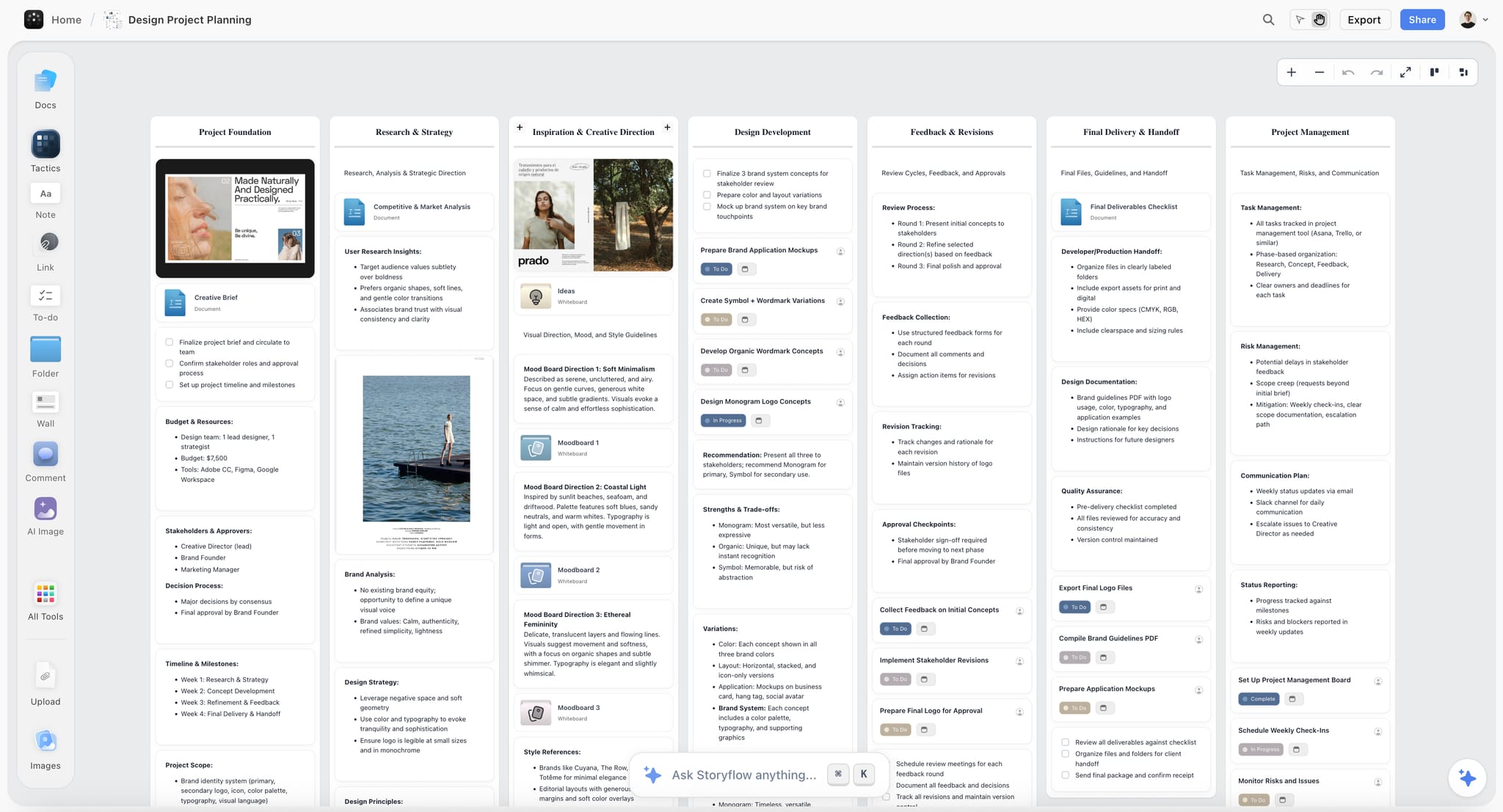
Notes are versatile sticky-note style elements for capturing quick ideas, thoughts, and snippets of information on your canvas.
Creating Notes
Press N or select the Note tool from the toolbar. Click on the canvas to place a note, then start typing immediately.
Editing Notes
- Click once to select, double-click to edit the text
- Resize notes by dragging the corner handles
- The text automatically wraps within the note boundaries
Customizing Notes
Right-click on a note to access customization options including changing colors. Use different colors to categorize ideas by topic, priority, or status.
Was this article helpful?
Related Articles
Adding Elements to Your Canvas
Whiteboard Basics