
All Collections
Collaboration & Sharing
Sharing Folders
Last updated: May 2026
Folders (nested whiteboards) can be shared as their own unit — separate from their parent project. Useful when you want to give someone access to one section without opening up the whole project.
How to Share a Folder
- Open the folder you want to share
- Click the Share button in the top navigation
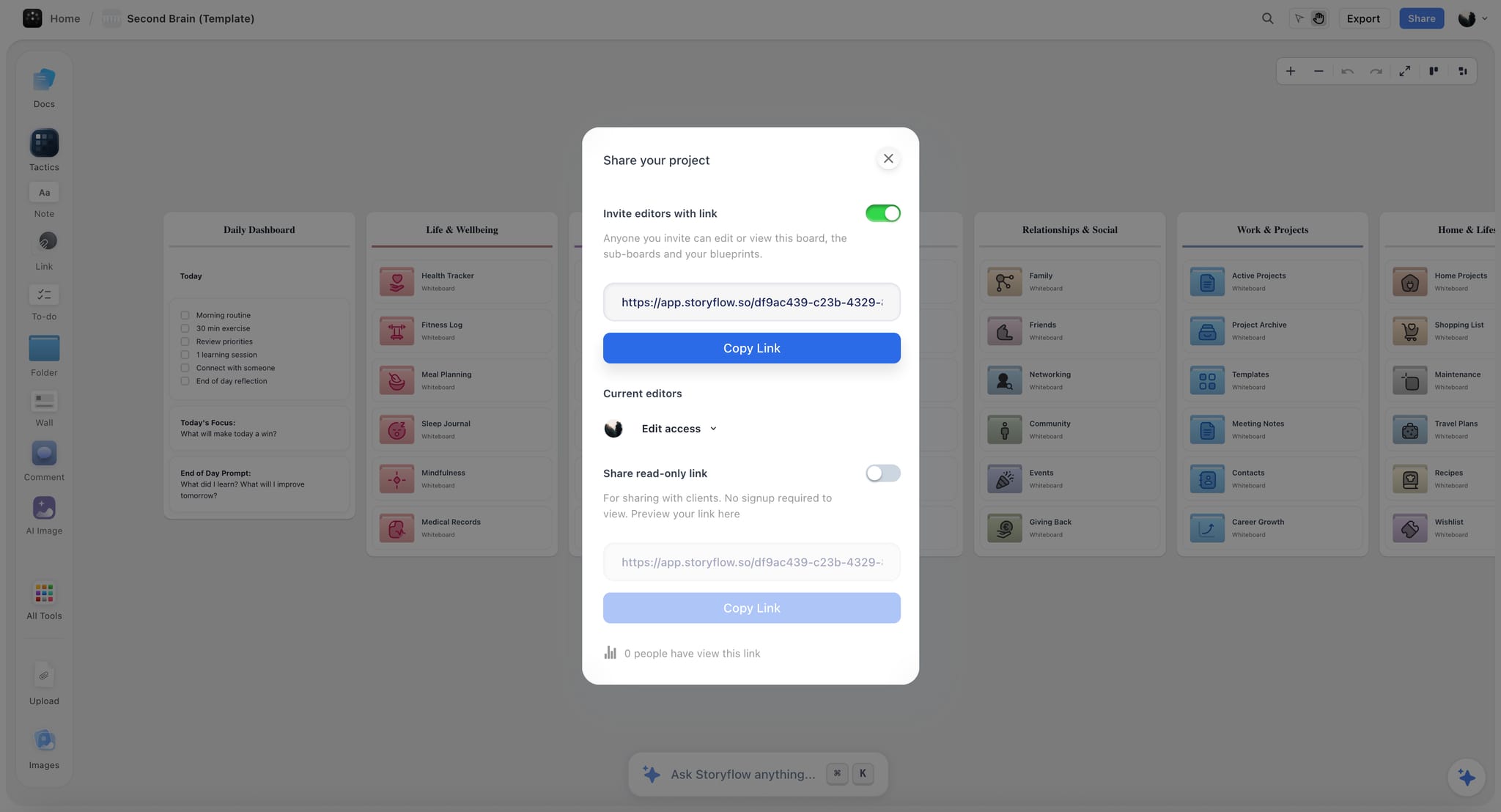
- The sharing modal opens with folder-specific options
- Toggle on the link type (Edit or Readonly)
- Copy and share the link
What's Shared
- Everything inside the folder — boards, documents, Tactics, and nested folders
- The folder's own canvas content
Content outside the folder remains private.
Folder vs Project vs Tactic Sharing
- Project: The widest scope — everything in the project, including all folders
- Folder: One section of a project
- Tactic: Just one Tactic, no surrounding context
Pick the smallest scope that works for what you're sharing.
Use Cases
- Share a research folder with a teammate without exposing planning
- Share an episode-specific folder with a guest without sharing the whole show
- Send a folder of references to a vendor for one specific deliverable
Was this article helpful?
Related Articles
Sharing Projects
Sharing Tactics
Permissions & Access Control