
All Collections
Getting Started
Mobile & Desktop App Availability
Last updated: May 2026
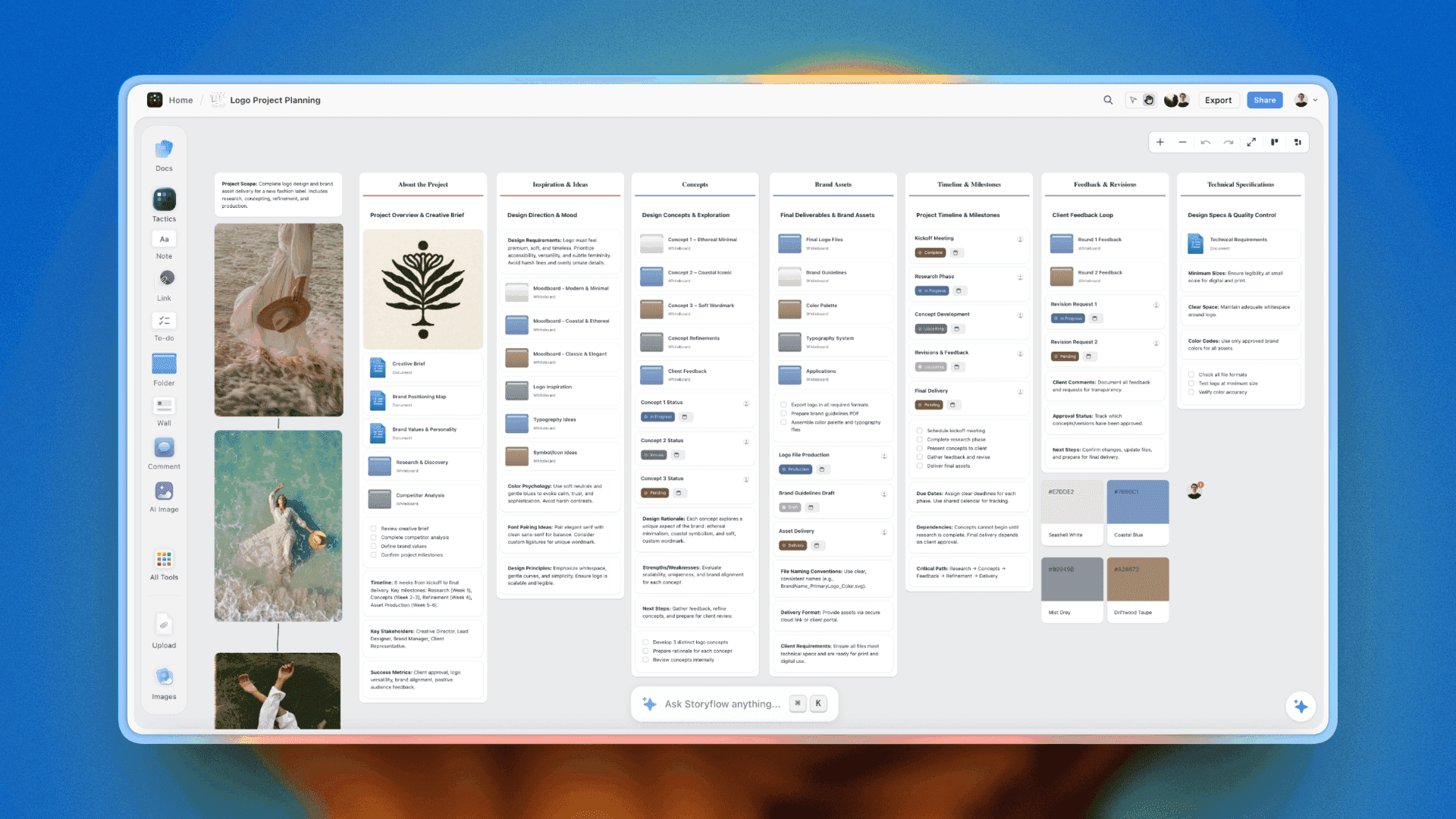
Storyflow runs in your web browser. There's no separate desktop or mobile app to install — just open storyflow.so in any modern browser.
Desktop
- Works in Chrome, Firefox, Safari, Edge, Arc, Brave, and other Chromium browsers
- Designed primarily for desktop / laptop screen sizes
- You can install Storyflow as a Progressive Web App (PWA) from the browser address bar for a more app-like window
Mobile
The web app is responsive and works on phones and tablets for viewing, light editing, and AI chat. The full canvas-building experience (with toolbars, multi-select, presentation mode) is best on a larger screen.
- Browse projects, read documents, and check Tactics on the go
- Edit notes and reply to comments from your phone
- Run quick AI prompts when an idea hits
- Heavy canvas building (placement, alignment, presentation) is easier on a laptop
Native Apps
Native iOS, Android, macOS, and Windows apps are not available today. The web app is the supported way to use Storyflow on every platform.
Tips
- Install Storyflow as a PWA on macOS or Windows for a focused app-like window
- Bookmark storyflow.so on mobile for quick access
- Use Eye Dropper and AI features that require Chromium APIs in Chrome / Edge / Arc
Was this article helpful?
Related Articles
Browser Compatibility
Intro to Storyflow
Offline Support