
All Collections
Documents & Writing
Pasting Markdown into Notes & Documents
Last updated: May 2026
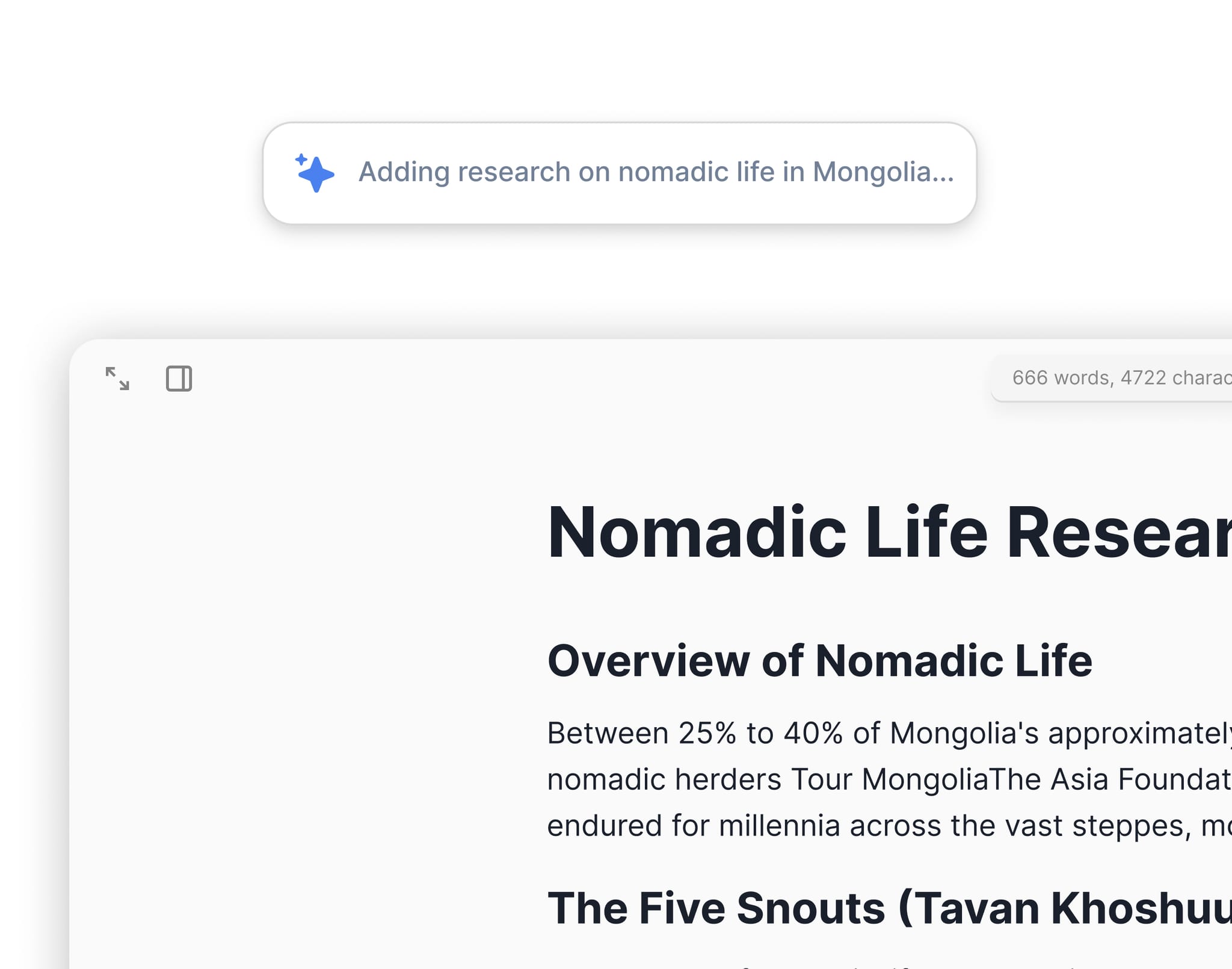
Storyflow preserves markdown formatting on paste. Paste a markdown-formatted snippet from Notion, Obsidian, GitHub, ChatGPT, or anywhere else, and the formatting comes across — instead of being flattened to plain text.
Where It Works
- Sticky notes on the canvas
- AI notes
- Document editor (TipTap)
- Tactic cards (front and back)
What's Preserved
- Headings (
#,##,###) - Bold (
**text**) and italic (*text*) - Bullet lists and numbered lists
- Checklists (
- [ ],- [x]) - Inline code and code blocks
- Links (
[text](url))
Use Cases
- Drop a brief from Notion or Obsidian onto a board with formatting intact
- Paste a GitHub README into a research note
- Move ChatGPT outputs (which are usually markdown) into your workspace cleanly
- Bring meeting notes from any markdown editor into your project
Tips
- Trailing blank lines from pasted text are cleaned up automatically
- Paste inside a list item to preserve nested list structure
- For very long pastes, paste into a document instead of a sticky note
Was this article helpful?
Related Articles
Formatting Your Text
Using Sticky Notes
Attachments & Files in AI Chat