
All Collections
Whiteboards & Canvas
Image Captions
Last updated: September 2026
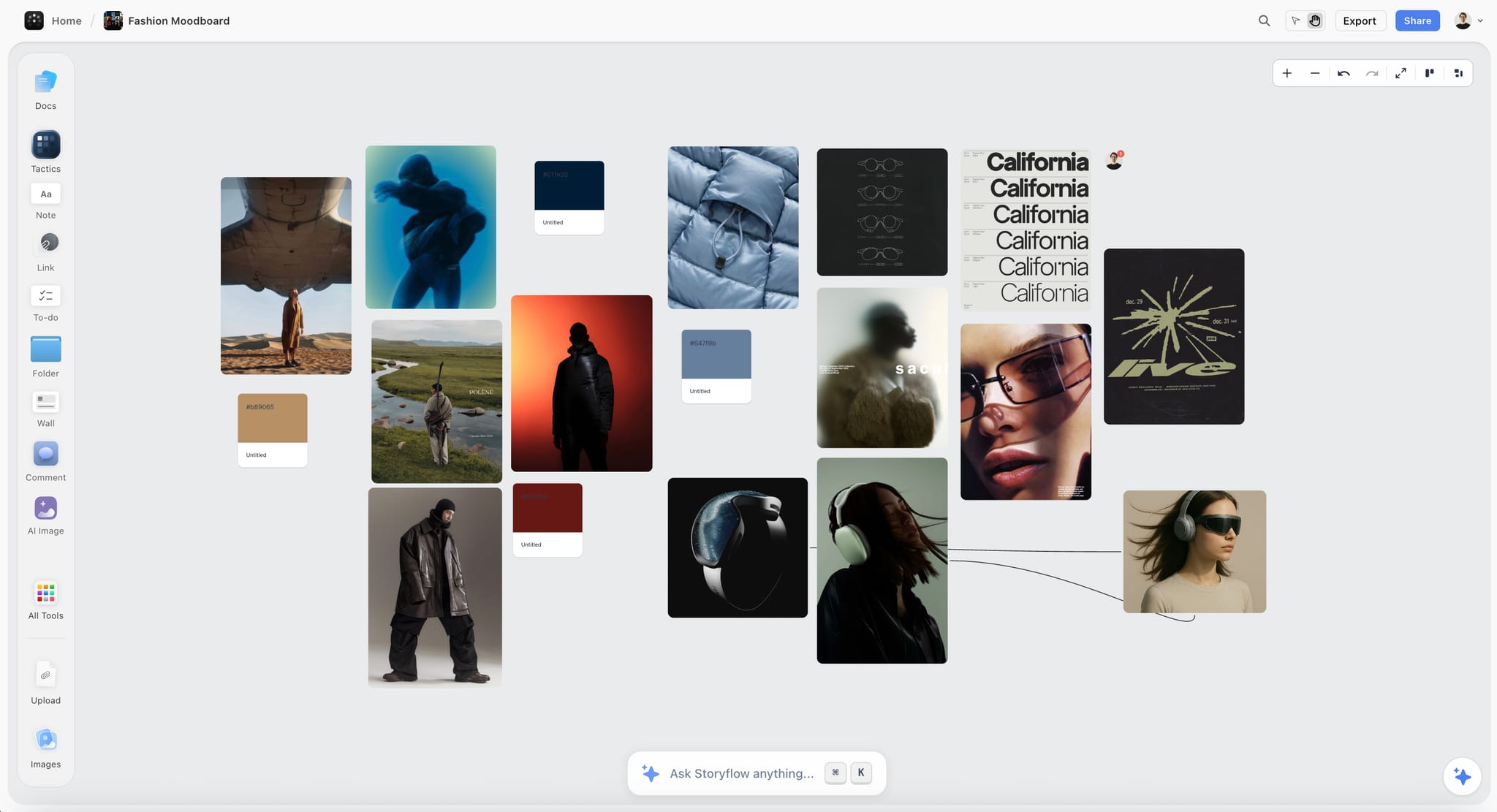
Canvas images support inline captions — a text label that sits below the image and stays attached as you move or resize. Videos and uploaded video files take the same caption, under the card's footer.
Adding a Caption
Click the caption area below an image to start typing. The caption commits when you click away or press Escape.
Caption Behavior
- Stays attached when you move or resize the image
- Background color adapts to light and dark mode automatically
- Caption font is sized to remain readable at the image's current scale
Custom Caption Background
Change the image element's background color from the edit overlay — the caption background updates to match, so the pair stays cohesive.
Use Cases
- Label screenshots and diagrams with context
- Annotate moodboard images with source references
- Add alt-text style descriptions for board accessibility
- Number panels in a storyboard sequence
Was this article helpful?
Related Articles
Embedding Media & Files
Aspect Ratio Controls
Image Stacks