
All Collections
Tactics & Templates
Creating Custom Tactics
Last updated: May 2026
You can build your own custom Tactics (Blueprint Tactics) from scratch when none of the built-in frameworks fits the workflow you have in mind.
Starting a New Tactic
- From the dashboard, click "+" and select Tactic
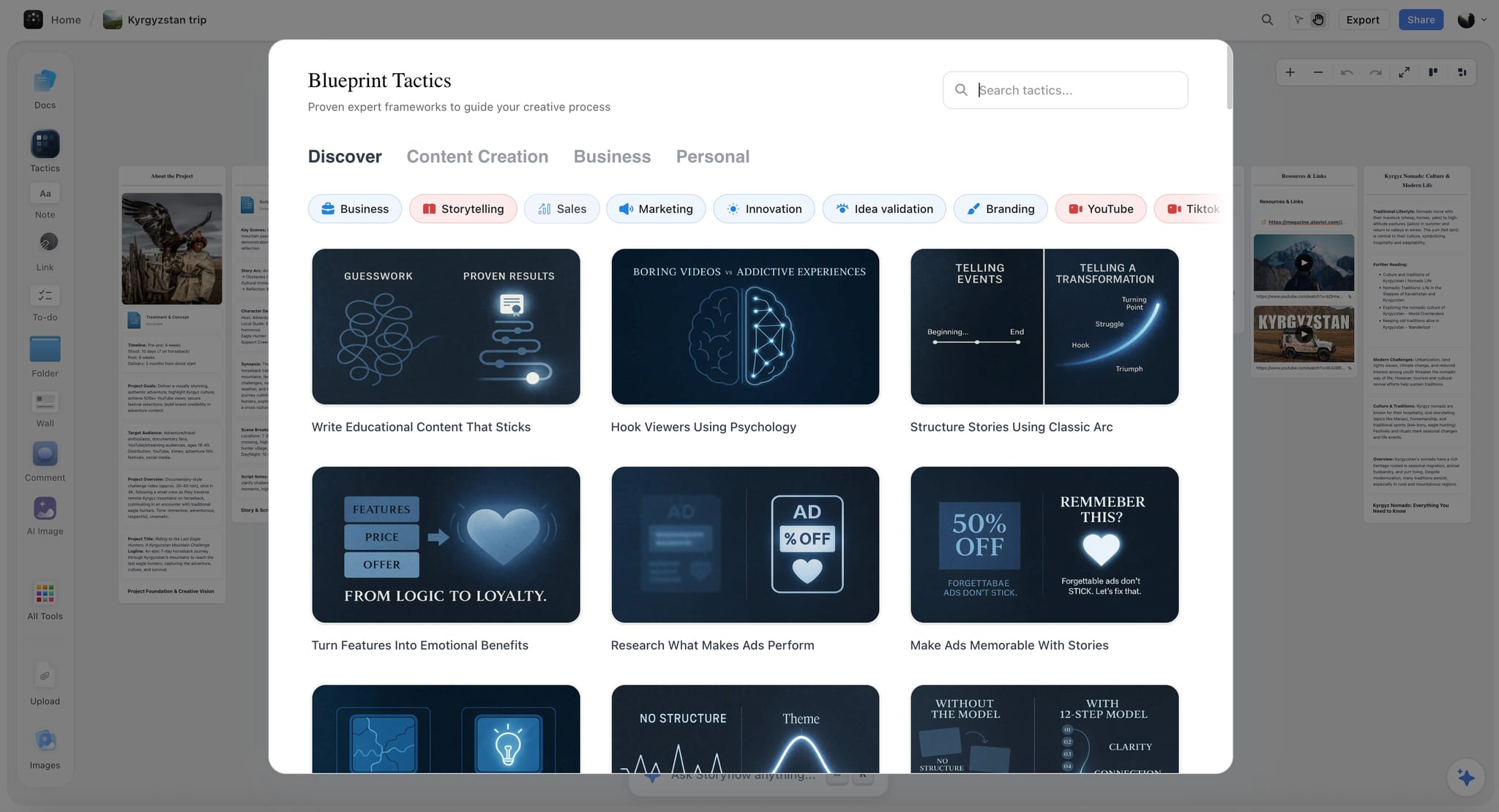
- Or on a whiteboard, open the Tactics library from the toolbar and choose "Create custom"
- Give your Tactic a title
- Start adding cards to build the framework
Adding Cards
Click the empty card slot (with the + icon) to add new cards. Each card can have a title, subtitle, content, and an image. Use the back of the card to write the framework guidance you want to remind yourself of next time.
Custom vs Pre-made
Tactics you create from scratch use document-per-card mode — each card has its own rich text document. Tactics built from a pre-made framework use a single document for the whole Tactic, optimized for long-form writing.
Was this article helpful?
Related Articles
What Are Tactics? (Anatomy)
Working with Tactic Cards