
All Collections
Whiteboards & Canvas
Color Swatches on the Canvas
Last updated: May 2026
Color swatches are standalone canvas elements that hold a single color and its name. Use them to build palettes, brand color references, and visual style guides directly on a board.
Adding a Color Swatch
- Toolbar: Pick the Color tool from the canvas toolbar
- Keyboard: Hover the canvas and press
P
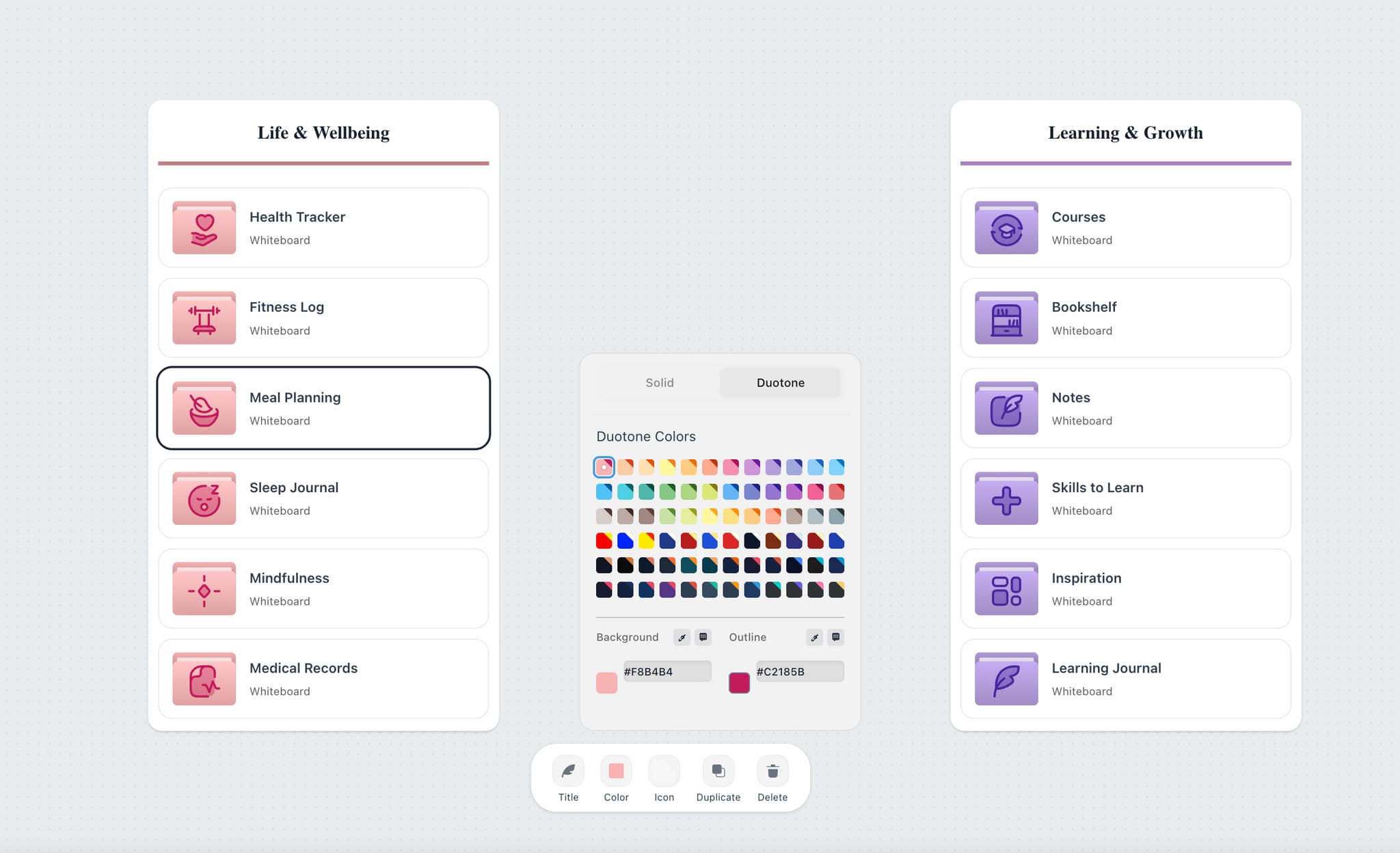
The swatch picks up a color from the palette by default — change it from the swatch edit overlay or sample with the eye dropper.
Color Names
Each swatch shows the color name automatically — names are matched to your hex value, so you don't have to type them in. Common colors get descriptive names; rare colors fall back to their hex.
Building a Palette
- Drop several swatches in a row or grid
- Use the Eye Dropper to sample colors from a reference image on your board
- Group swatches with a wall and apply a Wall Theme for a coordinated look
- Save brand colors for reuse from User Settings → Brand Colors
Use Cases
- Brand color guidelines on a single board
- Palette exploration for a campaign or product
- Reference colors next to a moodboard for design handoff
Was this article helpful?
Related Articles
Eye Dropper
Wall Themes
Brand Colors