
All Collections
Whiteboards & Canvas
Click to Place a Tool
Last updated: August 2026
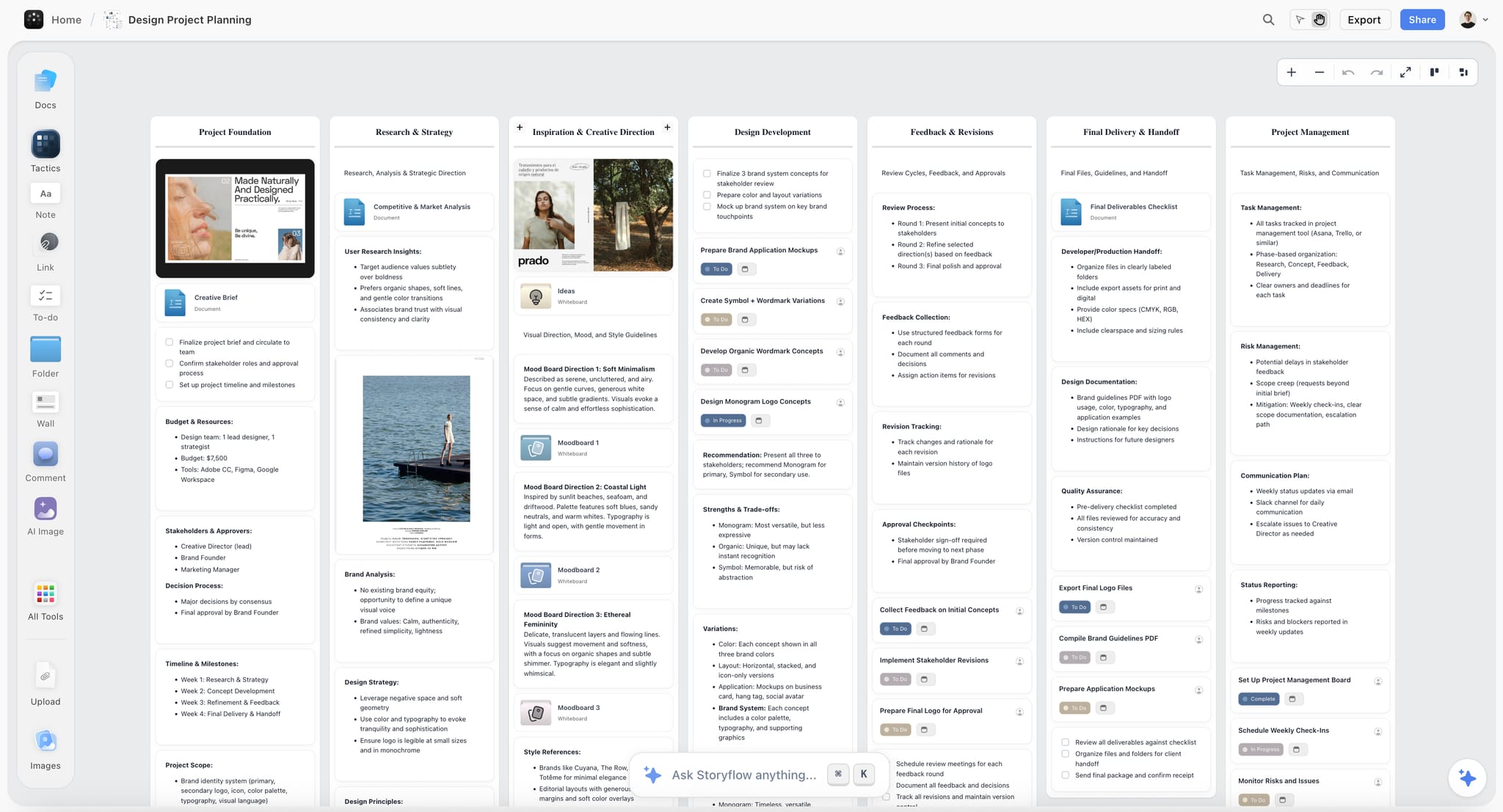
Adding a card used to mean dragging it from the toolbar onto the canvas, which is awkward on a long drag across a big board and worse on a trackpad.
Arming a tool
Pick a tool from the toolbar and it arms. A ghost preview follows your cursor showing the size and shape of what you are about to place, and a click drops it there.
The ghost follows the canvas zoom, so what you see is the size it will actually be.
Dragging still works
Nothing you already do has changed. Dragging from the toolbar behaves exactly as it did, and the tactic dragzone follows the same path.
Use Cases
- Place a note at the far corner of a big board without a long drag
- Add several cards in a row without going back to the toolbar each time
Was this article helpful?
Related Articles
Adding Elements to Your Canvas
Canvas Navigation Tips
Whiteboard Basics
Keyboard Shortcuts