
All Collections
Tactics & Templates
Working with Tactic Cards
Last updated: May 2026
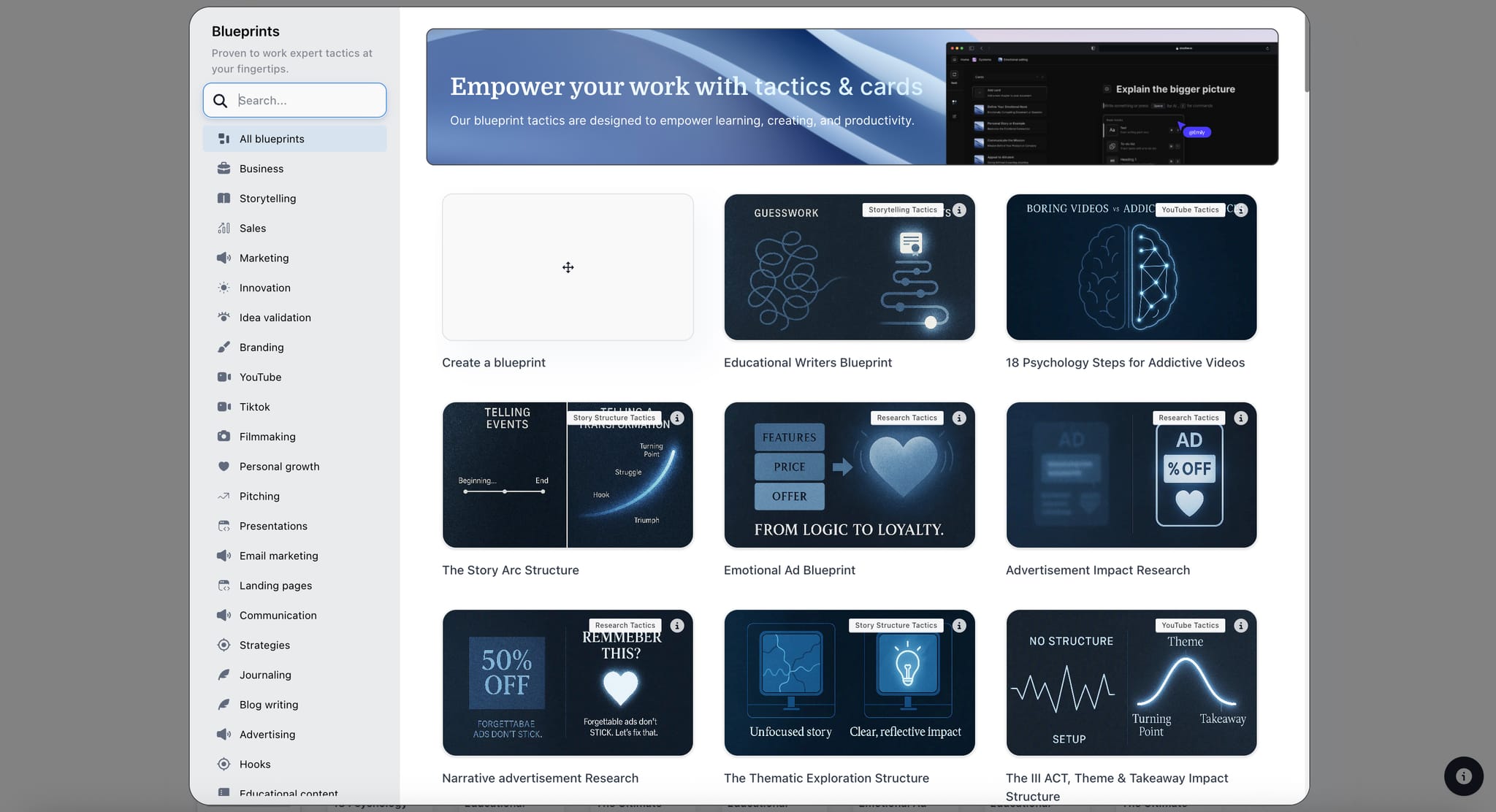
Tactic cards are the building blocks of every Tactic. Each card represents one step, concept, or component of your project.
Card Structure
- Front side: Title, subtitle, your content or image
- Back side: Framework guidance, notes, AI assistance
- Tags: Categorize cards with custom tags
- Favorites: Mark important cards for quick access
Editing Cards
Click on a card to select it. Double-click, or click the edit icon, to open the card editor. Use the rich text editor to format your content.
Flipping Cards
Click the info icon on any card to flip it. Use the "View All Info" toggle to flip every card at once.
Using AI on Cards
Every card has its own AI chat. When you open a card, the AI knows which framework you're using and which step the card represents, so the suggestions are framework-aware.
Was this article helpful?
Related Articles
What Are Tactics? (Anatomy)
AI Assistant Overview