
All Collections
AI Features
Add Tactics as AI Context
Last updated: May 2026
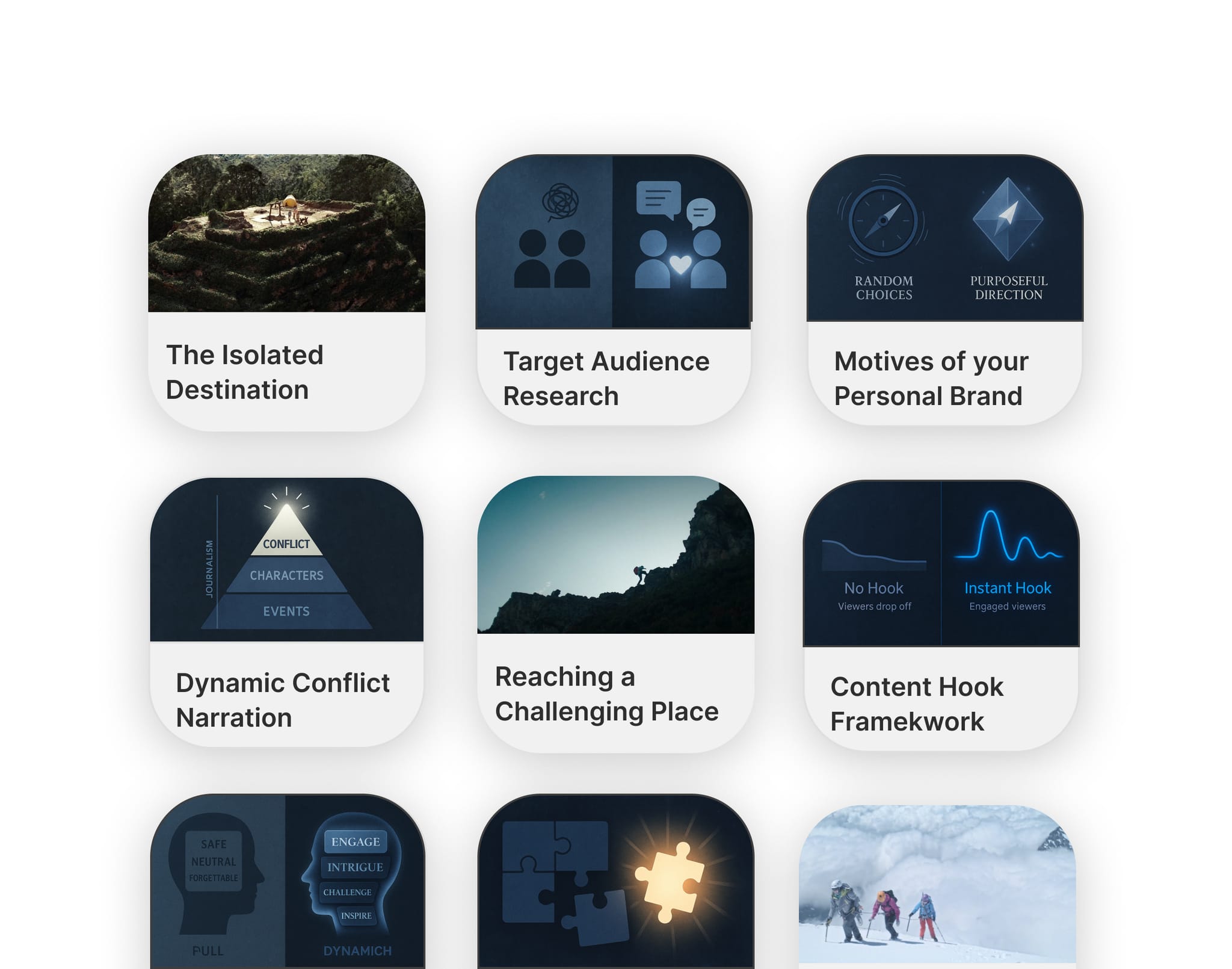
AI chat has a dedicated Tactics context selector so you can reference Tactic cards while prompting. The AI then generates responses that stay tightly aligned with the framework you're using.
Adding a Tactic as Context
- Open the AI chat (canvas or document)
- Click the Tactics context button (or use
@and pick a Tactic) - Pick the Tactic — or specific cards within it — to include
- Send your prompt; the response uses the framework's structure and language
Why This Matters
Without Tactic context, AI gives generic answers. With Tactic context, AI knows the framework you're applying — what each step is supposed to achieve and how it should read — and can give framework-aware suggestions instead of generic ones.
Use Cases
- Generate next-step actions that follow the structure of your Tactic
- Keep framework language consistent across deliverables
- Move from a Tactic-guided plan to an execution doc without losing context
Tips
- Add one primary Tactic first; layer additional context only if needed
- Combine Tactic context with a file attachment when turning a brief into an execution plan
- For card-by-card editing, mention the specific card rather than the whole Tactic
Was this article helpful?
Related Articles
@-Mentions in AI Chat
What Are Tactics?
AI Assistant Overview