
All Collections
AI Features
AI Project Planner
Last updated: May 2026
AI Project Planner takes a project description and produces a structured plan with phases, milestones, and task dependencies — automatically arranged on your canvas.
Generating a Project Plan
- Open the AI chat
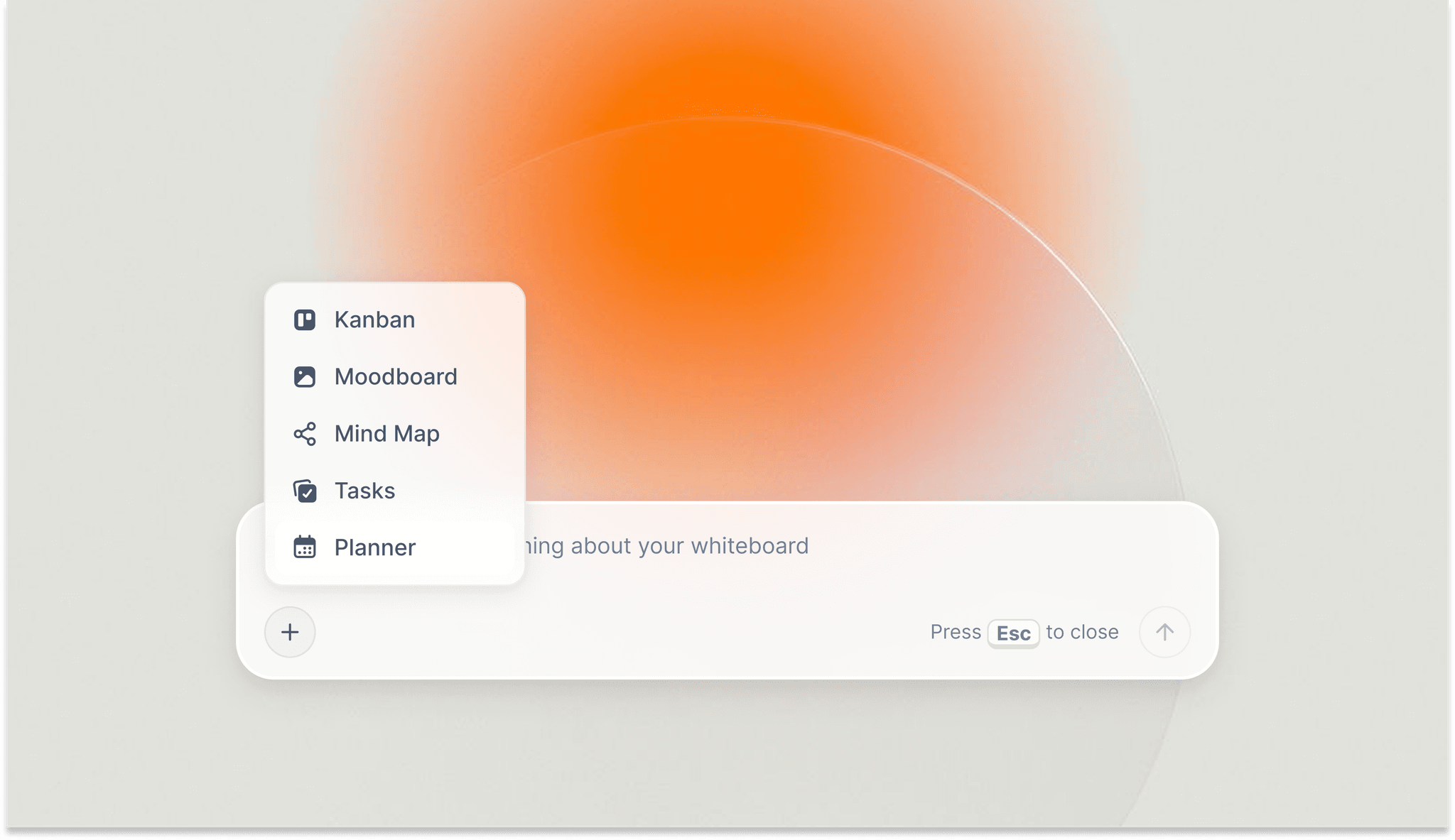
- From the AI agent quick tools, choose Create Project Plan
- Describe the project scope, deadline, and known constraints
- The AI generates phases, milestones, and tasks with dependency mapping
What You Get
- Project broken into clear phases (discovery, planning, execution, review, etc.)
- Milestones with suggested deadlines
- Dependency mapping so you can see what must finish before what
- Editable plan — drag, reorder, and rewrite any element
Use Cases
- Plan a product launch with marketing milestones
- Break down a book into chapters with deadlines
- Map a startup MVP across discovery, build, and launch phases
- Organize event planning across venues, vendors, and dates
- Structure learning goals for a course or certification
Tips
- Paste your project brief, generate a plan, then ask the AI to surface risks per phase
- Generate best-case and worst-case plans, then merge the realistic middle
- Ask AI which tasks can be parallelized to compress your timeline
Was this article helpful?
Related Articles
AI Task Lists
AI Kanban Boards
Generating Workspace Structures with AI