
All Collections
AI Features
AI Moodboards
Last updated: May 2026
AI Moodboards generate a curated set of images arranged on your canvas to capture an aesthetic, theme, or feeling — perfect for brand work, video pre-production, or any creative project that needs a visual anchor before you start building.
Generating a Moodboard
- Open the AI chat
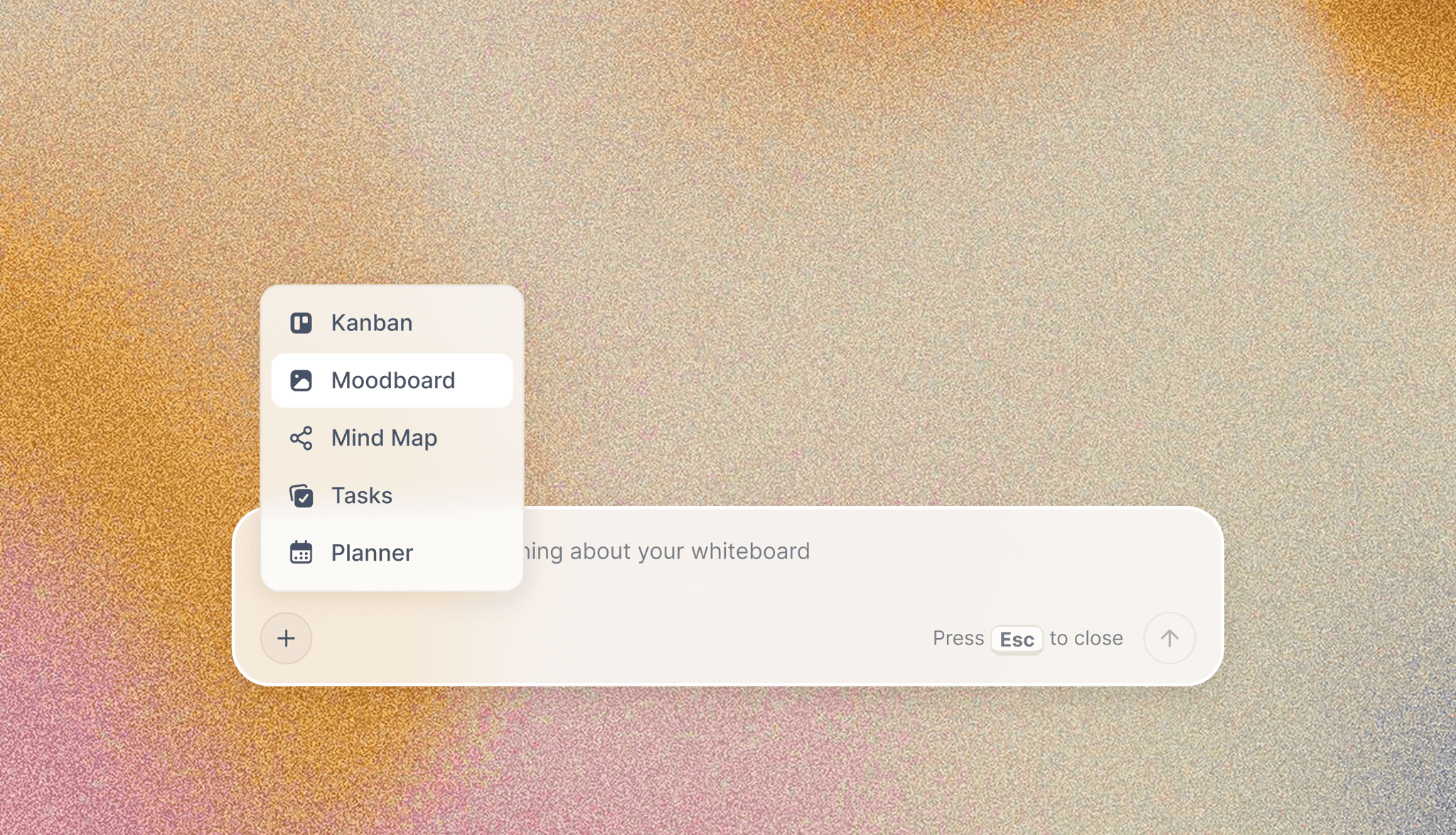
- From the AI agent quick tools, choose Create Moodboard
- Describe the vision: aesthetic, palette, subject matter, era
- The AI curates and arranges a cohesive set of images on the canvas
What You Get
- AI-curated image selection based on your description
- Automatic aesthetic arrangement on the canvas
- Multiple style variations to choose from
- Editable layout — rearrange, swap, or remove images
Use Cases
- Define brand aesthetics for a client presentation
- Pre-visualize the look of a video or photo shoot
- Build a visual reference for creative writing settings
- Explore color palettes for product or interior design
- Gather visual inspiration for a marketing campaign
Plan Requirements
AI Moodboards include AI image generation, which is included on the Pro and Max plans (and the legacy Studio plan). On Free and Plus, the moodboard layout still generates but image slots will be placeholders.
Tips
- Generate moodboards for different audience segments and compare side-by-side
- Use Reference Images to keep AI-generated visuals consistent across the board
- Apply a Wall Theme to give the moodboard a unified palette in one click
Was this article helpful?
Related Articles
AI Image Generation
Reference Images for AI Image Generation
Wall Themes