
All Collections
AI Features
AI Kanban Boards
Last updated: May 2026
AI Kanban turns a project description into a fully populated kanban board on your canvas. Storyflow generates the columns, the tickets that go inside each column, and a sensible task ordering — all from a single prompt.
Generating a Kanban Board
- Open the AI chat (whiteboard or dashboard)
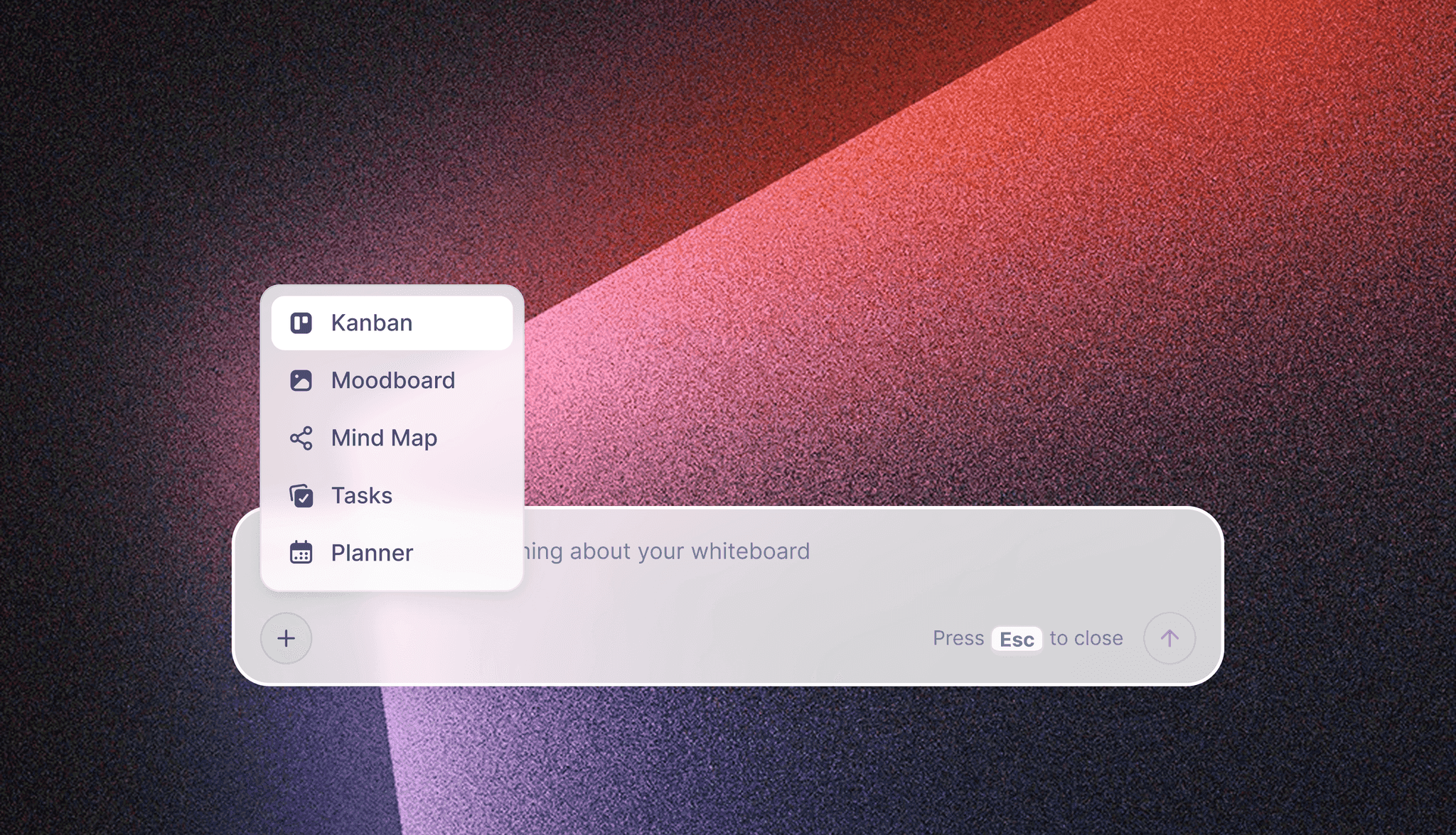
- From the AI agent quick tools menu, choose Create Kanban
- Describe your project, workflow, or goal in plain language
- The AI generates columns and tickets and places them on the canvas
What You Get
- Columns matching the workflow you described (e.g. Backlog → To-do → Doing → Done)
- Tickets with titles and descriptions, prioritized and ordered logically
- An editable board you can refine — drag tickets between columns, edit titles, add labels
Use Cases
- Launch new product campaigns with marketing workflows
- Plan content production pipelines
- Manage software development sprints
- Organize event planning across vendors and timelines
- Structure team onboarding
Tips
- Generate a board from a meeting note, then ask AI to estimate time per ticket
- Add labels and the date picker to your tickets after generation for prioritization
- Generate variants for best-case and worst-case scenarios, then merge the strongest tickets
Was this article helpful?
Related Articles
Kanban Boards on the Canvas
Kanban Tickets
AI Task Lists