
All Collections
AI Features
Where the AI Gets Its Pictures
Last updated: August 2026
Pictures reach a board from several places, and the AI can reach all of them.
Pictures from a page you paste
Sharing a URL with the AI used to mean sharing the words on it. It can now offer you the pictures from that page as well, so a reference site becomes a set of tiles you can put on the board rather than a summary of its copy.
Your gallery, searchable by meaning
Images in your gallery carry a caption describing what is actually in them. Searching for a mood or a subject finds them, instead of only matching a filename.
Reference images arrive tidy
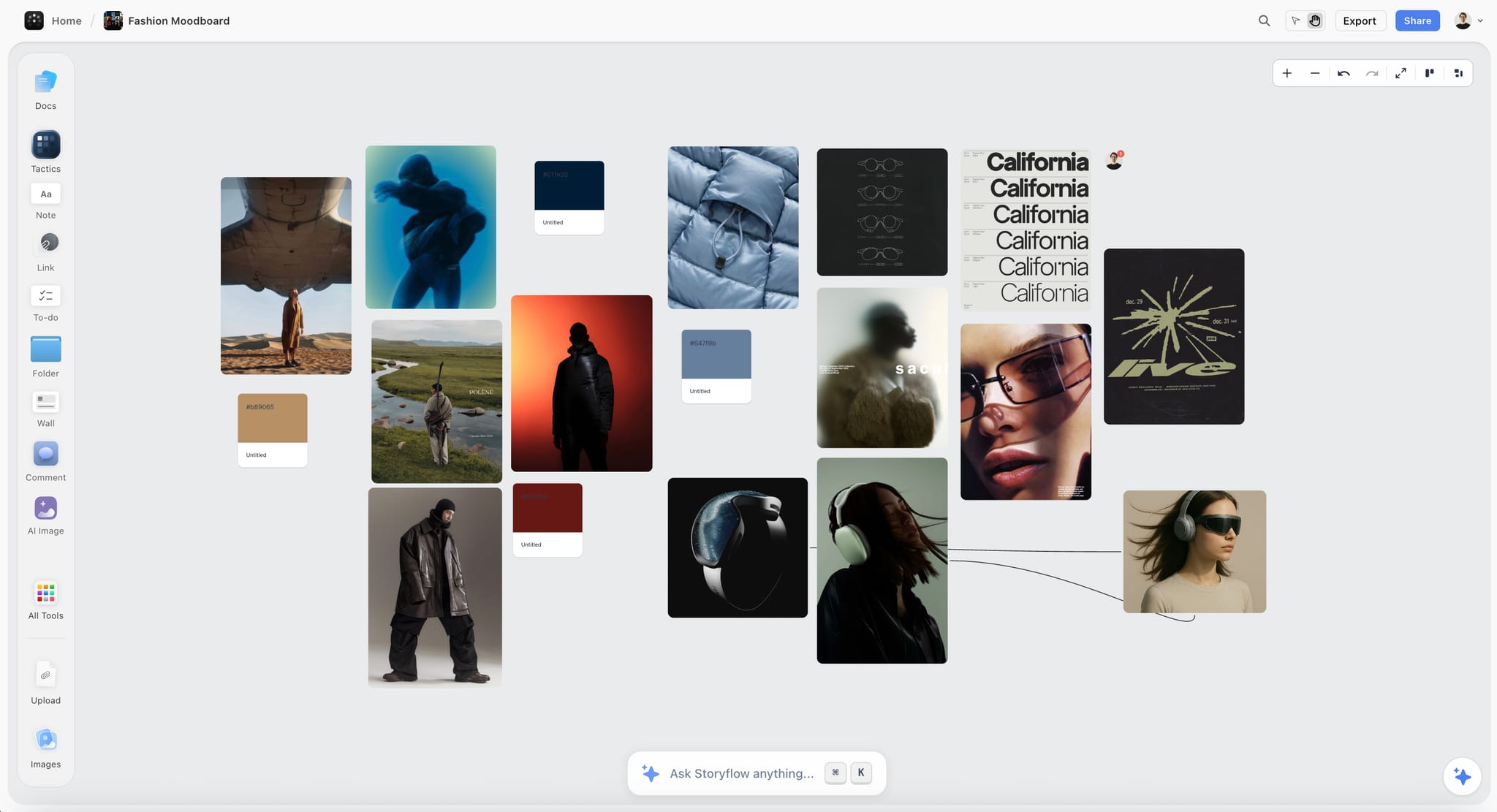
Reference pictures come in as uniform, properly cropped tiles rather than a ragged set of different shapes. The AI asks which source you want pictures from and which frame style you want, rather than choosing for you.
Generating and editing
- It can generate several images at once
- It can edit a picture already sitting in a wall, rather than only making new ones
Covers
The AI can set a cover on a document and place pictures inside one, and give a folder a cover of its own — so a board full of folders reads as a set of covers rather than a grid of identical icons.
Use Cases
- Paste a reference site and pull its imagery straight onto a moodboard
- Find the shot you saved last month by describing what is in it
- Give every folder on a board a cover so it reads at a glance
Was this article helpful?
Related Articles
AI Image Generation
Reference Images for AI Image Generation
AI Moodboards
Image Captions