
All Collections
AI Features
AI-Powered Brainstorming
Last updated: August 2026
A blank canvas is the hardest part of any project. The assistant is good at getting past it, and better still at turning the results into something you can actually work on.
Starting a brainstorm
Open the assistant with the AI button in the top navigation and describe what you are working on. You can do this anywhere, but starting on the board you intend to fill is best: the ideas can be placed as cards the moment you like them.
Prompt patterns that work
- "Give me 10 ideas for..." when you want breadth and will pick
- "What are different angles on..." when the topic is obvious but the treatment is not
- "How would you approach..." when you want a route, not a list
- "What am I missing here?" with a board or document attached, when you have already done the thinking and want the gaps
- "Argue against this" when the idea feels too comfortable
Giving it context
Ideas get sharper when the assistant can see what you already have.
- Use the + button in the composer to attach context or a Tactic to your message.
- Select elements on the canvas before you ask, and they become the subject of the request.
- Attach the brief, transcript or reference file so it builds on your material rather than on generic knowledge.
From ideas to a board
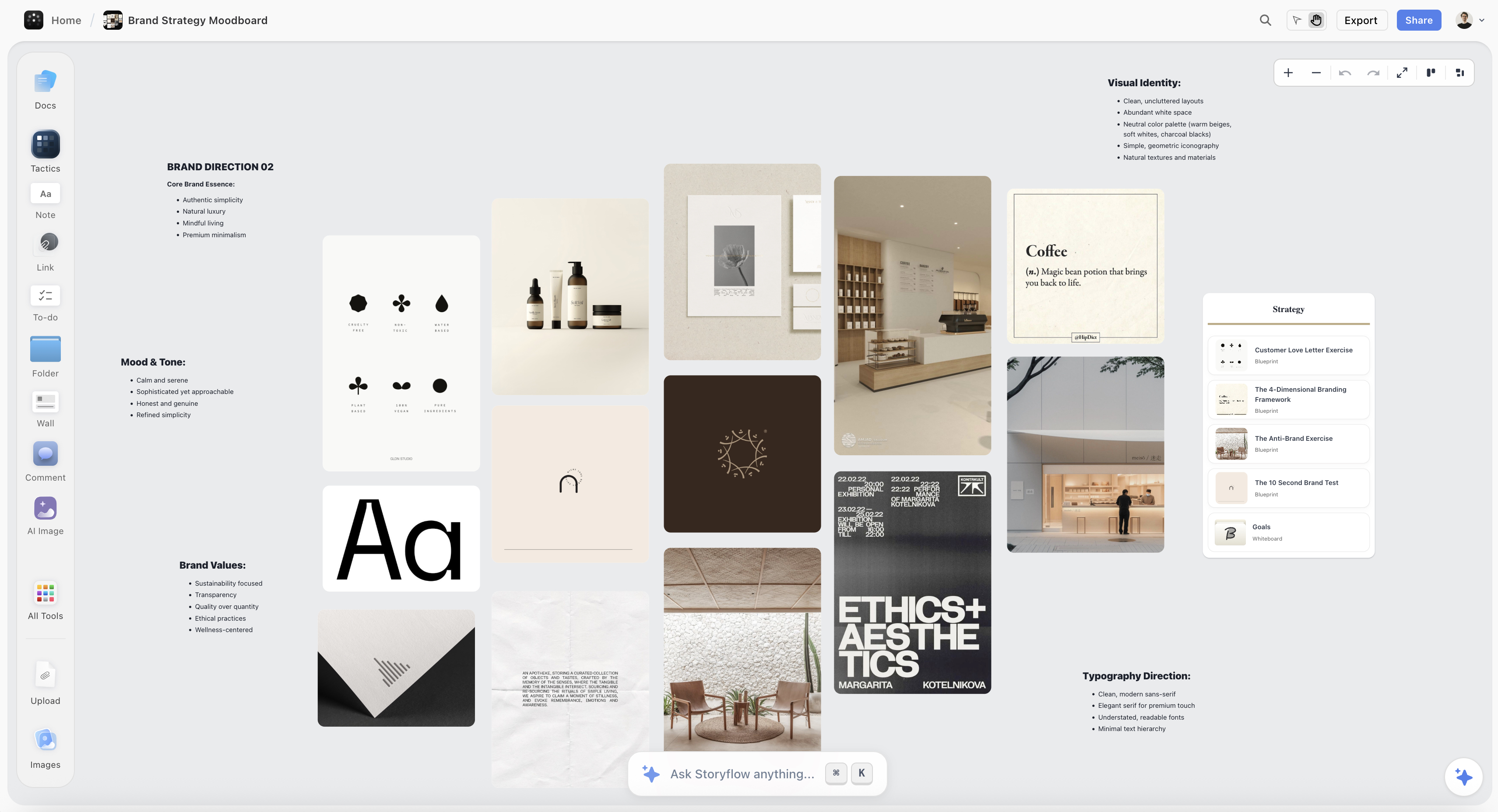
The useful part is not the list, it is what happens next. Once you like a direction, ask for it on the canvas: a wall per theme, a note per idea, a mind map from the whole conversation, or a moodboard to collect the look. It builds real elements you can then group, recolour, label and cut.
Tips and tricks
Diverge, then converge. Ask for far more ideas than you need, delete freely, then ask it to group the survivors into themes. Sorting is a job it does well and you do slowly.
Ask for the bad ones. Requesting deliberately obvious or deliberately extreme options is a fast way to find the edges of the space, and the middle usually contains the answer.
Keep the thread. A brainstorm improves as it goes because the assistant keeps the conversation's context. Refining in the same chat beats opening a fresh one for each new angle.
Good to know
Everything it puts on the board is a normal element, so undo, trash and manual editing all work as usual. Nothing needs to be accepted or approved first.
Was this article helpful?
Related Articles
AI Assistant Overview
AI Content Generation
AI Mind Maps