
All Collections
AI Features
Arranging & Grouping With AI
Last updated: August 2026
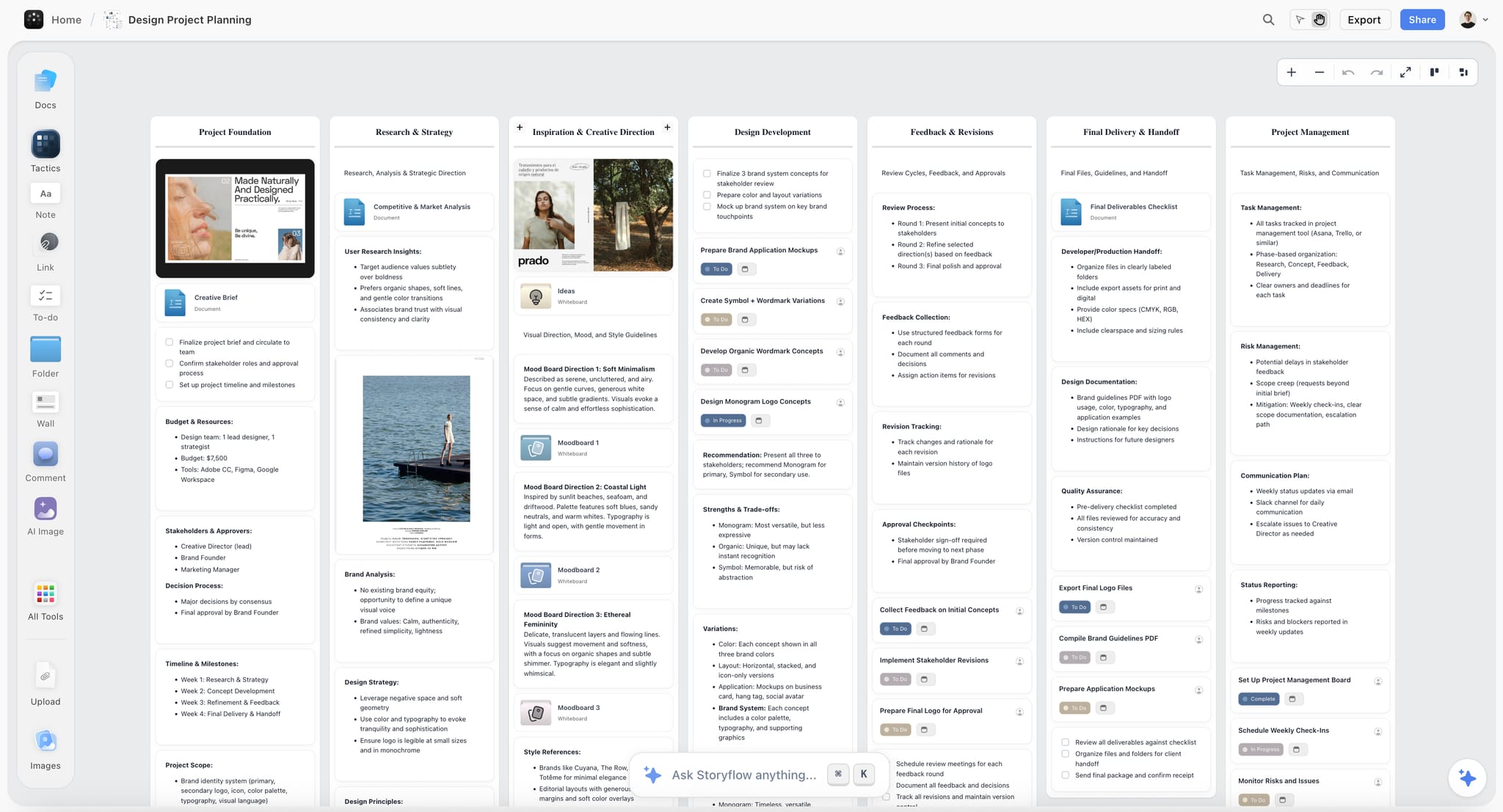
Asking the AI for help used to mean asking it to make something new. It can also sort out what is already there.
What you can ask for
- Lay out a scattered set of cards into something readable
- Align them to each other
- Group related cards into walls
The layout is deterministic
Arranging the same board twice gives the same result. It is a rule, not a guess, which means you can ask again after adding a few cards and not have the whole board reshuffle.
Doing it without asking
Layout, align and connect also sit on the board actions menu, if you would rather do it directly. The keyboard shortcuts are in the align and layout article.
Selection scopes it
Select the region you want tidied first and the rest of the board is left alone. This is the difference between "tidy this corner" and "rearrange everything I have".
View-only boards are refused
On a board you only have view access to, the AI refuses to rearrange rather than quietly failing or, worse, changing someone else's work.
Use Cases
- Hand the AI a board that grew messy over a week and ask for it to be laid out
- Group forty loose notes into walls by what they are about
- Tidy one corner of a board without touching the rest
Was this article helpful?
Related Articles
Align, Layout & Connect Canvas Elements
Undoing What the AI Did
How the AI Uses Frames
Organizing with Clusters