
Extremely clear strategy, zero busywork
Generate a lean canvas with AI
all nine blocks, filled in.
Describe your idea in a sentence and Storyflow's AI generates the whole lean canvas: problem, solution, unique value, unfair advantage, channels, segments, metrics, cost, and revenue. Edit any block, iterate freely, then turn it into a go-to-market plan.


Creatives working for these brands already got early access
- Red Bull
- Canon
- Artlist
- Porsche
See how easy it is to get started
Watch a real project come together, from a blank board to a finished plan, clicked through step by step.
Start from a ready-made template
Pick a board to see what you can build, then let AI fill it in. Every template is a real, editable starting point on the same infinite canvas.

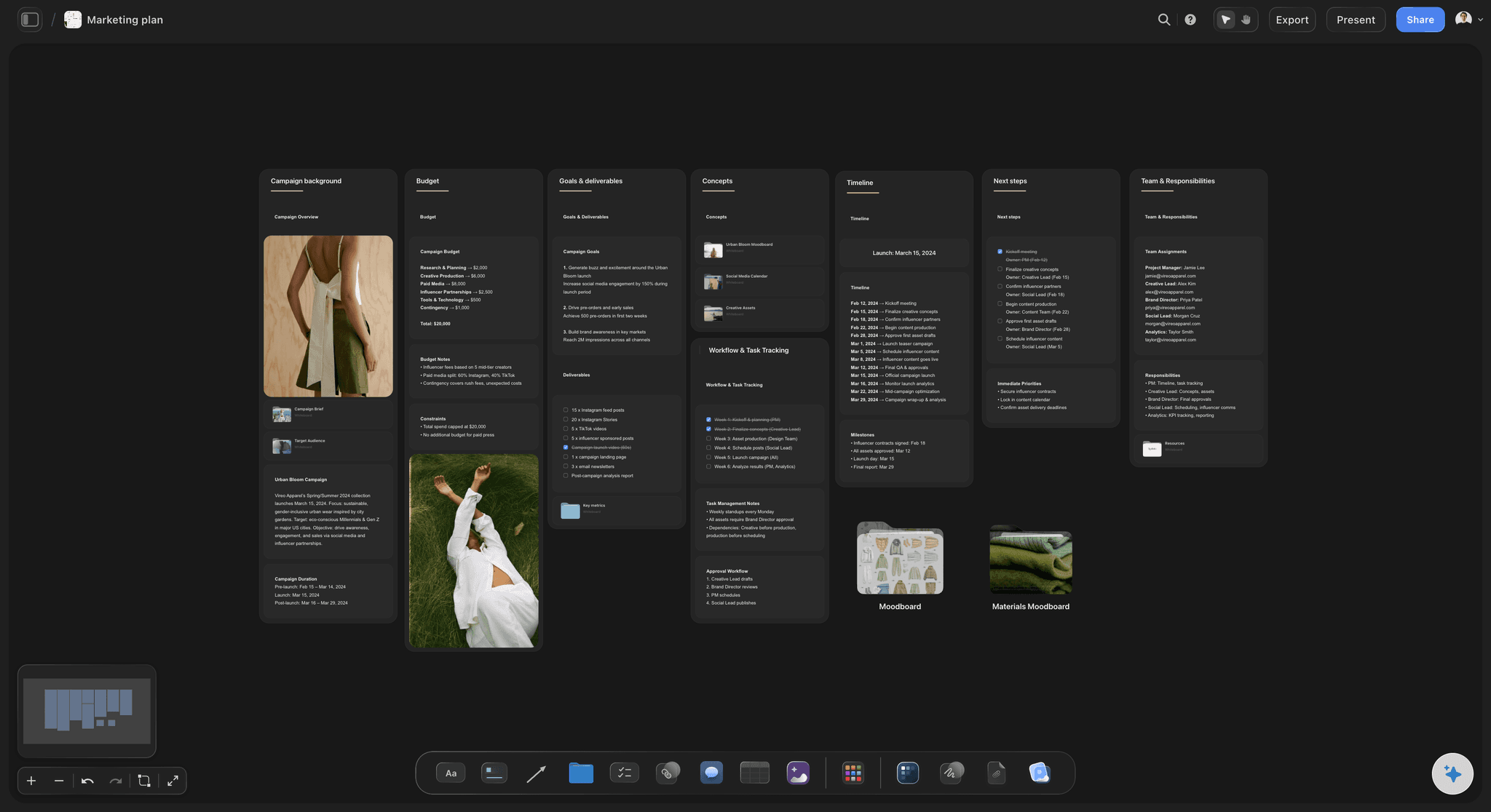
Marketing Plan
Lay out your goals, channels, and initiatives for the quarter on one board.
What is an AI lean canvas generator?
A lean canvas is a one-page business model: nine blocks that capture the riskiest parts of a startup idea, the problem, the solution, the unique value proposition, the unfair advantage, the customer segments, the channels, the key metrics, the cost structure, and the revenue streams. It exists because a full business plan is slow and mostly fiction at the idea stage. A lean canvas forces the real questions onto one page in an afternoon instead of a month.
An AI lean canvas generator takes the first pass off your hands. Instead of staring at an empty grid, you describe the idea, the customer, and the problem, and the AI fills all nine blocks, drafted for your idea rather than a generic example. The hardest part of an early idea is often just putting words to it, which is exactly where a blank canvas leaves you stuck, and the generator clears that block.
The point is not that the AI is right, it is that you now have something concrete to argue with, which is far faster than a blank box. Then the canvas becomes the next step: edit every block, run several versions of the idea side by side, and ask the AI for a go-to-market plan or a competitor analysis on the same board.
Ultra fast from brief to board
Generate a lean canvas with AI in four steps.
You describe the idea. The AI generates the nine blocks, so you start by iterating instead of staring at a grid.
01
Open your canvas
Start in the browser with an account. No app to install, just an empty board ready for your canvas.
02
Describe your idea
A sentence is enough: the customer, the problem, and your solution. Add the model you have in mind and the AI works to it.
03
AI generates the lean canvas
The AI drafts problem, solution, unique value, unfair advantage, segments, channels, metrics, cost, and revenue as cards, so the whole model reads on one board.
04
Iterate, then plan the launch
Edit any block, run variants side by side, then ask the AI for a go-to-market plan or competitor analysis. Share view-only or export to PDF.
A lean canvas that gives you something to argue with, fast.
Most tools hand you an empty grid. This one generates a real first pass so you iterate instead of stall.
Nine blocks, generated
The whole model in one pass
Describe the idea and the AI generates all nine blocks at once, so you start by refining a concrete model instead of struggling to put words to a fuzzy idea in a blank box.
See the AI value proposition generator →
Test several ideas at once
Run variants side by side
Because it is an infinite canvas, you can keep three versions of the idea next to each other, different segments or models, and compare them instead of overwriting one.
See the AI swot analysis generator →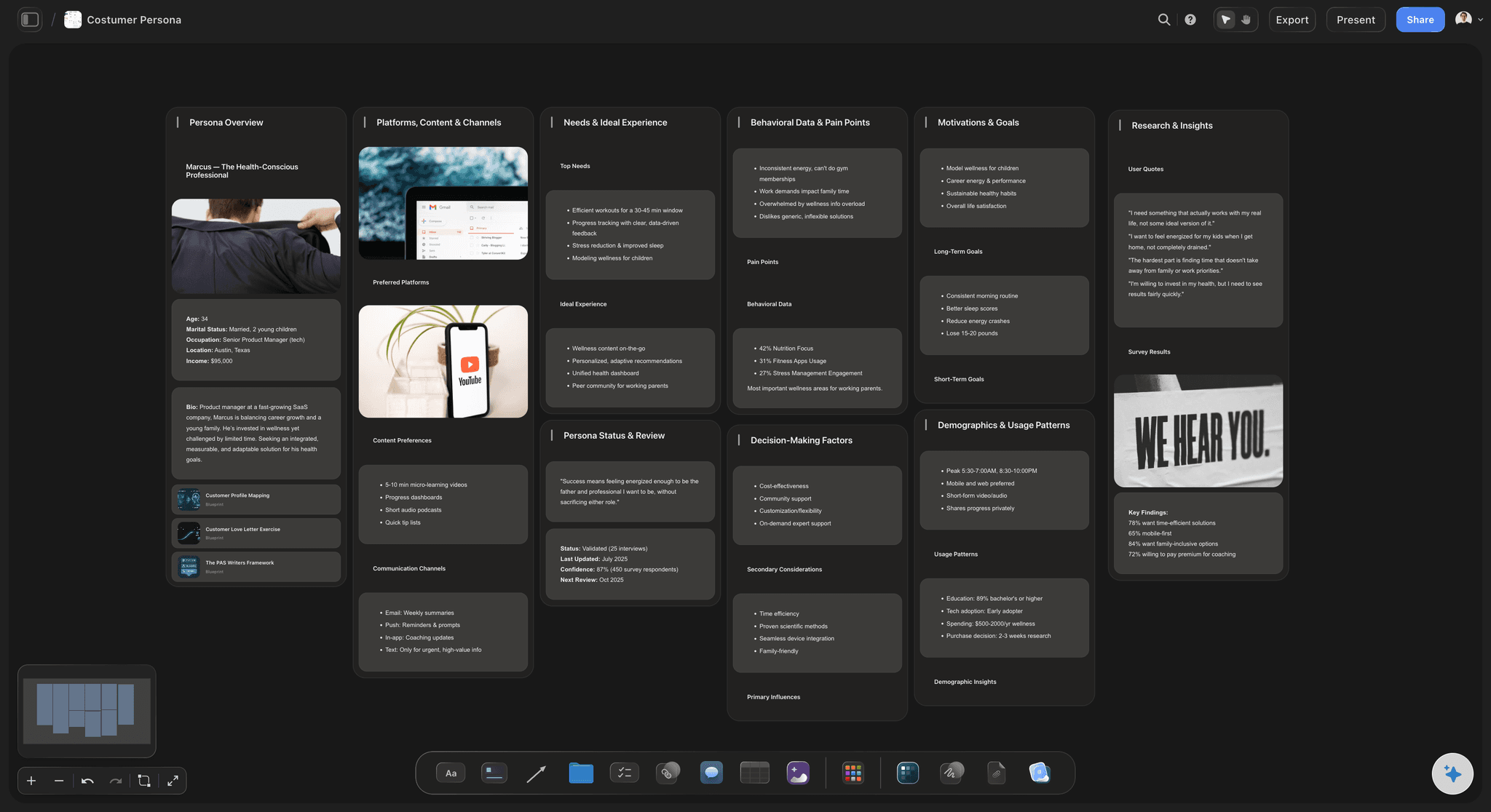
Pressure-test the customer
Is the problem real for a real buyer
Ask the AI to generate the customer segment and its pains beside the canvas, so the problem block is grounded in a buyer who would actually pay, not a guess.
See the AI persona generator →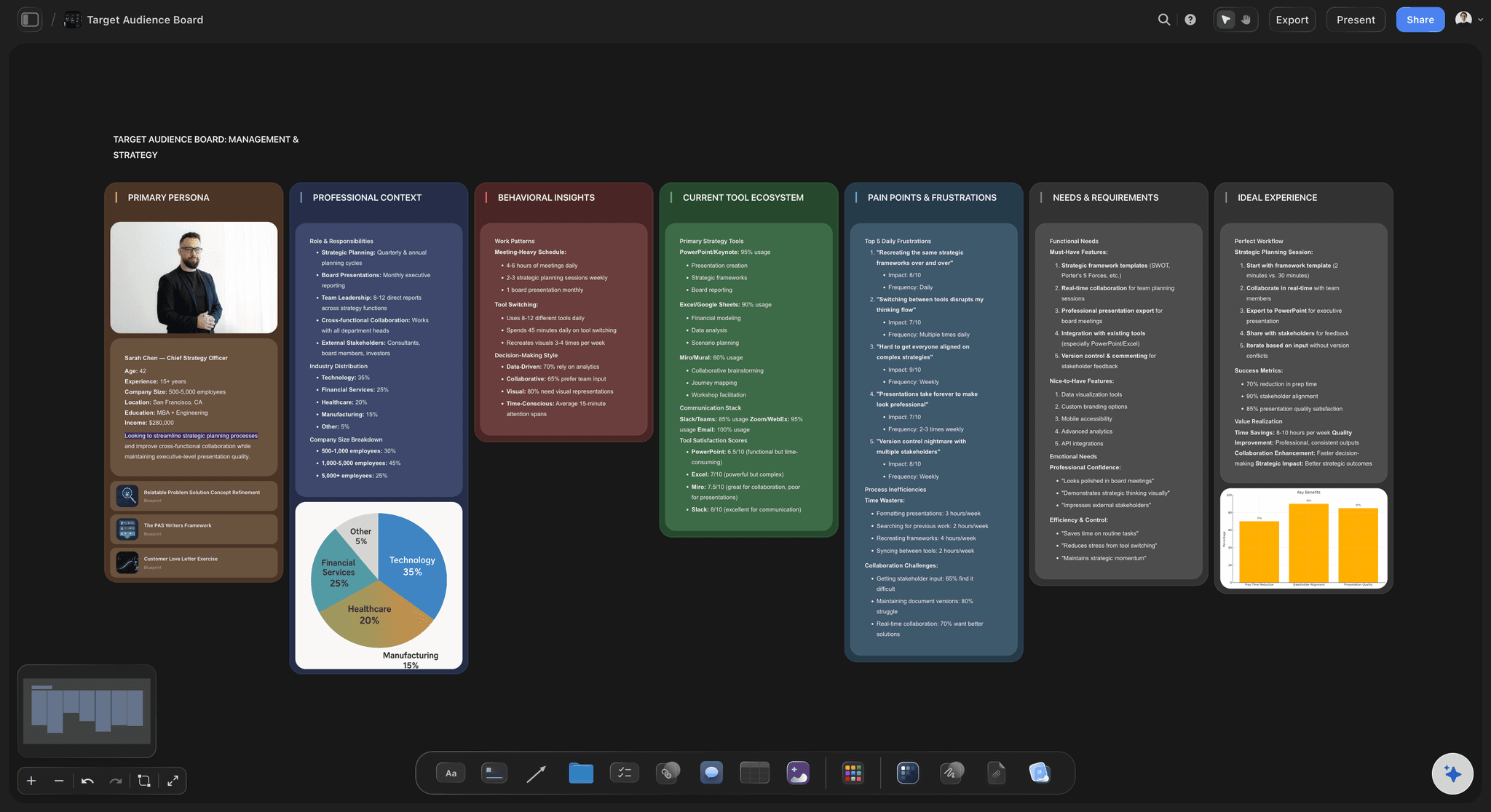
From canvas to launch
Turn the model into a plan
Once the canvas holds together, ask the AI to turn it into a go-to-market plan or a competitor analysis, drawn from the model you built, all on the same board.
See the AI go-to-market strategy generator →Plans from $9.99 a month. No time limit.
Open a canvas, describe the idea, and watch the nine blocks fill themselves. Storyflow is paid-only during early access; a Free plan for solo use launches before the end of 2026, and anyone you invite to a board joins free today.
Unlimited canvases and boards, with room for every variant
AI usage to generate and iterate the blocks
Attach research, notes, and links to any block
Share the canvas view-only, or invite collaborators free
Built for people with taste
Made for the way ideas actually get pressure-tested.
Generate the model, run variants, ground it in a real customer, and turn the canvas into the launch.
A model that generates itself
All nine blocks, then yours to break
A first pass in seconds: Problem, solution, unique value, unfair advantage, segments, channels, metrics, cost, and revenue arrive as generated cards you can rewrite.
Something to argue with: The value is not that the AI is right, it is that a concrete draft is far easier to improve than a blank box, so you iterate instead of freeze.
Re-prompt to refocus: Tell the AI to assume a different customer or a different model, and it regenerates the canvas while keeping your edits.
Compare, do not overwrite
Several bets on one board
Variants side by side: Keep multiple canvases on one infinite board, a different segment or pricing model each, and compare them at a glance.
Pin the evidence: Drop research, customer quotes, and competitor notes onto the blocks they support, so the model is grounded.
Attach your context: Bring in up to five documents and three boards, market research or a persona, and the AI generates the canvas against them.
The canvas becomes the plan
From model to launch and beyond
Build the go-to-market: Turn the validated canvas into a go-to-market plan with positioning, channels, and a rollout, on the same board.
Map the competition: Ask the AI for a competitor analysis so the unfair advantage block is tested against the real field.
Share and pitch: Send a view-only link to a co-founder or advisor, or export a clean PDF for an investor conversation.
Explore templates for your project
Every template opens as a real, editable board on the infinite canvas. Pick the closest fit and make it your own.
Marketing Plan
Lay out your goals, channels, and initiatives for the quarter on one board.
One app instead of five
How Storyflow compares to other lean canvas tools.
Most options are a blank grid. The question is whether the AI generates the blocks and the canvas turns into a plan.
Storyflow
Recommended
AI generates all nine blocks from a one-line idea
Several canvas variants side by side on one board
Canvas becomes a go-to-market plan on the same board
No board or card caps
ChatGPT
AI generates all nine blocks from a one-line idea
Several canvas variants side by side on one board
Canvas becomes a go-to-market plan on the same board
No board or card caps
Miro
AI generates all nine blocks from a one-line idea
Several canvas variants side by side on one board
Canvas becomes a go-to-market plan on the same board
No board or card caps
Doc / spreadsheet
AI generates all nine blocks from a one-line idea
Several canvas variants side by side on one board
Canvas becomes a go-to-market plan on the same board
No board or card caps
What creators are saying
Join early creators getting structured workspaces and AI that remembers their projects
“Storyflow has sped up my workflow by at least 3x, which means more flow state and more projects I can actually ship. It truly changed the way me and my team create.”

Reilin Joey
Director & YouTuber
“One prompt gets me a structured board. But the tactics are my favorite. I run my YouTube scripts through them and my intros and retention got better. It's amazing.”

Justkay
YouTuber & Freelance Filmmaker
“I used to juggle five apps to plan a project. Now I describe what I am making and get boards, lists, and a schedule. All in one place.”

George
@fernwehchronicles
AI lean canvas questions, answered.
Everything people ask about generating a lean canvas with AI in Storyflow.
An AI lean canvas generator turns a one-line description of your idea into a one-page business model with nine blocks: problem, solution, key metrics, unique value proposition, unfair advantage, channels, customer segments, cost structure, and revenue streams. In Storyflow the AI fills all nine blocks as editable cards on an infinite canvas, so you start by iterating on a real first pass instead of an empty grid.
The nine blocks are problem, customer segments, unique value proposition, solution, channels, revenue streams, cost structure, key metrics, and unfair advantage. The lean canvas, adapted from the business model canvas, swaps in problem and solution to focus on the riskiest parts of an early-stage idea. Storyflow generates all nine and lets you edit each one on the board.
Describe your idea, customer, and problem in the AI chat, and the AI generates all nine blocks as cards on the canvas. Every block is editable, so you can rewrite any of them, run several versions of the idea side by side, and ask the AI to regenerate the canvas assuming a different customer or model.
Not during early access. Storyflow is currently paid-only, with plans starting at $9.99 per month that include AI usage to generate and iterate the blocks, unlimited boards, 20 file uploads for research, and view-only sharing. A Free plan for solo use launches before the end of 2026, and anyone a paid member invites to a board joins free today.
The business model canvas describes an existing business across nine blocks including key partners and activities. The lean canvas, designed for startups, replaces some of those with problem, solution, key metrics, and unfair advantage to focus on early-stage risk. Storyflow can generate either, so tell the AI which you want and it lays out the right blocks.
Yes, and it is one of the best reasons to do it here. The infinite canvas lets you keep multiple lean canvases side by side, a different segment, model, or pricing each, so you compare bets at a glance instead of overwriting one canvas every time the idea shifts.
Yes. Once the canvas holds together, ask the AI to turn it into a go-to-market plan or a competitor analysis on the same board, drawn from the model you built. The lean canvas becomes the starting point of the launch instead of a one-page artifact you set aside.
Stop staring at an empty grid. Generate a real model to argue with.
Describe the idea once, watch the AI fill the nine blocks, and turn the canvas into a launch plan.