
Category
Social Media Tools
Author

Justkay
Documentary Filmmaker & Founder at Storyflow
Topics
2026-05-17
•
Updated May 17, 2026
•
13 min read
•
Social Media Tools- best social media planning tools 2026
- social media planning software
- social media planner
- social media content planning
- Buffer alternative
- Storyflow social media planning
What are the best social media planning tools in 2026?
Storyflow is the best social media planning tool in 2026 for planning the hooks and angles rather than the slots: the idea, the hook, the reference and the caption sit on one AI-readable canvas before anything reaches a scheduler. Notion is the best for planning the idea and the schedule together, Buffer the best simple scheduler, and Hootsuite the best all-in-one for larger teams. A posting schedule is not a social media plan. The plan is the hook.

All 12 Social Media Planning Tools, Ranked
- Storyflow: best AI canvas for planning hooks and angles
- Notion: best for planning the idea and the schedule together
- Buffer: best simple, reliable scheduler
- Milanote: best for visual idea planning on a canvas
- Hootsuite: best all-in-one for larger teams
- Later: best visual scheduler for Instagram
- Metricool: best for scheduling plus analytics on a budget
- Sprout Social: best for enterprise social management
- Planable: best for approval-driven scheduling at agencies
- Planoly: best for visual feed planning
- SocialBee: best for category-based scheduling
- Canva: best for designing the post itself
Full disclosure: Storyflow is our own product, so we did not rank it #1 here. For planning the idea and the schedule in one workspace, Notion is the stronger pick, and for actually queuing and publishing posts, schedulers like Buffer and Hootsuite do a job Storyflow does not. Storyflow ranks #2, and it wins one job: planning the idea layer, the hooks, angles, and formats, on a canvas the AI reads. Storyflow has no direct channel publishing and no native social analytics, so most creators pair it with a scheduler. We link to every tool so you can judge the fit.
Quick Comparison: Best Social Media Planning Tools
Social work has two layers: the idea (the hook) and the schedule (the queue). These four cover planning both, the AI idea canvas, simple publishing, and visual idea planning.
| Tool | Best For | AI Features | Price |
|---|---|---|---|
| Notion | Idea and schedule together | Standard AI features | Free / $10 mo |
| Storyflow | Planning hooks and angles | Reads full board + @-docs and Tactics | $7.99 mo annual (free plan late 2026) |
| Buffer | Simple scheduling | AI caption assistant | Free / $6 channel mo |
| Milanote | Visual idea planning | Light AI | Free / $9.99 mo |
3) The Hook Is the Plan
Social media work has two layers, and the entire category of "social media tools" has quietly optimized for the wrong one.
The Idea layer. The hook, the angle, the format, the reason someone stops scrolling. What the post actually is. This is where a post succeeds or fails, because social feeds are won in the first second. A strong hook on a mediocre schedule outperforms a weak hook on a perfect one, every time.
The Schedule layer. When the post goes out, on which channel, in what queue. This layer matters, consistency is real, but it is necessary, not sufficient. A flawless posting cadence delivers weak hooks just as reliably as strong ones.
Here is the rule that decides tool choice. Most "social media planning" tools are scheduling tools. They are built to queue and publish. The idea, the hook, gets a caption field, treated as something you paste in, not something you plan. So the planning effort flows into the schedule, the part the tool makes easy, and the hook gets whatever attention is left. The result is a full queue and flat reach.
A social media plan that works is built idea-first. You plan the hooks, the angles, the formats, the reasons to stop scrolling, as deliberately as a screenwriter plans a cold open. Then you schedule them. The schedule is real work, but it is delivery. The hook is the plan.
This splits the tools. Idea-layer tools give you somewhere to develop hooks, angles, and formats, a hook bank, a content-pillar map, a place to think. Schedule-layer tools queue and publish, with the idea reduced to a caption box. The 12 tools below are ranked by whether they serve the idea layer, because that is the layer the reach actually comes from.
4) How We Evaluated These Tools
Five criteria, weighted in this order:
- Serves the idea layer. Does the tool help develop hooks, angles, and formats, or treat the idea as a caption field? Idea-layer tools rank highest.
- Schedule capability. Once the idea is planned, can the tool queue, schedule, and publish across channels?
- Channel-native support. Can a post be planned for each channel's native behavior, not cross-posted generically?
- Collaboration. Social teams have creators, designers, and approvers. Tools that keep them aligned rank higher.
- Pricing for creators and teams. Social work spans solo creators to teams. Per-channel and enterprise pricing is marked down for smaller operations.
Testing covered a solo creator's social plan, a brand's multi-channel social calendar, and an agency's client accounts, each run for a quarter.
6) Detailed Reviews: 12 Social Media Planning Tools
1. Storyflow
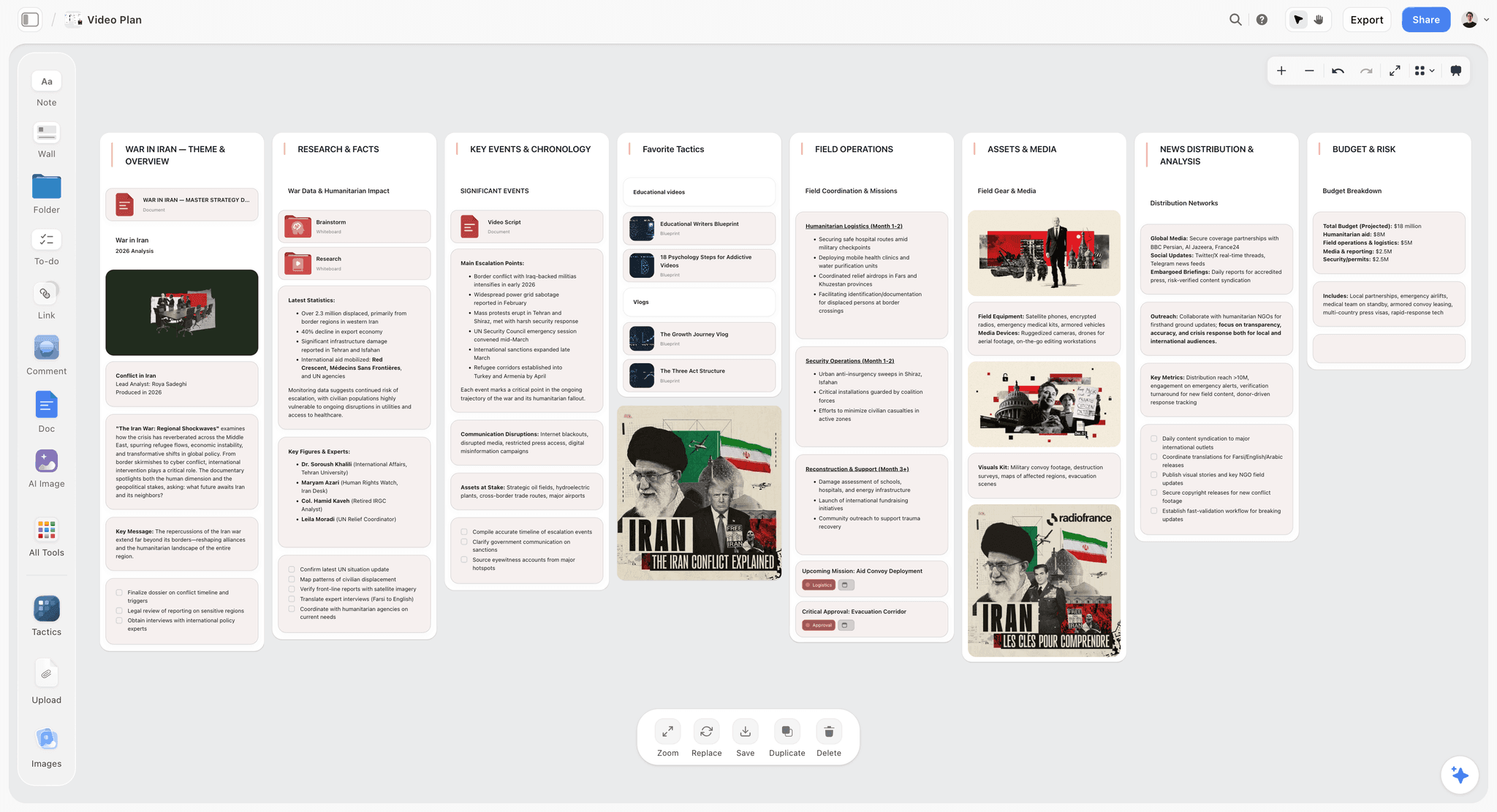
Storyflow plans the idea layer on a canvas: a hook bank, content pillars, format ideas, and per-channel angles, all visible together. The AI reads the full canvas, so you can ask it to draft hook variations for an angle, or check whether a planned post has a real hook or just a topic. The schedule can live on the same board. The Story Blueprints library includes content frameworks like Retention Hooks.
Best for: Creators and teams who want to plan hooks and angles, not just schedule posts.
Verdict: The strongest AI canvas for the idea layer. For channel publishing, pair it with Buffer.
Key features
- Canvas for hook bank, pillars, and channel angles.
- AI reads the full canvas plus up to 1 Tactic and 3 Documents you @-mention.
- AI drafts hook variations and flags posts with no real hook.
- Story Blueprints library with Retention Hooks and content frameworks.
- Every collaborator a paid member invites to the board joins free.
Pricing
Paid-only during early access. Plus: $7.99/mo annual. Full Story Blueprints, unlimited uploads. Pro: $14/mo annual. AI image generation, 20x AI usage. Max: $39/mo annual. 40x more AI, team workspace with roles. Free plan (unlimited boards and cards, unlimited collaboration, basic AI, 20 file uploads) launches before the end of 2026.
Pros
- Built for the idea layer: hooks, angles, formats.
- AI drafts hooks and flags weak posts.
- Collaborators invited by a paid member join free, with no seat limit.
Cons
- No direct channel publishing or queuing.
- No native social analytics.
- Newer platform with a smaller template library than Notion.
2. Notion
Notion plans the idea and the schedule together. A social database holds each post with its hook, angle, format, pillar, and publish date, and a hook-bank page can sit in the same workspace. It does not publish to channels, but as a place to plan what the post actually is, it is one of the strongest.
Best for: Creators and teams who want the hook and the schedule planned in one workspace.
Verdict: The strongest tool for planning the idea and the schedule together. Pair it with a scheduler for publishing.
Key features
- Social database with hook, format, and pillar fields.
- Hook-bank and idea pages in the same workspace.
- Calendar, board, and table views.
- Templates for social planning.
- Standard AI features.
Pricing
Free for personal use. Plus: $10/mo. Business: $18/mo.
Pros
- Plans the idea, not just the schedule.
- Hook bank lives next to the calendar.
- Large template community.
Cons
- No direct channel publishing.
- Setup-heavy before it is useful.
- No native social analytics.
3. Buffer
Buffer is the clean, friendly social scheduler. It queues posts, publishes to channels, and shows a simple calendar. Its AI assistant helps with captions. It is a schedule-layer tool: excellent at delivery, light on planning what the post should be.
Best for: Creators and small teams who want simple, reliable scheduling.
Verdict: The strongest simple scheduler. Pair it with an idea-layer tool for the hooks.
Key features
- Post scheduling and publishing.
- Simple content calendar.
- AI caption assistant.
- Basic analytics.
Pricing
Free tier. Paid plans from roughly $6 per channel per month.
Pros
- Clean and easy to use.
- Friendly free tier.
- Reliable publishing.
Cons
- Schedule-layer; light on the idea.
- Per-channel pricing adds up.
- Basic analytics.
4. Milanote
Milanote plans the idea layer on a visual canvas: hooks as cards, formats as boards, angles arranged spatially. It is strong for developing what a post should be, and it has no scheduling or publishing. It is purely an idea-layer tool.
Best for: Visual creators who want to develop hooks and formats on a canvas.
Verdict: A strong visual idea-layer tool. Pair it with a scheduler for delivery.
Key features
- Freeform canvas for hooks and formats.
- Card-based idea development.
- Templates for content planning.
- Shareable boards.
Pricing
Free with 100 cards. Individual: $9.99/mo. Team: $49/mo flat.
Pros
- Strong for developing the idea.
- Visual and intuitive.
- Good for hook brainstorming.
Cons
- No scheduling or publishing.
- The 100-card free limit fills quickly.
- No analytics.
5. Hootsuite
Hootsuite is the long-standing all-in-one social platform: scheduling, monitoring, inbox, and analytics across channels. It is built for larger teams managing many accounts. It is schedule-layer at heart, with the idea reduced to a post composer.
Best for: Larger teams managing many social accounts in one platform.
Verdict: A capable all-in-one for bigger teams. Schedule-layer, and priced for organizations.
Key features
- Multi-channel scheduling and publishing.
- Social monitoring and inbox.
- Analytics and reporting.
- Team collaboration.
Pricing
Paid plans from roughly $99/mo.
Pros
- All-in-one for larger teams.
- Strong monitoring and analytics.
- Manages many accounts.
Cons
- Schedule-layer; light on the idea.
- Pricing suits organizations, not creators.
- Can feel heavy for simple needs.
6. Later
Later is a visual social scheduler, strong for Instagram and visual platforms. It offers a drag-and-drop calendar, a feed preview, and AI captions. It is a schedule-layer tool with a visual emphasis, light on planning the hook.
Best for: Visual social creators who want a drag-and-drop scheduler with feed preview.
Verdict: A strong visual scheduler. Built for delivery, not the idea.
Key features
- Visual drag-and-drop scheduler.
- Feed preview for visual platforms.
- AI caption suggestions.
- Link-in-bio tools.
Pricing
Subscription from roughly $25/mo.
Pros
- Strong visual scheduling.
- Feed preview for Instagram.
- Direct publishing.
Cons
- Schedule-layer; light on the idea.
- Subscription only.
- Visual-platform focused.
7. Metricool
Metricool combines scheduling with strong analytics at a fair price. It schedules across channels, tracks performance, and includes competitor analysis. It is schedule-layer, but its analytics can feed back into the idea layer if you use them to study what hooked.
Best for: Creators and teams who want scheduling and analytics together affordably.
Verdict: A strong value scheduler with analytics. Schedule-layer, but the analytics inform the idea.
Key features
- Multi-channel scheduling.
- Strong analytics and reporting.
- Competitor analysis.
- Ad management.
Pricing
Free tier. Paid plans from roughly $22/mo.
Pros
- Scheduling and analytics together.
- Fair pricing.
- Useful competitor analysis.
Cons
- Schedule-layer; light on planning the hook.
- Analytics inform the idea only if you act on them.
- Interface can feel dense.
8. Sprout Social
Sprout Social is an enterprise social management platform: scheduling, listening, analytics, and customer care in one. It is built for organizations with budget and scale. It is schedule-layer, with deep analytics, and priced accordingly.
Best for: Enterprises and large teams that need a full social management platform.
Verdict: A capable enterprise platform. Schedule-layer, and a serious budget commitment.
Key features
- Multi-channel scheduling and publishing.
- Social listening and analytics.
- Customer care inbox.
- Team workflows.
Pricing
Paid plans from roughly $199/mo.
Pros
- Comprehensive enterprise platform.
- Deep analytics and listening.
- Strong team workflows.
Cons
- Schedule-layer; light on the idea.
- Enterprise pricing.
- Overkill for creators and small teams.
9. Planable
Planable is a social tool built around approval workflows: post previews, a calendar, and a structured review-and-approve flow. It suits agencies and teams that need client sign-off. It is schedule-layer, with approval as its strength.
Best for: Agencies and teams that need client approval before posts go out.
Verdict: A strong approval-focused scheduler. Schedule-layer, light on the idea.
Key features
- Post previews per channel.
- Structured approval workflows.
- Calendar and collaboration.
- Direct publishing.
Pricing
Free tier. Paid plans from roughly $11/user/mo.
Pros
- Strong approval workflows.
- Good for agency client sign-off.
- Clean previews.
Cons
- Schedule-layer; light on the idea.
- Per-user pricing adds up.
- Approval focus, not idea planning.
10. Planoly
Planoly is a visual feed planner, popular with Instagram and Pinterest creators. It previews how the feed will look and schedules posts. It is schedule-layer with a visual-feed emphasis, light on the hook.
Best for: Visual creators who plan the look of their feed.
Verdict: A strong visual feed planner. Schedule-layer, light on the idea.
Key features
- Visual feed planning and preview.
- Scheduling and publishing.
- Link-in-bio tools.
- Basic analytics.
Pricing
Free tier. Paid plans from roughly $14/mo.
Pros
- Strong visual feed preview.
- Good for aesthetic-driven accounts.
- Friendly interface.
Cons
- Schedule-layer; light on the hook.
- Visual-platform focused.
- Basic analytics.
11. SocialBee
SocialBee is a category-based scheduler: you sort posts into content categories and it keeps each category flowing. The category system is a light gesture toward the idea layer, but it is fundamentally a schedule-layer tool.
Best for: Creators who want category-based recycling and scheduling.
Verdict: A capable category scheduler. The categories nod at the idea; the tool is still schedule-layer.
Key features
- Category-based content scheduling.
- Post recycling.
- Multi-channel publishing.
- AI caption assistance.
Pricing
Subscription from roughly $29/mo.
Pros
- Category system organizes content.
- Post recycling keeps the queue full.
- Multi-channel.
Cons
- Schedule-layer; categories are light on the idea.
- Subscription only.
- Recycling can feel repetitive.
12. Canva
Canva is where the social post itself gets designed, and it includes a Content Planner for scheduling. It serves the design side of social, not the planning side. The hook and the schedule are both secondary to making the post look good.
Best for: Creators who want to design social posts and schedule them in one tool.
Verdict: Strong for designing the post. Light on both the idea and the schedule layers.
Key features
- Social post templates and design.
- Content Planner for scheduling.
- Generative AI.
- Brand kit.
Pricing
Free tier. Pro: roughly $15/mo.
Pros
- Excellent for designing posts.
- Templates speed up production.
- Scheduling built in.
Cons
- Light on planning the hook.
- Scheduling is secondary to design.
- Not a true planning tool.
8) Honorable Mentions
- Sprinklr. An enterprise customer-experience and social platform.
- Loomly. A scheduler with post-idea prompts.
- Sprout's competitor Agorapulse. Another solid mid-market social platform.
- CapCut and video editors. Where short-form social video gets made.
- Google Sheets. A free fallback for a basic social plan.
11) The Bottom Line
The best social media planning tools in 2026 are the ones that help plan the idea, not just schedule the post. Storyflow is the best AI canvas for planning hooks and angles. Notion is the strongest for the idea and the schedule together. Buffer is the best simple scheduler. Hootsuite is the best all-in-one for larger teams.
A posting schedule is not a social media plan. The plan is the hook. Plan the hooks, the angles, and the formats as deliberately as a screenwriter plans a cold open. Then schedule them. The accounts that grow are the ones where the planning went into the reason someone stops scrolling.
For your next month of social, build a hook bank in Storyflow's free canvas and plan the idea before you fill the queue.
Table of Contents
- Quick Answer: The Best Social Media Planning Tools in 2026
- Comparison Table: 12 Social Media Planning Tools at a Glance
- The Hook Is the Plan
- How We Evaluated These Tools
- Quick Picks by Social Media Planning Need
- Detailed Reviews: 12 Social Media Planning Tools
- Recommended Social Media Planning Stacks
- Honorable Mentions
- Tools to Avoid for Social Media Planning
- FAQ: Social Media Planning Tools
- The Bottom Line
- Author
- Related Reading
Templates to check out for this topic


Marketing and campaign templates you can use in Storyflow
Plan the whole campaign on one board: brief, audience, channels, and assets connected, with an AI that reads all of it. Open a template and start from real structure.


See Storyflow in Action
A visual AI workspace where every feature lives inside one canvas. No tab-switching, no context lost.
Build your entire board from a single message
Type what you need in the AI chat at the bottom of your canvas. The AI adds cards, headings, and structure directly onto your board.
Use expert frameworks as AI context
Type @ in the AI chat and choose any Tactic. The AI tailors every response to that framework instead of giving generic advice.
Turn your board into a mind map in seconds
Ask the AI to restructure your canvas as a mindmap. It connects your ideas into a visual hierarchy so you can see how everything relates.
Why Storyflow Exists
Storyflow actually began as a personal tool while working on creative and research projects.
We kept running into the same problem: ideas were scattered everywhere: notes, documents, and whiteboards.
Nothing helped us see how everything connected.
So we started building a workspace designed around how ideas actually grow.
→ Read how Storyflow was createdJustkay
Documentary Filmmaker & Founder at Storyflow
Published: 2026-05-17
Extremely simple, seriously capable


See how easy it is to get started
Watch a real project come together, from a blank board to a finished plan, clicked through step by step.
Start creating with AI and become more productive
Transform your creative workflow with AI-powered tools. Generate ideas, create content, and boost your productivity in minutes instead of hours.