How to Brainstorm Visually With AI (2026)
A step-by-step guide to brainstorming visually with AI. Frame, dump wide, cluster, expand the thin spots with AI, then converge and choose, using the Widen then Choose loop.

Category
Brainstorming
Author

Sara de Klein
Head of Product at Storyflow
Topics
2026-07-15
•
12 min read
•
Brainstorming- how to brainstorm visually with AI
- visual brainstorming with AI
- AI brainstorming method
- brainstorm ideas on a canvas
How do you brainstorm visually with AI?
To brainstorm visually with AI, run five moves on one canvas: frame the question, dump wide without judging, cluster what emerges, send the AI into the thin spots to expand ideas and surface non-obvious links, then converge and choose what to keep. Call the method Widen then Choose. The AI widens the field. You choose what matters. Doing it visually matters because ideas laid out in space show their gaps and their connections in a way a chat thread never does, and adding AI matters for one reason: it fills a sparse branch in seconds. But a catch runs through this whole guide. AI is a divergence amplifier, not a decider. Point it at a blank prompt and it hands you the average of everything it has read. I am a documentary filmmaker, and I built Storyflow after running research and pre-production for films this exact way. Here is the method, stage by stage, with a worked example and the trap at each step.

Full disclosure: Storyflow is our own product, and we rank it first for one specific job: brainstorming visually when you want the AI to read the whole board and expand from what is already there, not from a blank prompt. That is the niche it was built for. It is not the pick for a live, many-people-at-once workshop, where Miro and FigJam lead with timers, voting, and facilitation tools, and it is not the pick when you want a pure text list with no canvas, where ChatGPT is faster. Storyflow is also cloud-only and newer than Notion or Miro, so the template library and ecosystem are smaller. We link to the alternatives so you can judge the fit.
Quick Comparison
These four cover the honest landscape for brainstorming visually with AI: a board-aware canvas, two live-workshop whiteboards, and a text-only chat.
| Tool | Best For | AI Features | Price |
|---|---|---|---|
| Storyflow | Visual brainstorming with board-aware AI | Reads full canvas + 1 blueprint + 3 docs you @-mention | $7.99 mo annual (free plan late 2026) |
| Miro | Live team workshops | Miro AI add-on (board-scoped) | From $8/user mo |
| FigJam | Collaborative jams in Figma | Jambot AI widget | Free / $3/user mo |
| ChatGPT | Text-only ideation | Strong text generation, no canvas | Free / $20 mo |
Key Takeaways
- Run one method, Widen then Choose: frame, dump wide, cluster, expand, choose. The first four stages widen the field, and the last stage cuts it down to the few ideas worth building.
- AI is a divergence amplifier, not a decider. Point it at a blank prompt and it hands you the average of everything it has read.
- Stop starting from blank. Brainstorm your own raw material onto the board first, then bring the AI in to build on what is already there.
- The order is the whole game. When the AI extends your thinking it inherits your specificity, but when it starts the thinking you inherit its average.
- Dump wide alone before the AI touches the board. A confident AI list causes production blocking, crowding out the weird, specific ideas where the good work lives.
- A thin cluster is not a failure, it is a target. Send the board-aware AI into the sparse spots to expand ideas and connect two distant cards you would not link yourself.
- The choosing is the half you cannot delegate. Selection is taste, and taste is the one thing the average of the internet cannot give you.
- End with an artifact, not a vibe. Convert the chosen cluster into a plan on the same canvas, so the map that produced the idea sits beside the plan that executes it.
Why AI Brainstorms Flatten Toward the Obvious
Open a blank chat, type "give me 20 ideas for a video about small towns," and read what comes back. Local diner closing. The high school football team. A general store that has been there for 100 years. The ideas are not wrong. They are just the ones everyone already has. A language model is trained to predict the most likely next token, so on an empty prompt it regresses to the mean of its training data. That is a feature when you want a safe draft. It is a problem when you want an idea nobody else at the table has.
Here is the part most "AI brainstorming" advice skips. The fix is not a better prompt. It is to stop starting from blank. You brainstorm first, get your own raw, half-formed material onto a surface, and only then bring the AI in to build on what is there. The order is the whole game. When the AI extends your thinking, it inherits your specificity. When it starts the thinking, you inherit its average.
Across several film projects, from first research to pre-production, I ran this loop on a wall of cards long before an AI could help. The tools changed. The order did not. Frame, widen, cluster, expand, choose. That is Widen then Choose, and it holds up with AI in the mix because it puts the machine where it is strong (volume and connections) and keeps you where you are strong (judging what is worth doing).
The Widen Then Choose Loop, Stage by Stage
The Widen then Choose loop has two halves. The first four stages widen: you go from a single question to a crowded, messy, spatial map of everything the question could contain. The last stage chooses: you cut the map down to the few ideas worth building. Most people collapse these halves into one, judging ideas as they generate them, which is exactly the move Alex Osborn warned against when he coined brainstorming. AI makes the collapse worse, because a plausible-sounding machine idea feels finished before you have looked at your own.
Keep the halves apart. Widen loud, choose quiet. Here is the loop with your move, the AI's move, and the trap that kills each stage.
| Stage | Your move | AI move | The trap |
|---|---|---|---|
1. Frame | Write one focus question the board must answer | Sharpen a vague question into a specific one | A question so broad the board fills with noise |
2. Dump wide | Get every idea onto cards, no judging | Extend your list, add angles you skipped | Letting AI dump first, so its average anchors you |
3. Cluster | Group cards into themes by eye | Name the clusters, flag overlaps and gaps | Accepting the AI's tidy groups before your own form |
4. Expand | Point the AI at the sparse clusters | Generate options and non-obvious links from the board | Taking the first plausible idea as the best one |
5. Choose | Keep what fits your taste and constraints | Pressure-test the picks, draft the plan | Letting the AI decide, so the work averages out |
The rest of this guide walks each row with one worked example, so you can watch the map fill and then get cut down.
A Storyflow mind-map canvas with AI-expanded branches
Stage 1: Frame the Question the Board Has to Answer
Every good brainstorm starts with a focus question, not a topic. "Small towns" is a topic. A topic has no edges, so a board built on it fills with noise. "Why does a factory town lose its center of gravity when the factory closes?" is a focus question. It has a subject, a tension, and an implied answer you do not have yet. That is what a board can fill.
This is the one stage where you can let the AI go first, because sharpening a question is a language task, not a judgment task. Give it your rough topic and ask for five focus questions at different altitudes, from concrete to thematic. You are not asking it to answer. You are asking for sharper edges to choose between. Put the winning question on a card at the top of the canvas. Everything downstream gets measured against it.
The trap here is starting too broad because a broad question feels safe. It is not safe. It is the reason so many boards turn into a junk drawer. A tight question throws out bad ideas for you before you have to.
Stage 2: Dump Wide Before You Judge Anything
Now widen. Get every idea the question provokes onto its own card, fast, ugly, unfiltered. Jobs. The diner. The high school team. Empty storefronts. The union hall. The church that is now a brewery. Property values. The kids who leave. The river nobody swims in anymore. No idea is too small and none gets judged yet. You are chasing volume, because Osborn's second rule, from Applied Imagination (1953), was that quantity breeds quality: the more ideas you generate, the better your odds that a great one is in the pile.
Do this part yourself, on the board, before the AI touches it. Diehl and Stroebe (Journal of Personality and Social Psychology, 1987) found that face-to-face brainstorming groups produce fewer and less creative ideas than the same number of people working alone, mostly because of what they called production blocking: while you wait for someone else to finish, your own half-formed idea evaporates. An AI that dumps its list first blocks you the same way. Its confident, complete-looking ideas crowd out your weird, specific, unfinished ones, and the weird specific ones are where the good work lives.
So widen alone first. Then, and only then, ask the AI to extend the pile: "here are 30 cards on my board, add 15 angles I have not covered, and avoid repeating what is here." Now it is amplifying your divergence instead of replacing it. AI is a divergence amplifier, not a decider. The order in this stage is what makes that true.
Stage 3: Cluster What You Dumped
Forty loose cards is not thinking. It is drowning. Cowan's research (Behavioral and Brain Sciences, 2001) put working memory at about four chunks at once, which is why a wall of forty cards feels like overload and four labelled clusters feels like clarity. Clustering is how you turn a pile back into something a human mind can hold.
Drag cards that belong together into groups and name each group. In the factory-town example, the clusters might come out as Economic (jobs, property, the chain store), Social (the diner, the team, the union hall, the church), Physical Place (empty storefronts, the river, Main Street), and Identity (what the town tells outsiders, what the kids who leave say). Do the first pass by eye, because the grouping is a judgment about what matters and that judgment is yours.
Then let the AI look. Ask it to name the clusters it sees, flag cards that could sit in two groups, and point out a theme that has almost no cards under it. That last part is the handoff to the next stage. A thin cluster is not a failure. It is a target. In this run, Identity has only two cards while Social has eight. That imbalance is the most useful thing on the board.
Stage 4: Send the AI Into the Thin Spots
This is the stage the whole method is built around, and where a canvas-aware AI beats a blank chat by a wide margin. You have a board with a focus question, thirty-plus cards, and four named clusters, one of them thin. A blank chat knows none of that. You would have to retype it all, badly, and lose the spatial structure. An AI that reads the board already has the context, so you can point and say "the Identity cluster is thin, give me eight angles on it that fit the question at the top and connect to cards already here."
The friction this removes is the reason Storyflow exists. Its AI reads your full active canvas board by default, plus up to one blueprint and up to three documents you @-mention in the chat, so when you aim it at a sparse cluster it reasons over the actual map instead of a pasted summary. It can also do the move that is hardest for a person staring at their own board: connect two distant cards. Mednick's remote associates work (1962) framed creative insight as the ability to link ideas that sit far apart, and a board-aware model is good at exactly that. It notices that the diner and the union hall are really the same vanishing thing, a third place where the town used to see itself, and proposes that as the spine. You might have gotten there. It got there in four seconds.
Keep the guardrail up. The AI is generating options and links, not verdicts. Every angle it adds is a card you can keep or bin. AI is a divergence amplifier, not a decider. In this stage it widens hardest, which is exactly when it is most tempting to let it choose. Do not.
Stage 5: Converge, Choose, and Turn It Into a Plan
Now the loop switches halves. You stop widening and start cutting. Read the whole board against the focus question and mark the few ideas that are true, specific, and yours to make. In the example, the "third places disappearing" spine wins: the diner, the union hall, and the church-turned-brewery become three acts, and the river becomes the closing image. Everything else on the board either supports that or gets archived. It is not deleted, because a dumped idea is cheap to keep and sometimes the next project needs it.
This is the Choose half of Widen then Choose, and it is the half you cannot delegate. The AI can pressure-test your pick ("what is the weakest of these three acts, and what would strengthen it?") and it can draft the plan once you have chosen, turning the spine into an interview list, a shot list, or an outline. But the selection is taste, and taste is the one thing the average of the internet cannot give you. If you hand the choosing to the AI, the output regresses to exactly the obvious ideas you widened past. The judgment is yours. The speed is the AI's.
End the stage with an artifact, not a vibe. Convert the chosen cluster into a plan on the same canvas, so the map that produced the idea sits beside the plan that executes it.
Where AI Helps and Where It Quietly Hurts
Be honest about the limits, because a method that oversells its tools breaks the first time reality pushes back. Three things AI genuinely does well here: it generates volume without fatigue, it extends a cluster you started, and it spots links between distant cards faster than you can. Three things it does badly, and you should never delegate: it cannot judge what is worth doing, it flattens toward the obvious the moment it leads instead of follows, and it cannot supply the taste that makes an idea yours rather than everyone's.
Storyflow is not the answer to every version of this. If your brainstorm is a live, many-people-at-once workshop with sticky notes flying, Miro and FigJam are built for that and Storyflow is not: they have the timers, voting, and facilitation tooling a real-time room needs. If you want a pure text list and no canvas, ChatGPT is faster than opening a board. And Storyflow has real limits: it is cloud-only with no offline mode, which rules it out for privacy-regulated work; it is canvas-card-shaped, not a document-first editor or a dedicated diagramming tool; and it is newer than Notion or Miro, so the template library and ecosystem are smaller. Name those out loud and the recommendation is trustworthy. Hide them and it is a pitch.
What Storyflow does have, and the reason it earns a place in this specific method, is that the AI reads the board. That single property is what turns Stage 4 from retyping context into pointing at it. AI is a divergence amplifier, not a decider. A board-aware AI is the cleanest way I have found to get the amplification without handing over the deciding.
Which Tool Should I Use, and the Bottom Line
Match the tool to the stage that matters most for your work.
- If the AI reading your whole board is the point (you want it to expand from what is there, not from blank), use Storyflow.
- If the brainstorm is a live team workshop with people in the room at once, use Miro or FigJam.
- If you only need a fast text list and no canvas, use ChatGPT or Claude.
- If you want a single structured mind map rather than a loose spatial dump, a dedicated mind mapping tool fits better, and the same Widen then Choose order still applies.
The bottom line is that the tool matters less than the order. Widen then Choose works on a whiteboard, a wall of index cards, or a canvas with an AI in it. A board-aware AI only changes how fast you get through the widening and how much context you keep while doing it. Do not let the speed fool you into skipping the choosing, because that half carries your judgment. Widen loud, choose quiet, and end with a plan.
To feel the difference, take one real project this week, put its focus question and your first messy dump on a single board, and run the loop end to end. Start a board on a Storyflow canvas and let the AI widen while you choose. By the end you will know whether board-aware AI belongs in your process or a blank chat was enough.
FAQ: Brainstorming Visually With AI
How do you brainstorm visually with AI?
Brainstorm visually with AI in five moves: frame a focus question, dump every idea onto cards yourself, cluster them into named themes, then bring the AI in to expand the thin clusters and surface non-obvious links, and finally choose what to keep. The key is order. You generate your own raw material first, then let the AI build on it, so it amplifies your specific thinking instead of replacing it with the average.
Why do AI brainstorms feel generic?
AI brainstorms feel generic because a language model predicts the most likely next idea, so on a blank prompt it returns the ideas everyone already has. The fix is not a cleverer prompt. It is to brainstorm your own material first and only bring the AI in to extend what is already on the board. When the AI follows your specificity, its output stops being average.
What is the Widen then Choose method?
Widen then Choose is a five-stage brainstorming loop: frame, dump wide, cluster, expand, and choose. The first four stages widen the field into a crowded spatial map, and the last stage cuts it down to the few ideas worth building. The AI helps most in the widening. The choosing stays with you, because selection is a matter of taste and constraints that a model cannot judge for you.
Should I let AI generate ideas first or last?
Let AI generate last, after you have dumped your own ideas onto the board. Diehl and Stroebe (1987) showed that people generate fewer and less creative ideas when they wait on others first, a effect called production blocking, and a confident AI list blocks you the same way. Widen alone first, then ask the AI to add angles you missed.
Can AI replace a human in brainstorming?
No. AI can generate volume, extend your clusters, and spot links between distant ideas, but it cannot judge which ideas are worth doing or supply the taste that makes one distinctive. Used as a divergence amplifier it is powerful. Used as the decider it flattens the work back to the obvious.
What is the best AI tool for visual brainstorming?
For brainstorming where the AI reads your whole board and expands from what is there, Storyflow leads, since its AI sees the full canvas plus any blueprint or documents you @-mention. For live team workshops, Miro and FigJam are stronger with timers and voting. For fast text-only lists, ChatGPT is quickest. Match the tool to whether you need board-awareness, live collaboration, or plain text.
How is visual brainstorming different from a chat thread?
Visual brainstorming lays ideas out in space, so gaps and connections are visible at a glance, while a chat thread hides everything above the fold and forces ideas into a single line. On a canvas you can see that one cluster is thin and two distant cards secretly connect. In a thread you cannot.
How many ideas should a brainstorm produce?
Aim for far more than you will use, because Osborn's principle that quantity breeds quality still holds: a larger pile raises the odds a great idea is in it. Thirty to fifty rough cards on a focus question is a healthy dump for one session. The point of clustering and choosing afterward is that generating a lot and keeping a little is the process working, not failing.
Does brainstorming alone beat brainstorming in a group?
Often, yes, for the generation stage. Diehl and Stroebe (1987) found that individuals working alone out-produce face-to-face groups of the same size, because waiting to speak blocks your own ideas. The practical move is to dump wide solo, on a shared board, and reserve the group for clustering and choosing, where different perspectives help instead of interfere.
How do I turn a brainstorm into an actual plan?
Turn a brainstorm into a plan by ending the session with an artifact on the same canvas. Once you have chosen your few ideas, convert the winning cluster into an outline, a shot list, an interview list, or a task board right next to the map that produced it. AI can draft that plan quickly from your chosen cards, so the idea and its execution live in one place.
Table of Contents
- Key Takeaways
- Why AI Brainstorms Flatten Toward the Obvious
- The Widen Then Choose Loop, Stage by Stage
- Stage 1: Frame the Question the Board Has to Answer
- Stage 2: Dump Wide Before You Judge Anything
- Stage 3: Cluster What You Dumped
- Stage 4: Send the AI Into the Thin Spots
- Stage 5: Converge, Choose, and Turn It Into a Plan
- Where AI Helps and Where It Quietly Hurts
- Which Tool Should I Use, and the Bottom Line
- FAQ: Brainstorming Visually With AI
- Related Reading
Templates to check out for this topic


Mind mapping and ideation templates you can use in Storyflow
Map ideas in space, then ask the AI to restructure, expand, or connect them. Open any of these boards and start thinking visually instead of in lists.


See Storyflow in Action
A visual AI workspace where every feature lives inside one canvas. No tab-switching, no context lost.
Build your entire board from a single message
Type what you need in the AI chat at the bottom of your canvas. The AI adds cards, headings, and structure directly onto your board.
Use expert frameworks as AI context
Type @ in the AI chat and choose any Tactic. The AI tailors every response to that framework instead of giving generic advice.
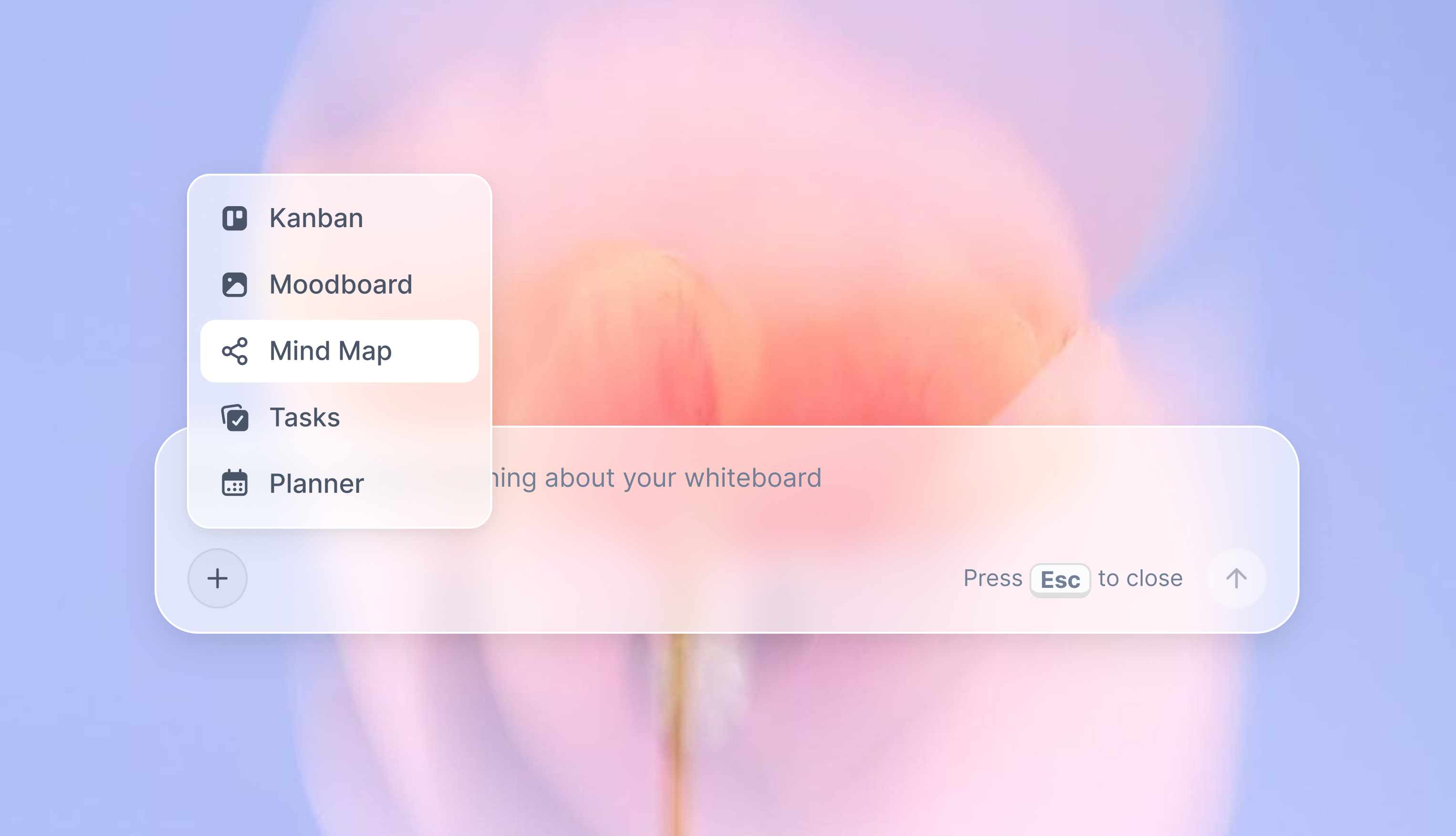
Turn your board into a mind map in seconds
Ask the AI to restructure your canvas as a mindmap. It connects your ideas into a visual hierarchy so you can see how everything relates.
Why Storyflow Exists
Storyflow actually began as a personal tool while working on creative and research projects.
We kept running into the same problem: ideas were scattered everywhere: notes, documents, and whiteboards.
Nothing helped us see how everything connected.
So we started building a workspace designed around how ideas actually grow.
→ Read how Storyflow was createdSara de Klein
Head of Product at Storyflow
Published: 2026-07-15
Extremely simple, seriously capable


See how easy it is to get started
Watch a real project come together, from a blank board to a finished plan, clicked through step by step.
Start creating with AI and become more productive
Transform your creative workflow with AI-powered tools. Generate ideas, create content, and boost your productivity in minutes instead of hours.