Storyflow vs MindNode: Which Is Better in 2026?
Storyflow vs MindNode in 2026: MindNode is the beautiful native Apple mind mapper, Storyflow is the cross-platform AI workspace that turns maps into projects. An honest head-to-head.

Category
Comparison
Author

Sara de Klein
Head of Product at Storyflow
Topics
2026-07-15
•
11 min read
•
Comparison- storyflow vs mindnode
- mindnode vs storyflow
- mindnode alternative
- best mind mapping app 2026
Is Storyflow or MindNode better in 2026?
Storyflow and MindNode both start with a mind map, but they are built for opposite ends of the same job. MindNode is the better choice if you want a beautiful, fast, offline mind map on Apple devices: it is a native Mac, iPad, and iPhone app with iCloud sync and a keyboard-driven flow that few tools match. Storyflow is the better choice if you want that map to become a project: it runs in any browser, its AI reads your whole canvas, and the map lives next to your notes, documents, and research instead of alone. The deciding question is simple. When your map is finished, is it the finish line or the starting line? If the map is the deliverable, use MindNode. If the map is the first move in something bigger, use Storyflow.

Full disclosure: Storyflow is our own product, so read this with that in mind. We place Storyflow first for one honest reason: the broad job most people comparing these tools in 2026 actually have is turning a map into a project across any device, which is what Storyflow is built for. But MindNode genuinely wins its own job. For a beautiful, fast, offline mind map native to a Mac or iPad, MindNode is the better tool, and Storyflow has no offline mode and is not a native Apple app. If the finished map is your deliverable, use MindNode. We link to every tool so you can judge the fit yourself.
Quick Comparison
The two tools sit at opposite ends of one question, plus two cross-platform mappers for the middle ground.
| Tool | Best For | AI Features | Price |
|---|---|---|---|
| Storyflow | Maps that become projects | Reads full board + 1 Tactic + 3 Documents | $7.99 mo annual (free plan late 2026) |
| MindNode | Native Apple, offline, finished maps | Light | Free / ~$2.99 mo |
| Xmind | Cross-platform structured mapping | Basic | ~$5.99 mo (verify) |
| MindMeister | Live team collaboration in-browser | Limited | Free / ~$6.50 user mo |
Key Takeaways
- MindNode perfects the map; Storyflow puts it to work. MindNode wins when the map is the finish line, Storyflow wins when it is the starting line for a bigger project.
- The deciding test is the Finish-Line Question: when the map is done, is it the deliverable or the first move in something larger?
- Choose MindNode for a fast, beautiful, offline map on Apple devices: a native Mac, iPad, and iPhone app with iCloud sync and a Tab-and-Enter keyboard flow.
- Choose Storyflow when the map becomes a project: it runs in any browser on any operating system and keeps the map next to your notes, documents, and research.
- Storyflow's AI reads the full active board plus 1 Tactic and 3 @-mentioned Documents, while MindNode's AI stays light and assistive at most.
- Where MindNode wins outright: it works fully offline, feels instant as native Apple software, and costs less (around $2.99/mo versus Storyflow Plus at $7.99/mo annual).
- Honest limits: Storyflow is cloud-only with no offline mode, and for a quick auto-arranged solo map, MindNode's focused layout engine still beats it.
Storyflow vs MindNode: Start With the Finish-Line Question
Most "which tool is better" comparisons dodge the real answer, which is that it depends. This one does not have to. Storyflow and MindNode sit at opposite ends of one question I have started calling the Finish-Line Question: when your mind map is done, is it the finish line or the starting line?
I build Storyflow, and I came to mind mapping as a documentary filmmaker, not a software marketer. I have mapped documentary structures, interview themes, and edit sequences for years, on paper, in apps, and in the tool I now build. That work taught me the split this article is about. Some maps are the deliverable: you make them, present or archive them, and the map itself was the point. Other maps are scaffolding: the map exists so a project can start, and the moment it is "done" the real work begins.
MindNode is the best tool I know for the first kind. Storyflow is built for the second. MindNode perfects the map. Storyflow puts it to work. They describe two genuinely different jobs, and picking the wrong one for your work is how you end up fighting your software.
MindNode in 2026: The Best Native Mind Mapper on Apple
MindNode is what happens when a team spends years polishing one thing. It is a native app for Mac, iPad, iPhone, and Vision Pro, made by IdeasOnCanvas, and it feels like Apple software in the way that matters: fast, quiet, and out of your way. You press Tab to add a child node, Enter to add a sibling, and a map grows as fast as you think. It works offline, and syncs through iCloud without you thinking about it. You open it and you map.
That focus is the whole point, and it is why MindNode wins the finish-line job. When the artifact you need is a clean, good-looking mind map (a study aid, a talk outline, a personal brainstorm, a quick decision tree) MindNode produces it faster and more beautifully than almost anything else. The automatic layouts stay tidy, and the defaults look good. There is evidence this matters for thinking, not just looks: Farrand, Hussain, and Hennessy (2002), writing in Medical Education, found that mind mapping improved students' recall of factual material by around 10 percent, and a tool that lowers the friction of mapping gets you more of that benefit.
MindNode is also fair about money. The app is free with a genuinely functional free tier, and MindNode Plus (around $2.99 per month as of 2026, verify current pricing) unlocks the premium features across devices. For plenty of workflows the free tier is enough on its own.
Here is where the finish-line framing bites. MindNode is Apple-only. There is no Windows app, no Android app, and no web version, so the moment your team includes a Windows laptop or your own workflow moves to a browser, MindNode is off the table. And by design, a MindNode map is a map. It does not hold your research documents, your source images, or a working draft beside the nodes, and its AI is light: it will not read your whole map and reason about what is missing. None of that is a flaw. It is a boundary. MindNode decided to be the best mind map, not the place your project lives.
Storyflow in 2026: When the Map Becomes the Project
The friction Storyflow exists to remove is the one MindNode's boundary creates. You build a gorgeous map, and then the research, the notes, the draft, and the images all live somewhere else. You spend the next week copying between windows, and the map you made so carefully goes stale because it is not where the work happens.
Storyflow keeps the map where the work happens. It is an AI visual workspace: an infinite canvas that holds notes, cards, images, links, and walls, plus structured Documents, plus an AI that is aware of the canvas, plus a library of Story Blueprints. The mind map is one thing on that canvas. Next to it can sit the interview transcript, the reference photos, and the outline that will grow into a script.
The part MindNode cannot match is the AI. Storyflow's AI reads your full active board by default, plus up to 1 Tactic (a blueprint) and up to 3 Documents you @-mention in the chat. So when you ask it to find the weak branch, suggest a connection you missed, or turn a cluster of nodes into a first draft, it is reasoning over the actual map and its surrounding material, not a pasted summary. That is the starting-line job: the map is done, and the AI helps you take the next step from inside the same board.
Two more differences follow from the same design. Storyflow runs in any browser on any operating system, so a Windows teammate and a Mac teammate open the same board with nothing to install. And Storyflow's Story Blueprints (200+ creative templates on the Plus, Pro, and Max plans, with names like Hero's Journey, AIDA, and Retention Hooks) give you a structured starting point instead of a blank canvas. Pricing is flat per account rather than per user: Free at $0, with Plus at $7.99 per month billed annually ($9.99 monthly).
Now the honest accounting, because a comparison with only one honest side is a sales page. Storyflow is cloud-only. There is no offline mode, so on a plane with no wifi, MindNode works and Storyflow does not. Storyflow is not a native Apple app; in a browser it never feels quite as instant as a native Mac app, and there is no Vision Pro experience. And Storyflow is a canvas-and-cards tool, not a dedicated mind mapper, so for the narrow job of hammering out a quick, auto-arranged mind map with one key per node, MindNode's focused layout engine still beats it. If a fast, beautiful, offline solo map is all you want, the honest answer is MindNode.
Storyflow vs MindNode: Head-to-Head (2026)
The table below sorts the two tools by the dimensions that actually decide the choice, not a feature checklist.
| Dimension | Storyflow | MindNode |
|---|---|---|
Core shape | AI visual workspace (canvas plus documents) | Focused, native mind mapping app |
Platforms | Any web browser, any operating system | Apple only (Mac, iPad, iPhone, Vision Pro) |
Offline use | No (cloud-only) | Yes (works fully offline) |
AI depth | Reads full board plus 1 Tactic and 3 Documents you @-mention | Light, assistive at most |
Beyond the map | Notes, images, links, walls, and Documents on one canvas | The map itself, kept clean |
Collaboration | Unlimited shared boards on Free; roles and permissions on Max | iCloud sharing between Apple users |
Templates | 200+ Story Blueprints (Plus, Pro, Max) | Built-in styles and themes |
Starting price | Free, then $7.99/mo annual, flat per account | Free, then about $2.99/mo (2026, verify) |
Wins the | Starting-line job (map becomes a project) | Finish-line job (map is the deliverable) |
Prices above are the published rates at the time of writing and move often, so check the vendor's own page before you commit. The shape of each plan (free tier, subscription, or one-time licence) is more stable than the number. Read down the table and the pattern is not "one tool is better." It is that the two tools disagree about what a mind map is for. MindNode's column is the discipline of doing one thing beautifully. Storyflow's column is the reach of keeping the map connected to everything else. MindNode perfects the map. Storyflow puts it to work.
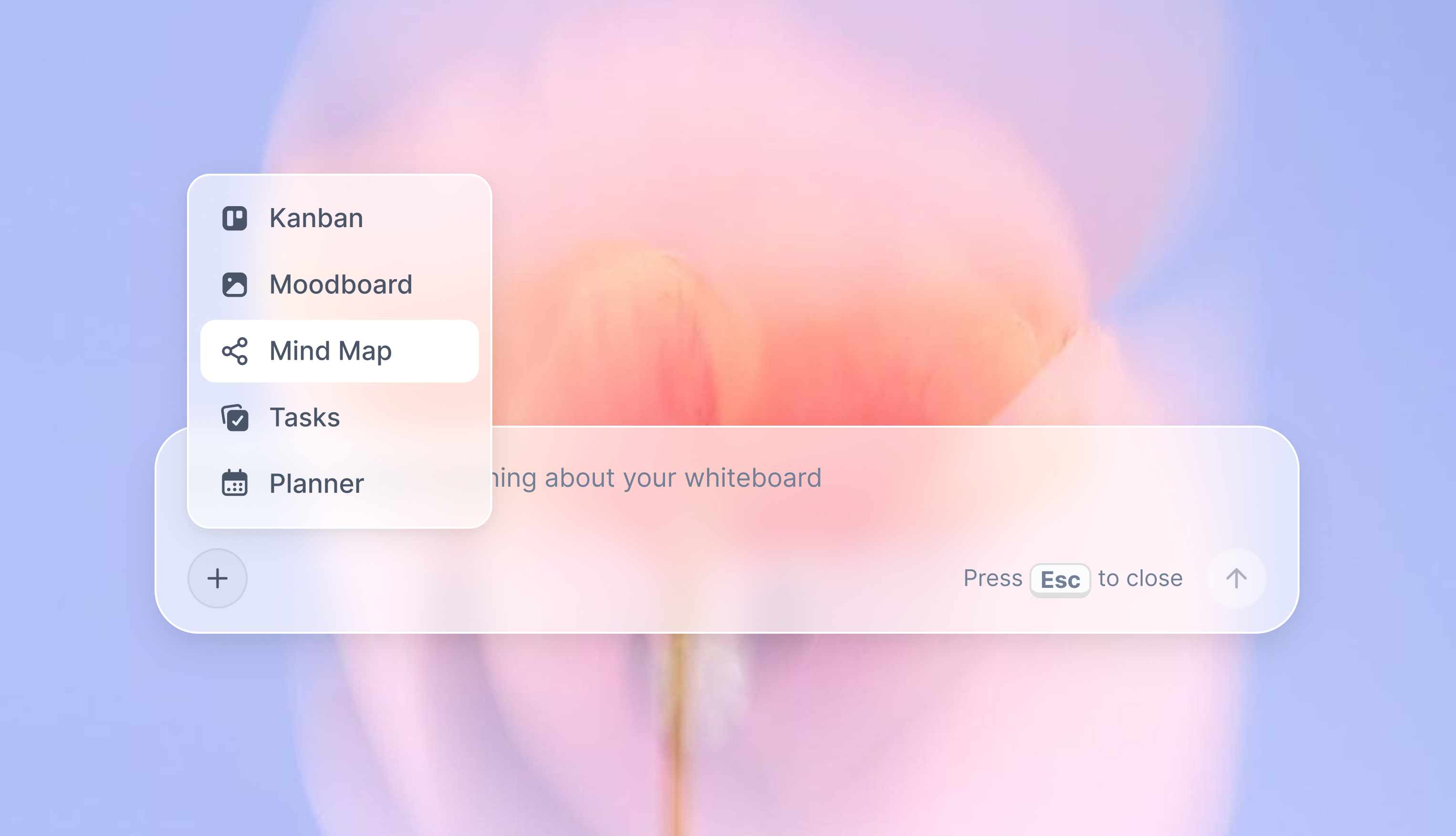
A Storyflow AI mind-map canvas next to project notes
Where MindNode Wins
Some readers should go straight to MindNode. Here is how to know if you are one.
- You live entirely on Apple hardware and you want the map to feel instant and native. MindNode is a real Mac and iOS app, not a browser tab, and the difference is physical.
- You need to work offline. Long flights, spotty wifi, a cabin with no signal: MindNode keeps working, and a cloud tool cannot.
- The map is the point. You are making a study aid, a talk outline, a personal decision tree, or a quick brainstorm you will finish and export. That is the finish-line job, and MindNode does it faster and more beautifully than a general canvas.
- You want calm. No workspace to set up, no collaborators to invite, no AI trying to help. Open, map, done.
If two or more of those describe you, go use MindNode. Storyflow is not trying to win that person.
Where Storyflow Wins
Storyflow is the pick when the map is the beginning, not the end.
- Your map needs to become a project. The nodes are going to turn into research, a document, a shot list, or a script, and you want all of that on one canvas instead of five apps.
- You want AI that actually reads the map. Not "generate five branches," but "look at everything on this board and tell me what connection I am missing," answered against your real material.
- Your team is not all on Apple. A Windows laptop, a Chromebook, a phone in a browser: everyone opens the same board with nothing to install.
- You start from structure. A Story Blueprint like Hero's Journey or AIDA gives you a scaffold, so the map is not a blank page.
The through-line is the Finish-Line Question: every item here is a case where the map is the starting line, and the value is in what happens after it is "done."
Two Cross-Platform Alternatives Worth Knowing
If neither MindNode nor Storyflow fits cleanly, two cross-platform mind mappers sit in the gap between them.
Xmind: cross-platform structure
Xmind is the closest thing to "MindNode, but not Apple-only." It runs on Mac, Windows, Linux, iOS, and Android, works offline on the desktop, and offers more structure and export options than MindNode. It is the pick if you want MindNode's finished-artifact polish without the Apple lock-in. Where it loses: the AI is shallow next to Storyflow's board-aware assistant, and like MindNode it is a mapper, not a workspace, so the map still lives apart from your research. Pricing runs around $5.99 per month or about $60 per year for Pro (2026, verify).
MindMeister: browser-based collaboration
MindMeister is the web-first, collaborative mind mapper. It runs in any browser, supports real-time co-editing, and connects to MeisterTask for turning branches into tasks, which makes it strong for teams that map together live. Where it loses: the free tier is capped at a small number of maps, pricing is per user rather than flat, and its AI and broader-workspace features are lighter than Storyflow's. If you want that head-to-head in full, we wrote it up separately in Storyflow vs MindMeister. Pricing starts around $6.50 per user per month for the Personal plan (2026, verify).
Which Should You Use?
Here is the decision in five lines.
- Apple-only, offline, and the map is the deliverable: use MindNode.
- Cross-platform team, but you still want a dedicated mind mapper: use Xmind, or MindMeister if you map together live.
- The map needs to become a research project, a document, or a script, with AI that reads the board: use Storyflow.
- You want one canvas for the map plus notes, images, and a working draft: use Storyflow.
- You are on a plane with no wifi right now: use MindNode, and there is no shame in it.
The split is never Apple versus web or cheap versus expensive. It is the Finish-Line Question: decide whether your map is the finish line or the starting line, and the tool falls out.
The Bottom Line
MindNode is a beautiful, focused, native Apple mind mapper, and for a finished map made offline on a Mac or iPad, it is the better tool. I build the competing product and I will still tell you that plainly. Storyflow is the better tool when the map is the first move in a bigger project: when you want AI that reads the whole board, access from any browser, and the map sitting next to the notes, documents, and research it is meant to feed. MindNode perfects the map. Storyflow puts it to work.
If your maps keep dying in isolation, that is the signal. Take your most active project, put the mind map on a Storyflow canvas next to its notes and sources, and let the AI work across all of it for one week. By the end you will know whether your map was the finish line or the starting line, and which of these two tools you actually needed. Start a mind map on a Storyflow canvas.
FAQ: Storyflow vs MindNode
Is Storyflow or MindNode better in 2026?
It depends on whether your mind map is the finish line or the starting line. MindNode is better for a beautiful, offline, native map on Apple devices when the map itself is the deliverable. Storyflow is better when the map has to become a project, with AI that reads the whole board and access from any browser.
Does MindNode work on Windows or Android?
No. MindNode is an Apple-only app, available on Mac, iPad, iPhone, and Vision Pro with iCloud sync. There is no Windows, Android, or web version. If you need cross-platform access, Storyflow (any browser) or Xmind (Mac, Windows, Linux, iOS, Android) are the alternatives.
Does Storyflow work offline like MindNode?
No. Storyflow is cloud-only and needs a connection, while MindNode works fully offline. If offline use is a hard requirement, MindNode, or Xmind on the desktop, is the better choice.
How much does MindNode cost?
MindNode is free to use with a functional free tier, and MindNode Plus costs around $2.99 per month as of 2026. Storyflow is free at $0, with Plus at $7.99 per month billed annually ($9.99 monthly), priced flat per account rather than per user.
Can Storyflow's AI read my whole mind map?
Yes. Storyflow's AI reads your full active canvas board by default, plus up to 1 Tactic (a blueprint) and up to 3 Documents you @-mention in the chat. That lets it reason over the actual map and its surrounding material, which MindNode's lighter AI does not do.
Is MindNode good for teams?
MindNode is built primarily for individuals and shares maps through iCloud between Apple users. For real-time collaboration across platforms, MindMeister or Storyflow fit better. Storyflow gives unlimited shared boards on Free and adds roles and permissions on the Max plan.
Is Storyflow a dedicated mind mapping tool?
No, and that is worth being clear about. Storyflow is a visual workspace where mind mapping is one use of the canvas, alongside notes, images, documents, and AI. For the narrow job of a fast, auto-arranged solo mind map, a dedicated tool like MindNode is more focused.
What is the difference between Storyflow and MindNode?
MindNode is a focused native mind mapping app for Apple devices, built to produce a clean finished map offline. Storyflow is a cross-platform AI visual workspace where the map lives next to your research and documents and an AI reads the whole board. MindNode perfects the map. Storyflow puts it to work.
Can I move my MindNode maps into Storyflow?
Storyflow does not import MindNode's native file format, so the practical path is to rebuild the core nodes on a Storyflow canvas and then add the notes, images, and documents around them that MindNode cannot hold. MindNode's own export options (image, text, and OPML) can speed up the copy.
Which is better for students, Storyflow or MindNode?
For a quick study map or revision aid you will finish and keep, MindNode's free tier is excellent and fast. For a research project that grows across a term, with sources, notes, and drafts on one board plus AI to synthesize them, Storyflow fits better. Students on non-Apple devices cannot run MindNode at all.
Table of Contents
- Key Takeaways
- Storyflow vs MindNode: Start With the Finish-Line Question
- MindNode in 2026: The Best Native Mind Mapper on Apple
- Storyflow in 2026: When the Map Becomes the Project
- Storyflow vs MindNode: Head-to-Head (2026)
- Where MindNode Wins
- Where Storyflow Wins
- Two Cross-Platform Alternatives Worth Knowing
- Which Should You Use?
- The Bottom Line
- Author
- FAQ: Storyflow vs MindNode
- Related Reading
Templates to check out for this topic


Templates you can use in Storyflow
Every Storyflow board starts from real structure and an AI that reads the whole canvas. Open one of these templates and make it yours.


See Storyflow in Action
A visual AI workspace where every feature lives inside one canvas. No tab-switching, no context lost.
Build your entire board from a single message
Type what you need in the AI chat at the bottom of your canvas. The AI adds cards, headings, and structure directly onto your board.
Use expert frameworks as AI context
Type @ in the AI chat and choose any Tactic. The AI tailors every response to that framework instead of giving generic advice.
Turn your board into a mind map in seconds
Ask the AI to restructure your canvas as a mindmap. It connects your ideas into a visual hierarchy so you can see how everything relates.
Why Storyflow Exists
Storyflow actually began as a personal tool while working on creative and research projects.
We kept running into the same problem: ideas were scattered everywhere: notes, documents, and whiteboards.
Nothing helped us see how everything connected.
So we started building a workspace designed around how ideas actually grow.
→ Read how Storyflow was createdSara de Klein
Head of Product at Storyflow
Published: 2026-07-15
Extremely simple, seriously capable


See how easy it is to get started
Watch a real project come together, from a blank board to a finished plan, clicked through step by step.
Start creating with AI and become more productive
Transform your creative workflow with AI-powered tools. Generate ideas, create content, and boost your productivity in minutes instead of hours.